Coupon codes can be applied to eligible free trial hosting upgrade and renewals.
Upgrade a free trial
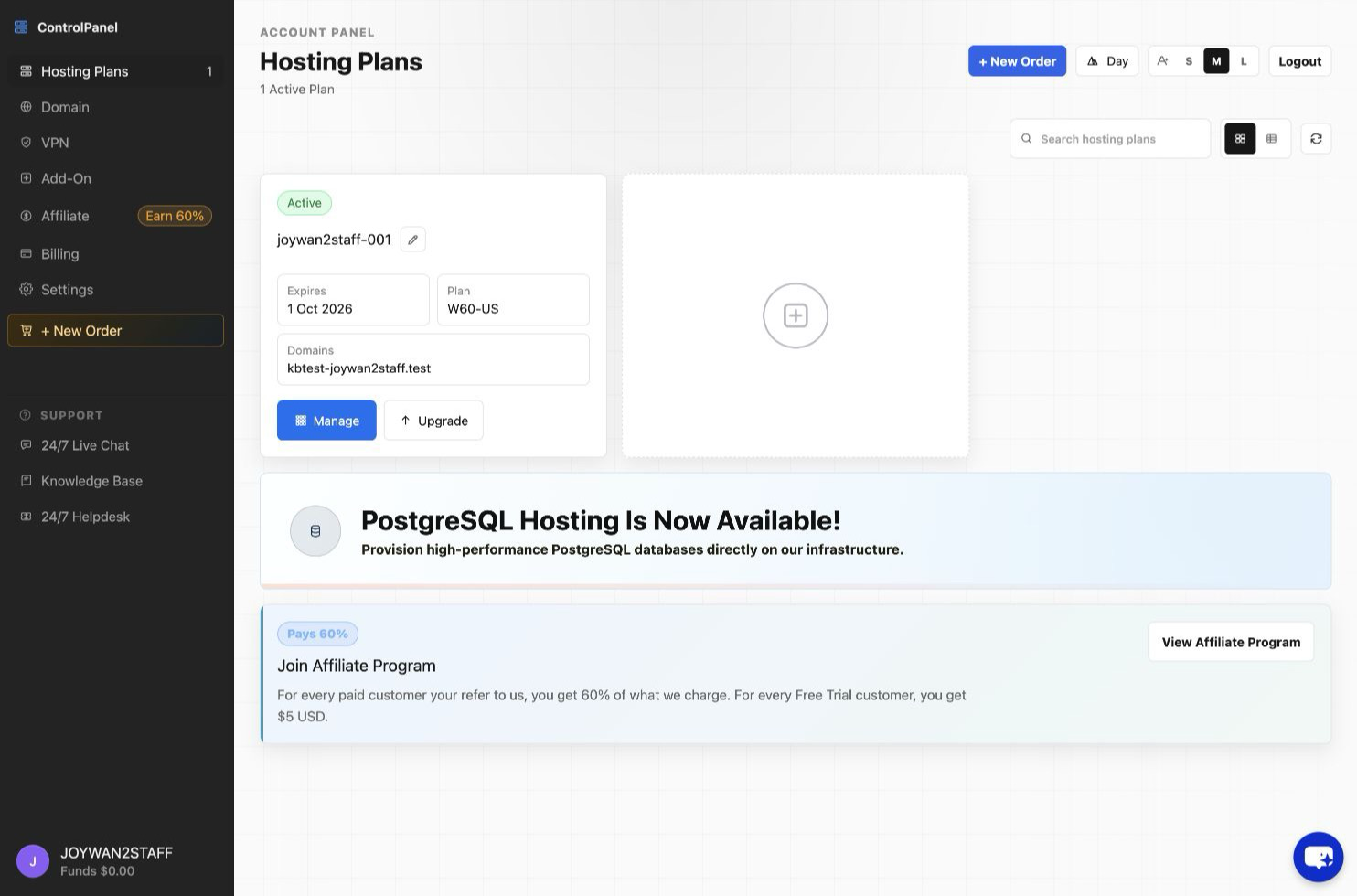
- Sign in to the Account Panel and open Hosting Plans.
- Select Upgrade for the trial hosting plan.
- Choose the paid plan and billing term, then continue to checkout.
- Enter the coupon code in the Coupon Code field and select Apply before completing payment.
Renew an existing hosting plan
- Start the renewal from Hosting Plans or from Billing > Renewal Notice.
- Choose the renewal term.
- Enter the coupon code and select Apply.
- Confirm the adjusted total before completing payment.
Coupon availability and discounts depend on the promotion and order type.
Article ID: 2342, Created: August 2 at 6:16 AM, Modified: August 4 at 2:23 AM