Every customer, including a free-trial customer, can participate in the affiliate program.
- Sign in to the Account Panel.
- Open Affiliate. Use the tabs on the Affiliate page to manage the program:
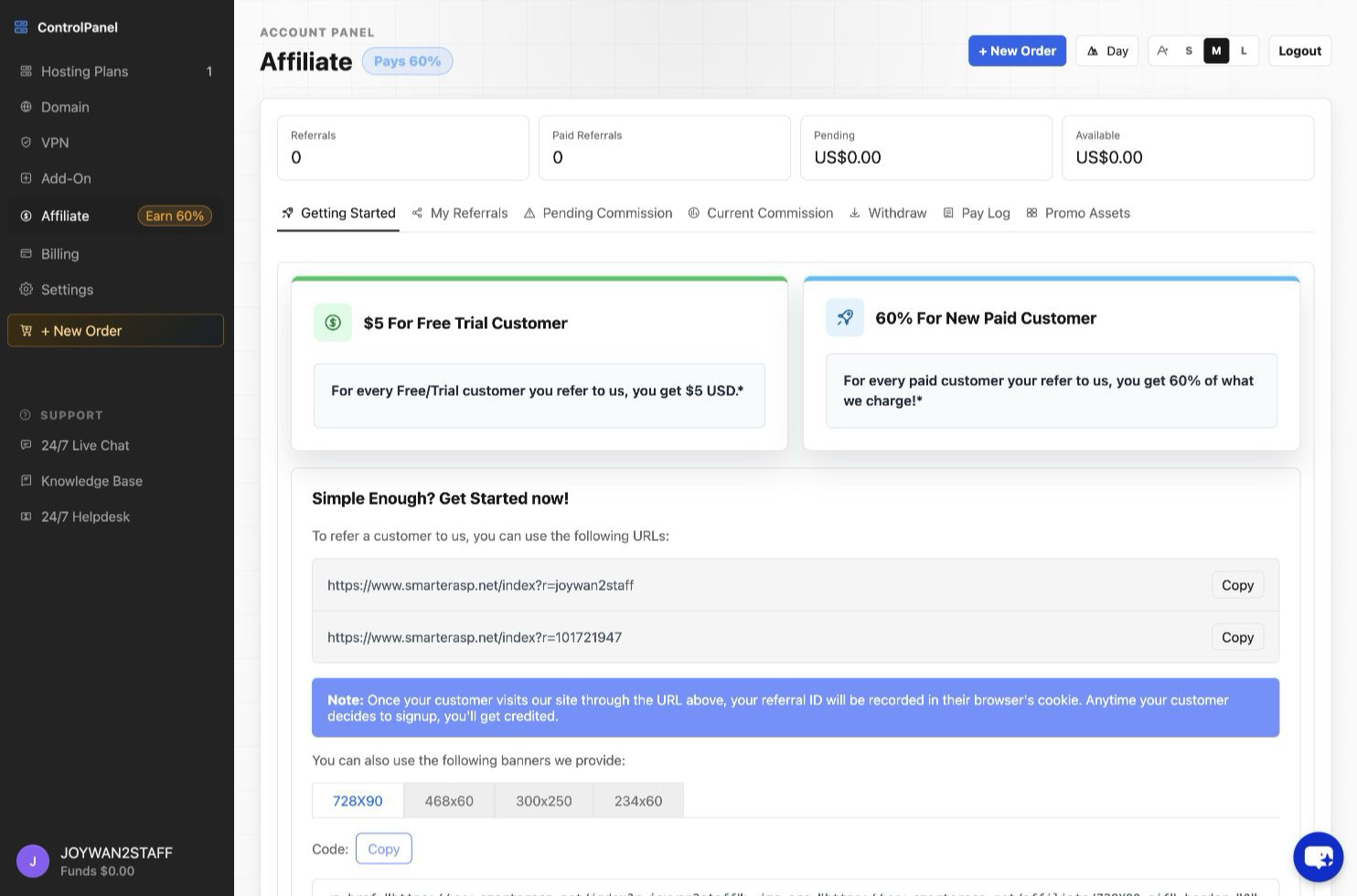
- Getting Started: Copy your referral links or promotional banner code and embed them to your application to promot our hosting service and earn 60% commission
- My Referrals: Review customers referred through your links.
- Pending Commission: Review commission that has not yet become available.
- Current Commission: Review commission available for withdrawal or conversion to account credit.
- Withdraw: Request a withdrawal or convert eligible commission to account credit.
- Pay Log: Review previous affiliate payments.
- Promo Assets: Access available promotional materials.
The page also displays your referral, pending-commission, and available-commission totals.
Article ID: 2343, Created: August 2 at 6:17 AM, Modified: August 4 at 2:24 AM