To purchase another hosting account:
- Sign in to the Account Panel.
- Click + New Order button.
- Choose Hosting and select the plan you want.
- Complete the provisioning and checkout steps.
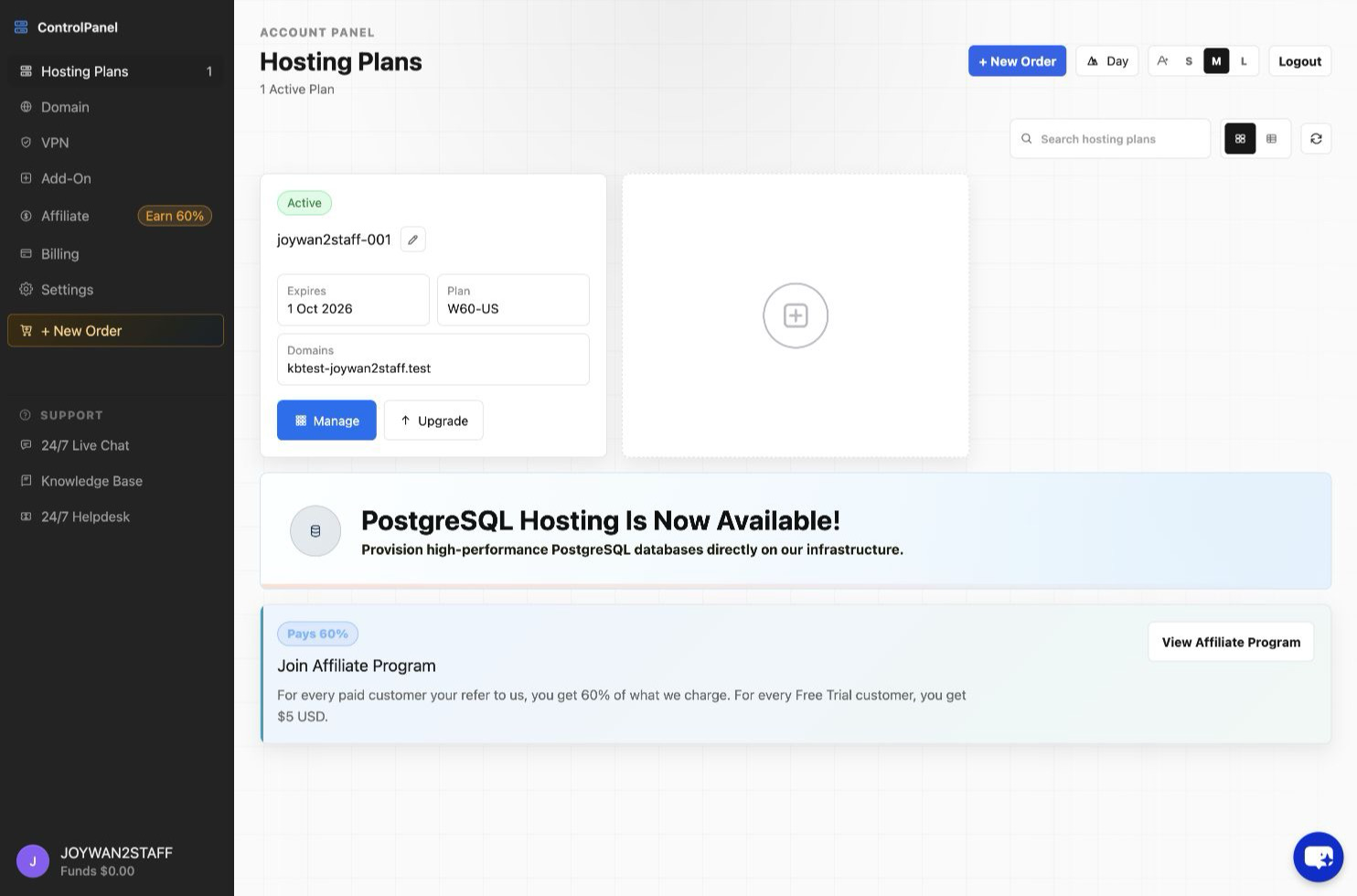
After the order is completed, the new hosting account appears under Hosting Plans.
Article ID: 2344, Created: August 2 at 6:18 AM, Modified: August 4 at 2:24 AM