To upgrade a hosting plan:
- Sign in to the Account Panel and open Hosting Plans.
- Select Upgrade for the hosting account.
- Choose the destination plan and calculate the upgrade.
- Review the prorated price and continue to checkout.
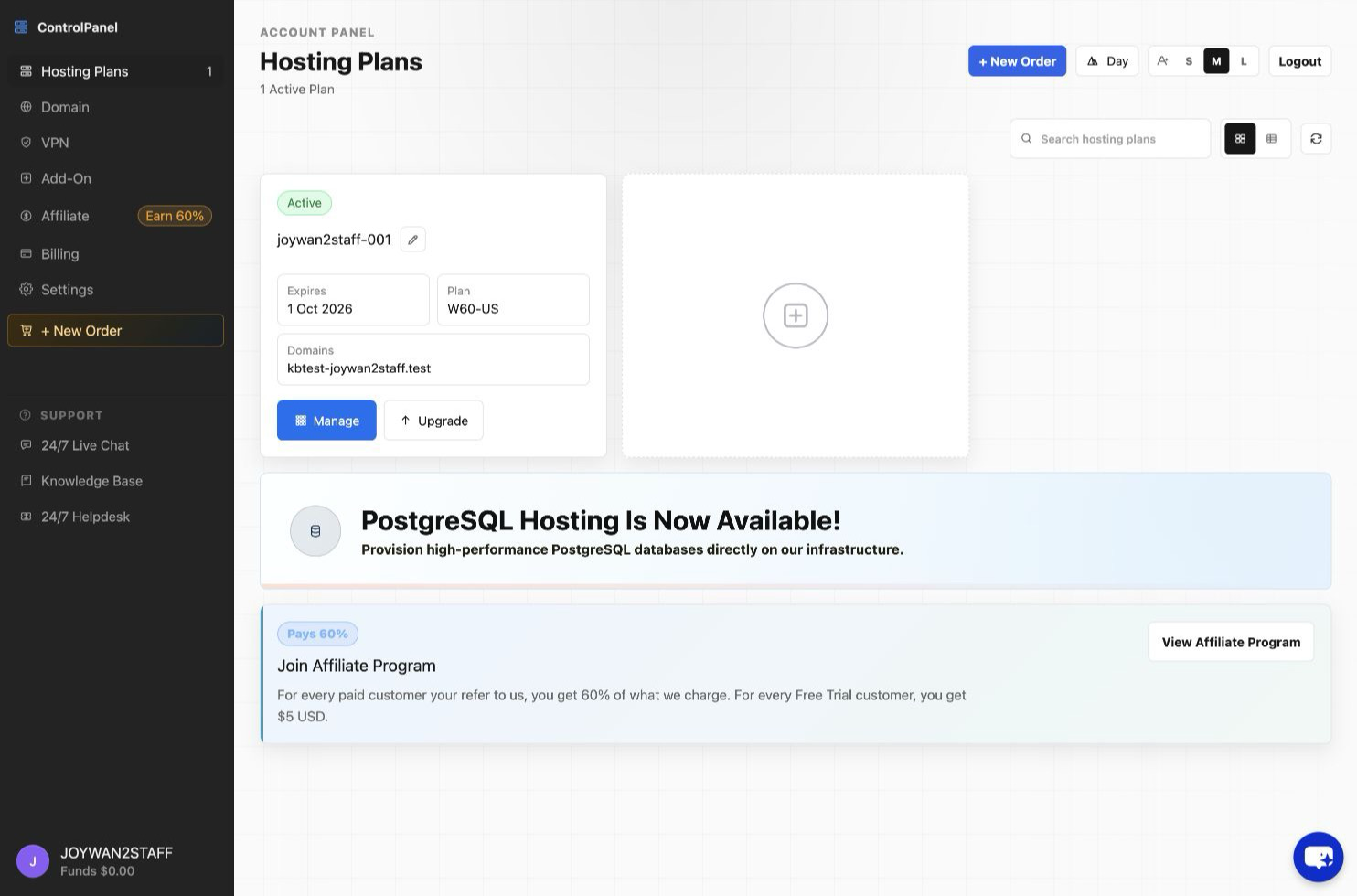
For a free-trial account, the upgrade converts the account to a paid plan. For an existing paid account, the price is based on the applicable prorated difference.
Article ID: 2347, Created: August 2 at 6:18 AM, Modified: August 4 at 2:24 AM