We support gTLD domains, and registration for more than 100 ccTLDs. Follow these steps to register domain from us.
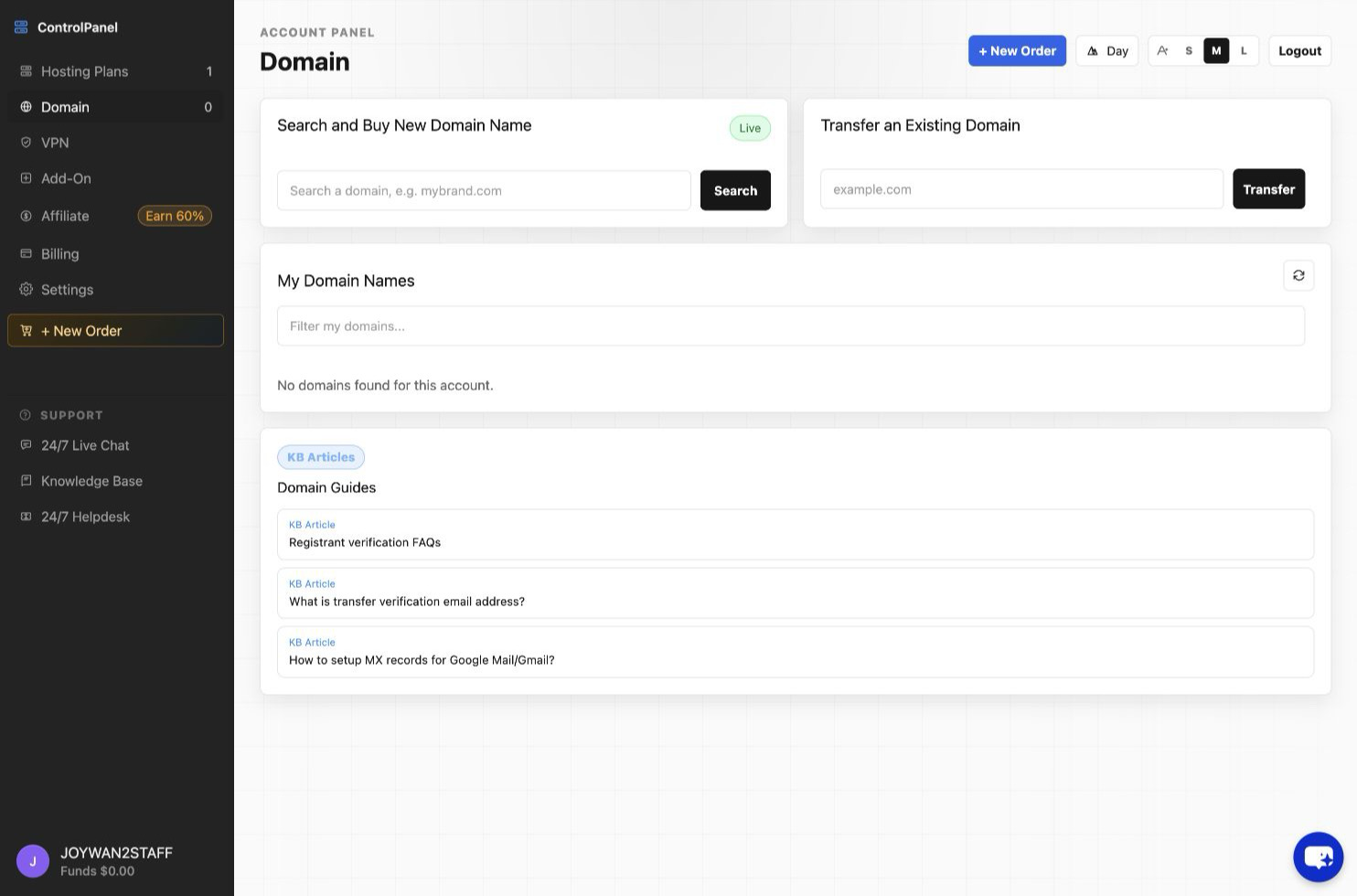
- Sign in to your account with us, then click "Domains" from the top menu.
- Click "+ Purchase New Domain" button from the right
- Search the domain that you want to register.
- Add the domain to you shopping cart.
- Check out the select item to make the payment.
- Then enter the domain registration form you will be done.
Article ID: 2351, Created: August 2 at 6:23 AM, Modified: August 4 at 2:23 AM