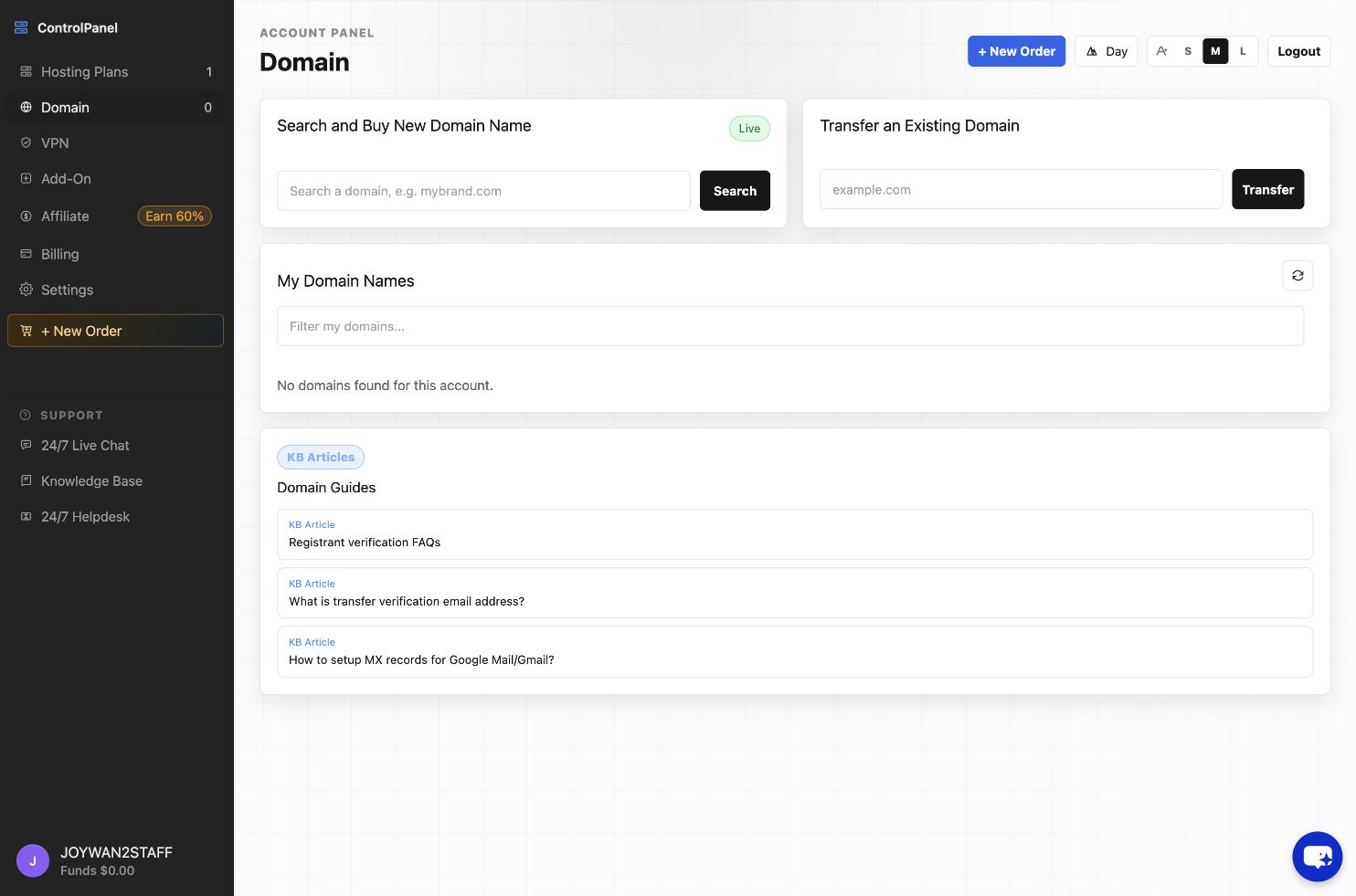
To update your domain DNS records, you can sign in to your Hosting control panel-->DNS, click "Manage" button beside the domain to update it's dns name server.
Note: Please make sure your domain is using our dns name server, so you can manage the domain's dns records with us.
Article ID: 2352, Created: August 2 at 6:23 AM, Modified: August 4 at 2:33 AM