Changing the Account Panel password also updates the primary Hosting Control Panel password associated with the account.
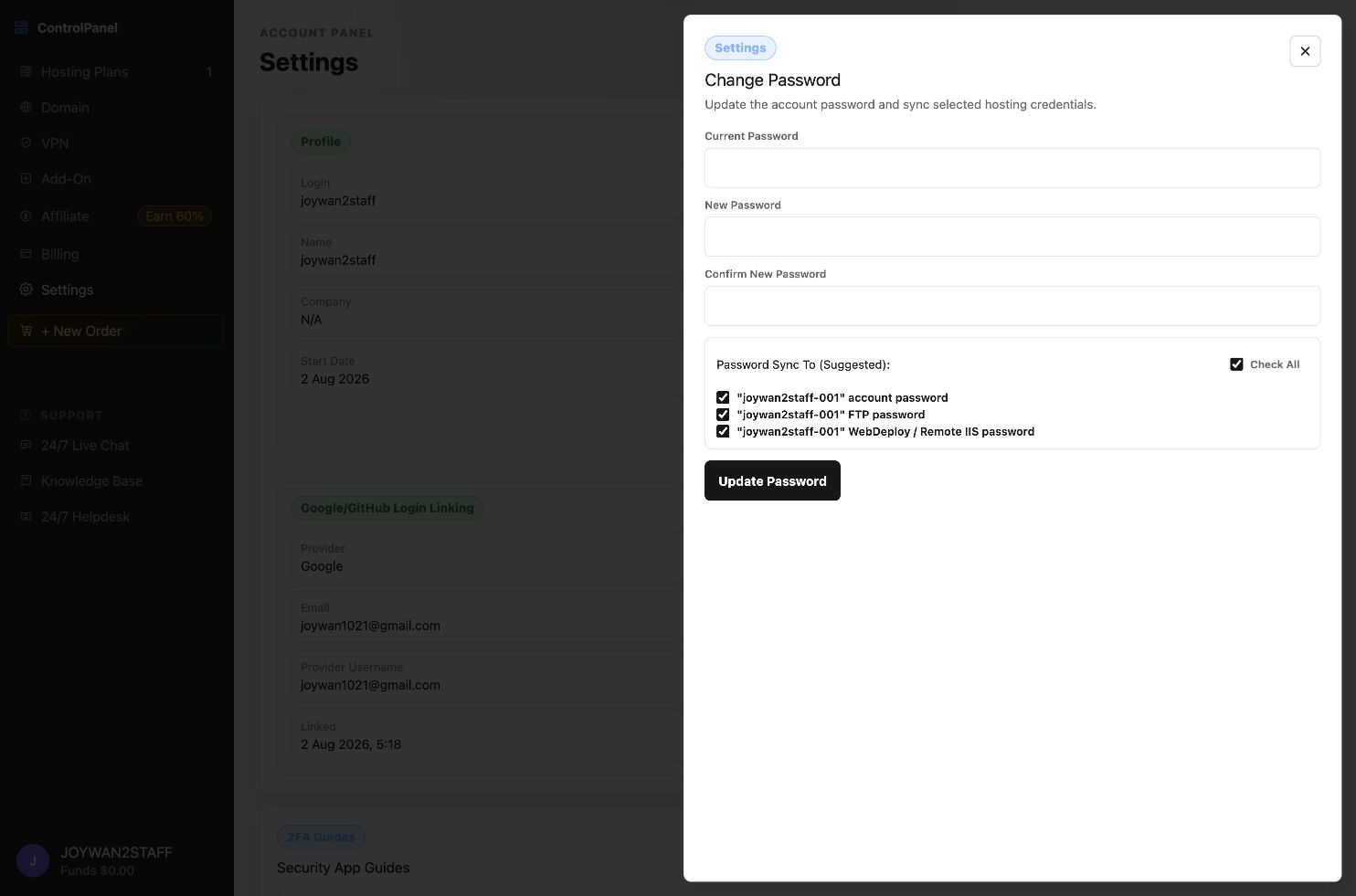
- Sign in to the Account Panel and open Settings.
- Click edit icon beside "Profile" , find the Password section and select Update.
- Enter the current password, then enter and confirm the new password.
- Submit the change and use the new password the next time you sign in.
Article ID: 2357, Created: August 2 at 6:24 AM, Modified: August 4 at 2:33 AM