What is Site Guard?
Site Guard is an application firewall that filters suspicious web requests before they reach your website. It can help reduce common attacks such as SQL injection, directory traversal, malformed character encoding, and some buffer-overflow attempts.
Site Guard complements the network firewall. It does not replace secure application design, software updates, access controls, or other website-security practices.
How it works
Incoming HTTP requests pass through the Site Guard filter before IIS sends them to your application. When the filter identifies a suspicious request, it can block the request and record the event in the IIS raw logs.
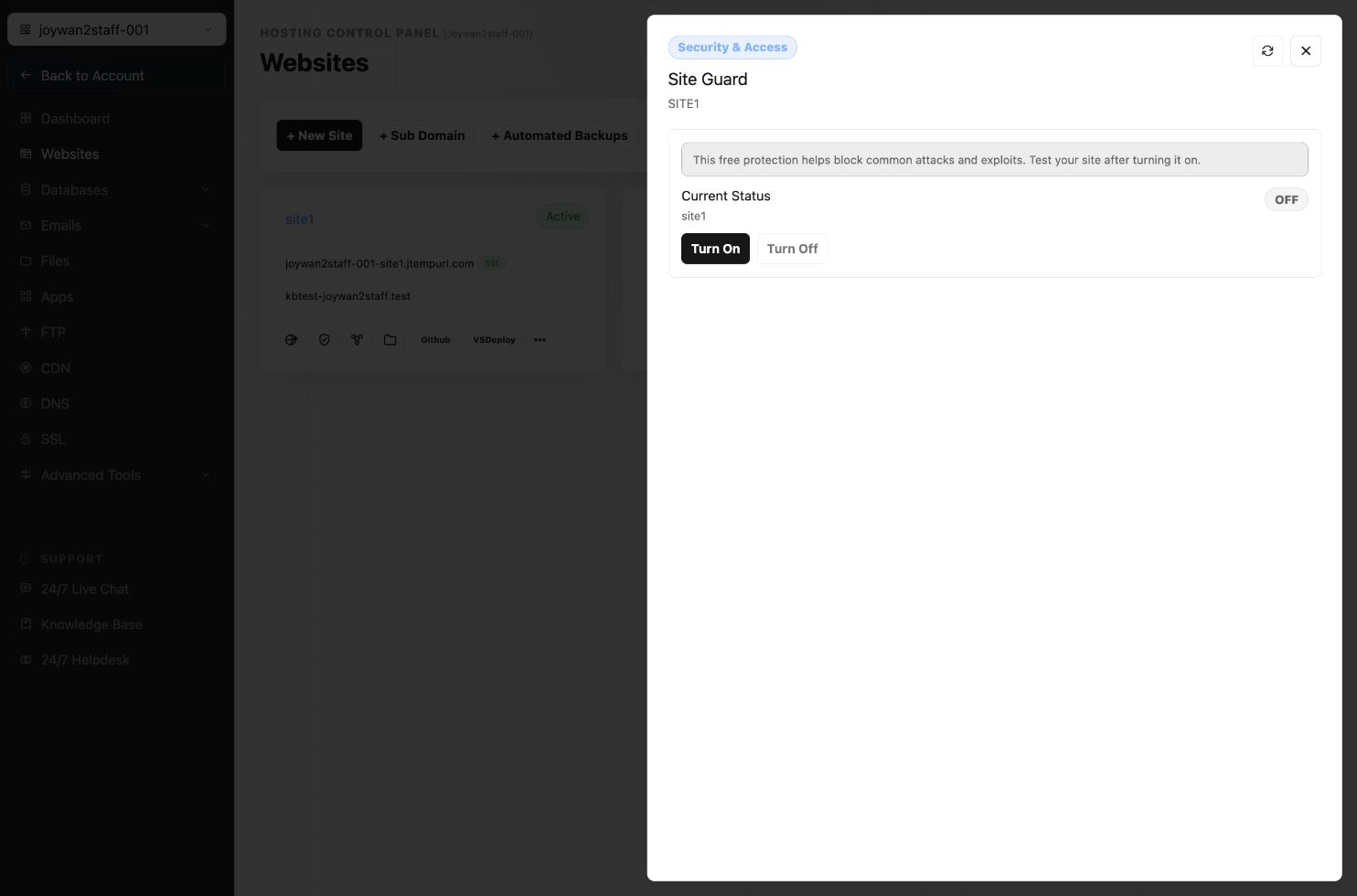
Enable or disable Site Guard
Open the Hosting Control Panel, select the website, and use the Site Guard option under the website-management tools.
Troubleshooting blocked requests
If a visitor receives Error detected by Application Firewall, review the website's IIS raw logs to identify the blocked request. If a legitimate request is being blocked and the issue is urgent, temporarily disable Site Guard and contact support with the relevant log details.
Article ID: 2364, Created: August 2 at 6:25 AM, Modified: August 4 at 2:24 AM