To create and download a database backup:
- Sign in to the Hosting Control Panel and open Databases.
- Select the appropriate database engine and locate the database.
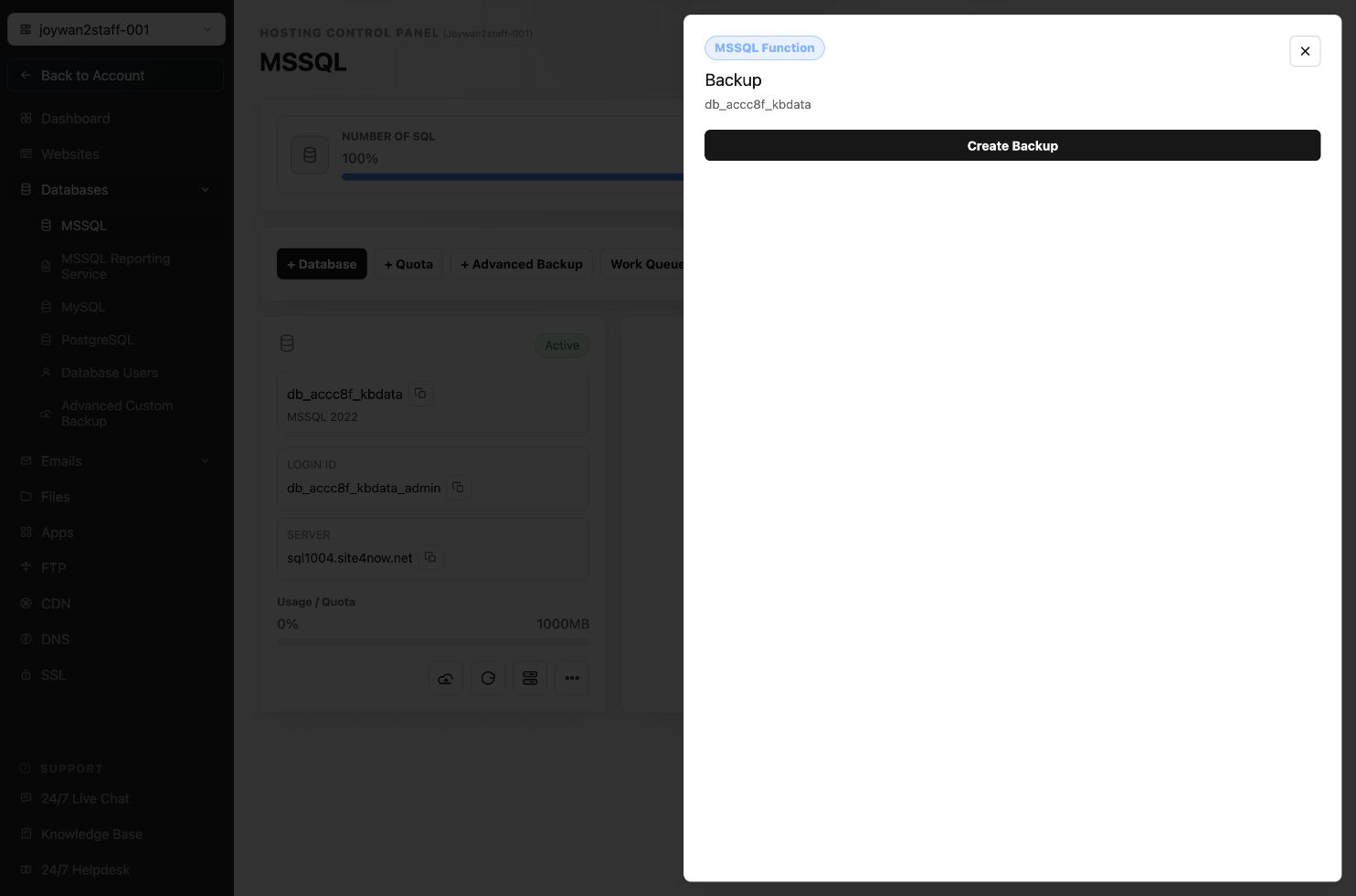
- Select Backup, then select Create Backup.
- Use Work Queue to monitor the backup operation.
- Open Files and browse to the /db folder after the backup completes.
- Select Download for the backup file.
Database backups can also be downloaded through FTP from the hosting account's /db folder.
Article ID: 2372, Created: August 2 at 6:54 AM, Modified: August 4 at 2:27 AM