To change an MSSQL database password:
- Sign in to the Hosting Control Panel and open Databases > MSSQL.
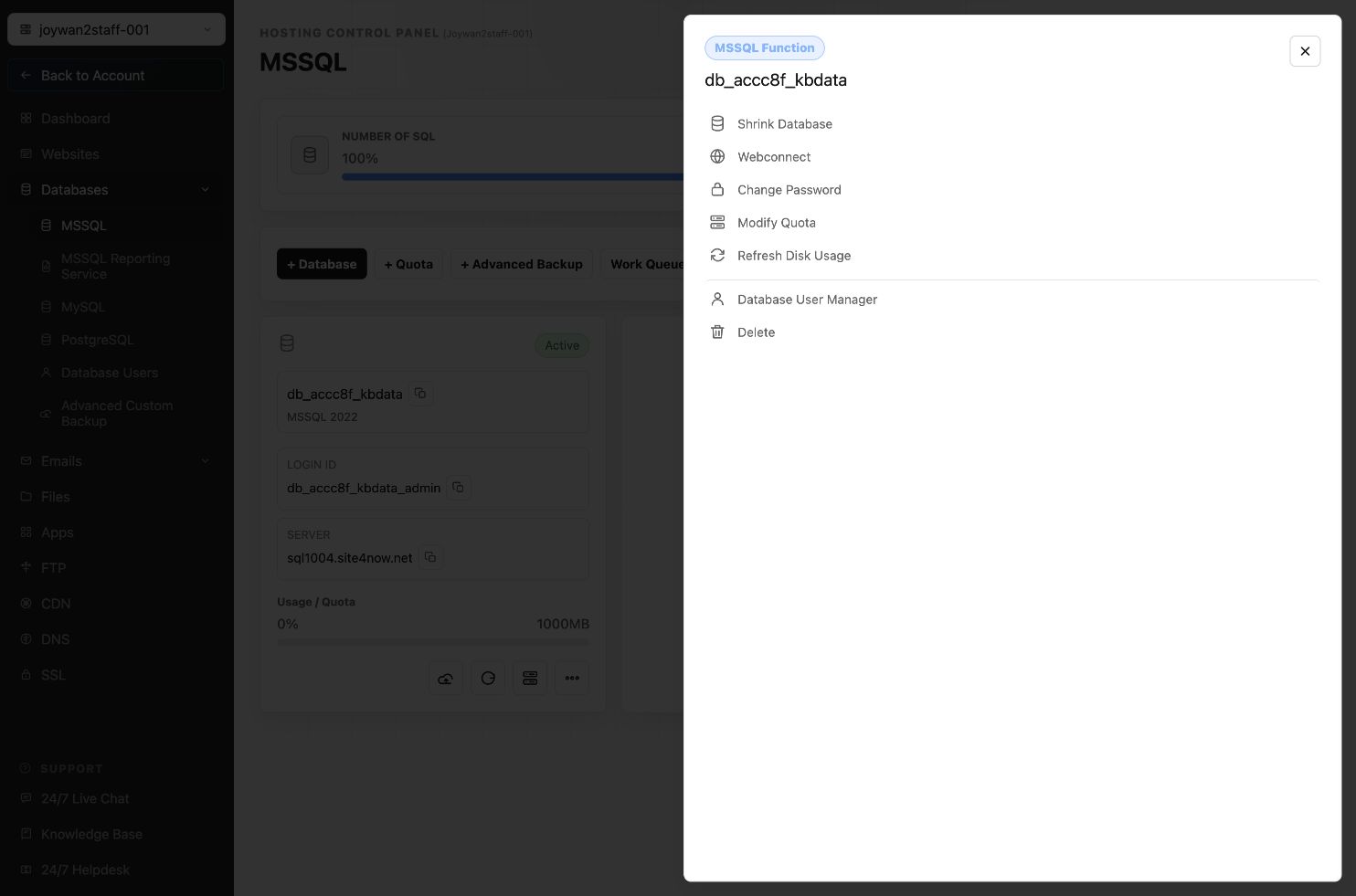
- Locate the database and select More Function.
- Select Change Password.
- Enter and confirm the new password, then submit the change.
Update every application or connection string that uses the old database password.
Article ID: 2373, Created: August 2 at 6:54 AM, Modified: August 4 at 2:26 AM