Webconnect provides browser-based access to a supported database management tool.
- Sign in to the Hosting Control Panel and open Databases.
- Select the appropriate database engine and locate the database.
- Select More Function.
- Select Webconnect.
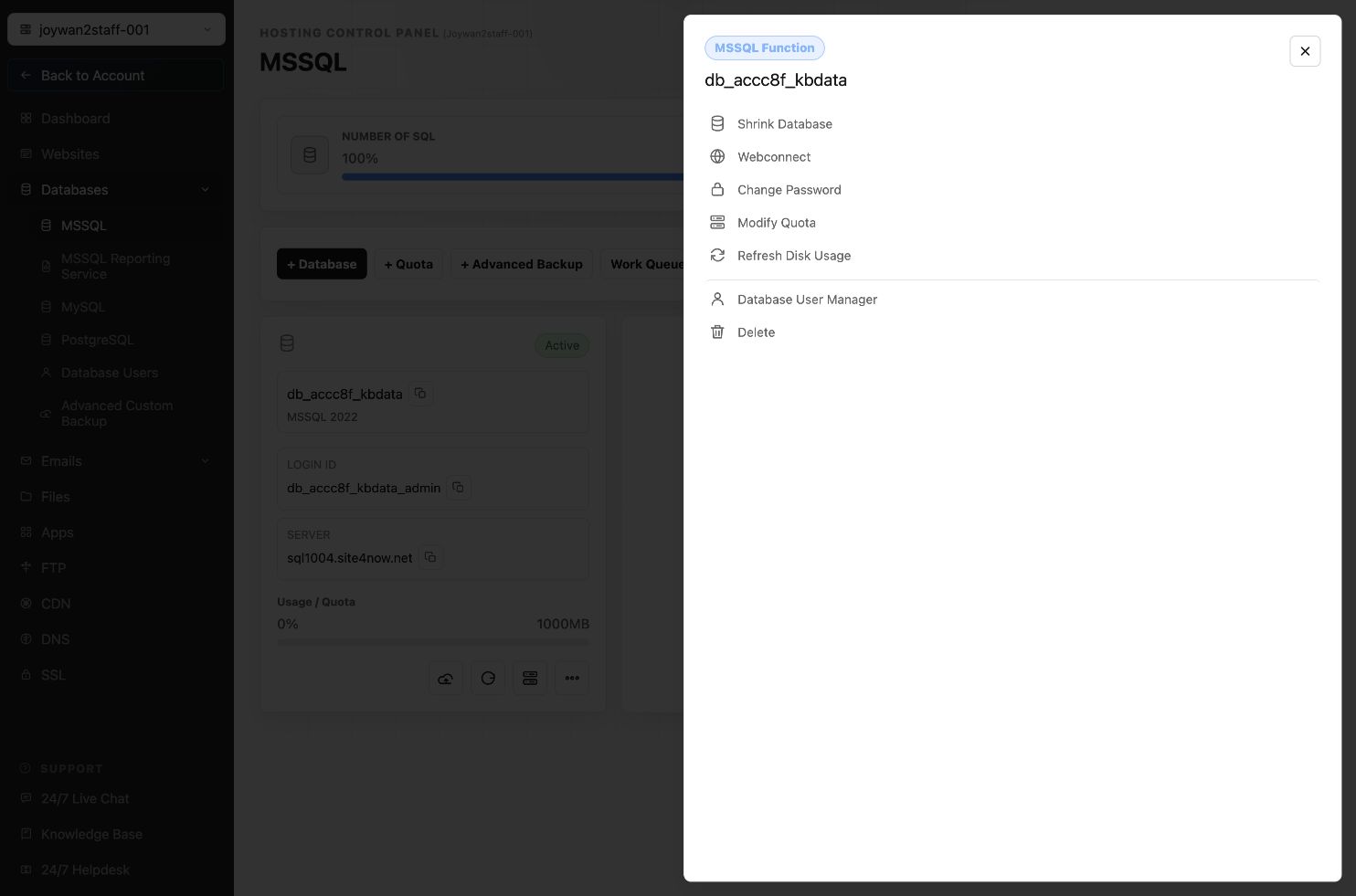
Use the database server, login ID, and database password shown for your database when the external management tool requests credentials.
Article ID: 2375, Created: August 2 at 6:54 AM, Modified: August 4 at 2:26 AM