To shrink an MSSQL database:
- Sign in to the Hosting Control Panel and open Databases > MSSQL.
- Locate the database and select More Function.
- Select Shrink Database and confirm the operation.
- Use Work Queue to monitor the request, then refresh the database disk usage.
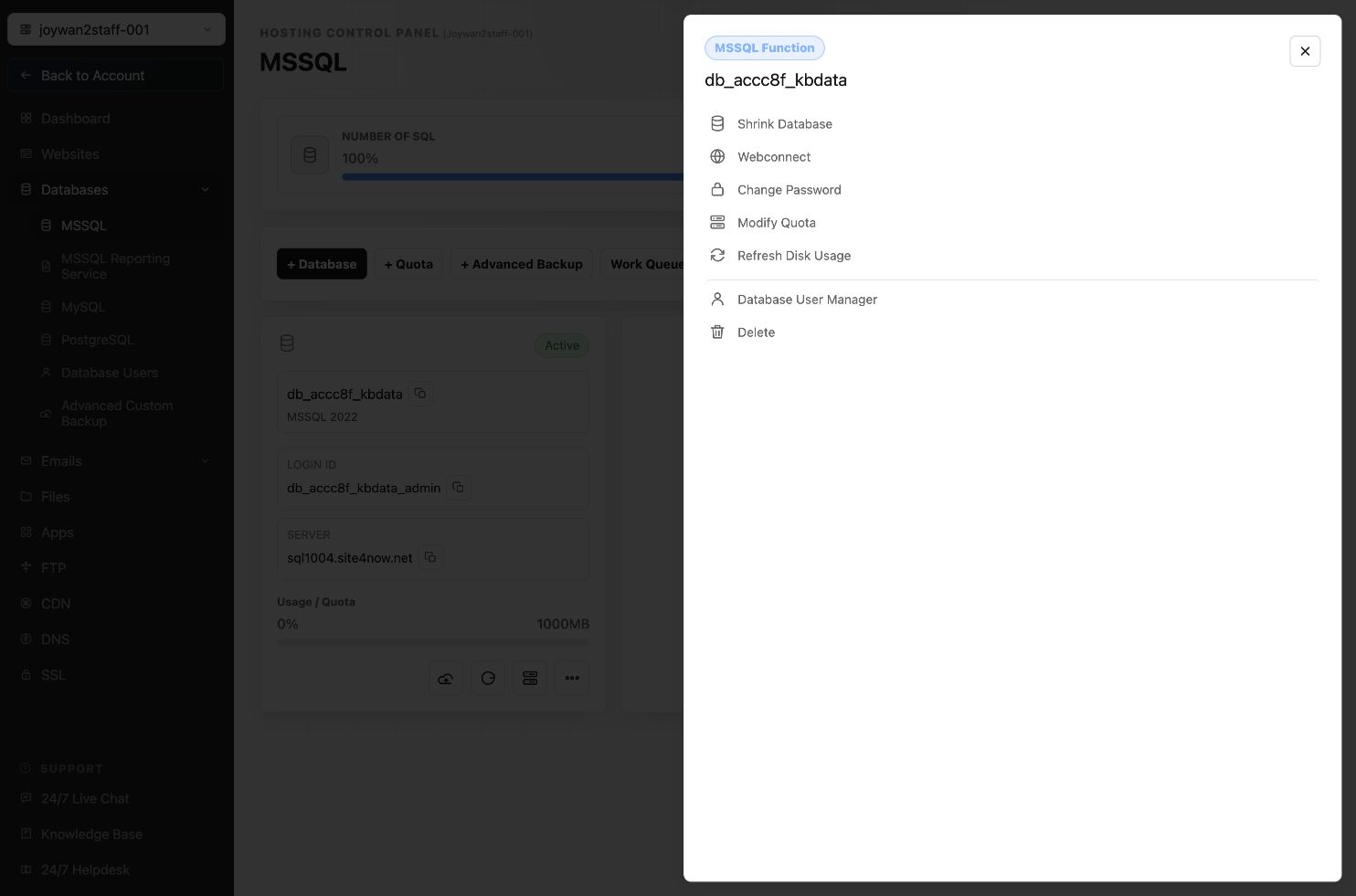
Shrinking a database is normally a maintenance operation, not a routine task. Use it only when you need to reclaim unused space.
Article ID: 2376, Created: August 2 at 6:54 AM, Modified: August 4 at 2:28 AM