You can create a URL redirect from the website-management tools.
- Sign in to the Hosting Control Panel and open Websites.
- Locate the website and select More Functions.
- Under Security & Access, select Force HTTPS.
- In Create URL Redirect, enter a unique rule name.
- Choose the source domain, destination protocol, and destination domain.
- Select Submit.
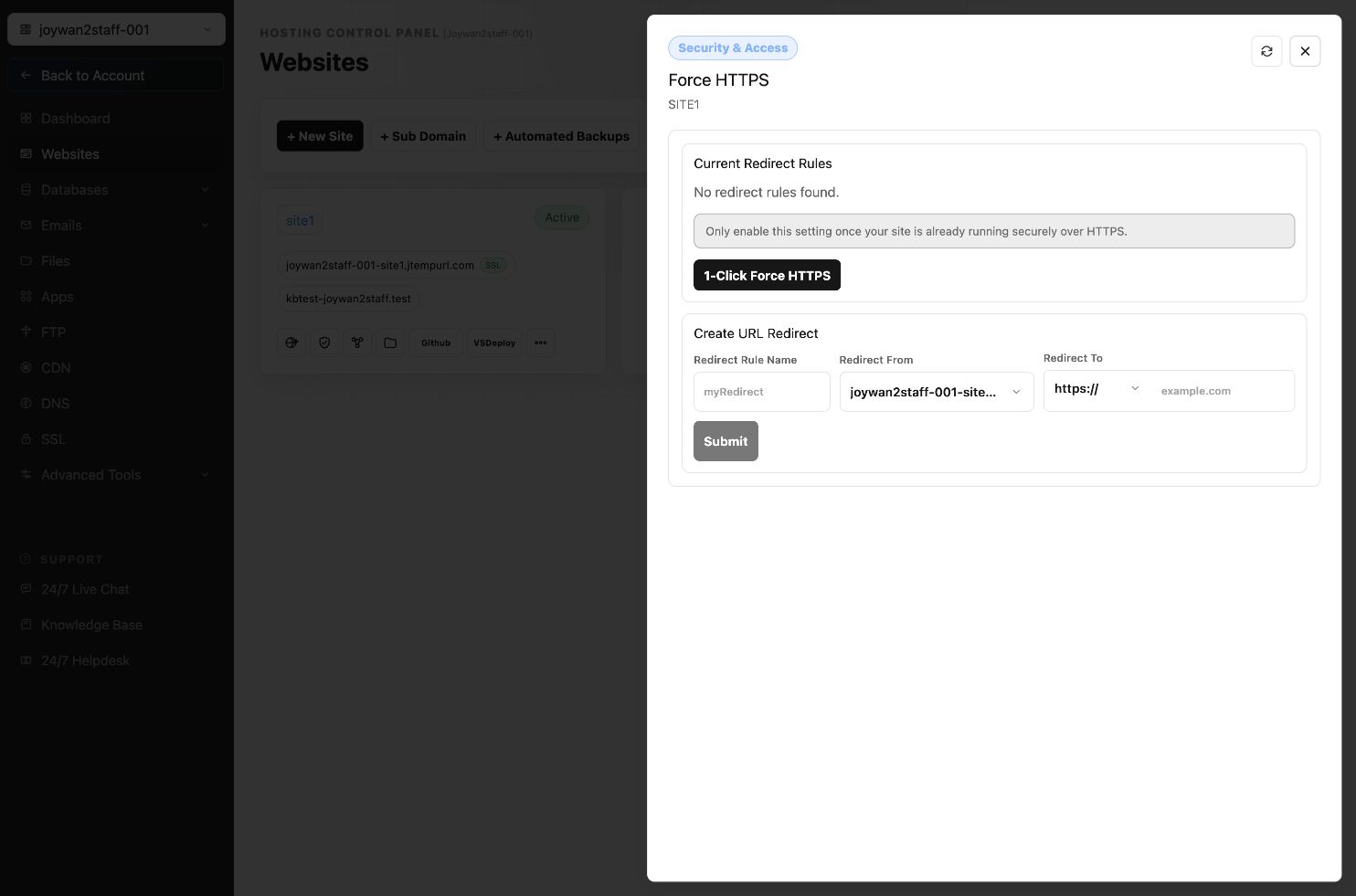
Existing redirect rules appear under Current Redirect Rules. The same screen also provides a 1-Click Force HTTPS option for websites that already work over HTTPS.
Article ID: 2377, Created: August 2 at 6:55 AM, Modified: August 4 at 2:27 AM