IIS raw logs are plain-text files that record visits and activity on your website. You can use them to troubleshoot requests, analyze traffic, and identify opportunities to improve application performance.
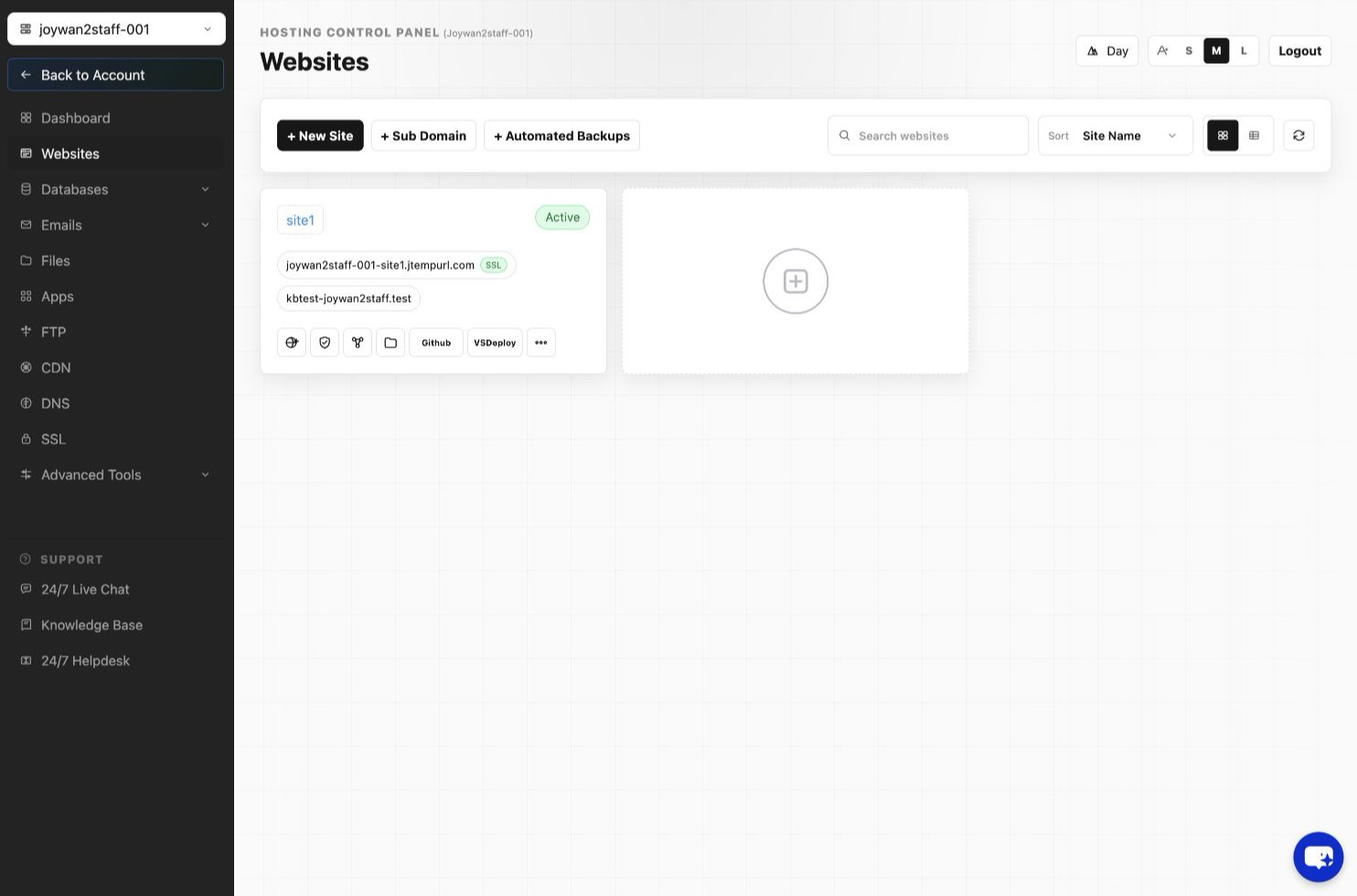
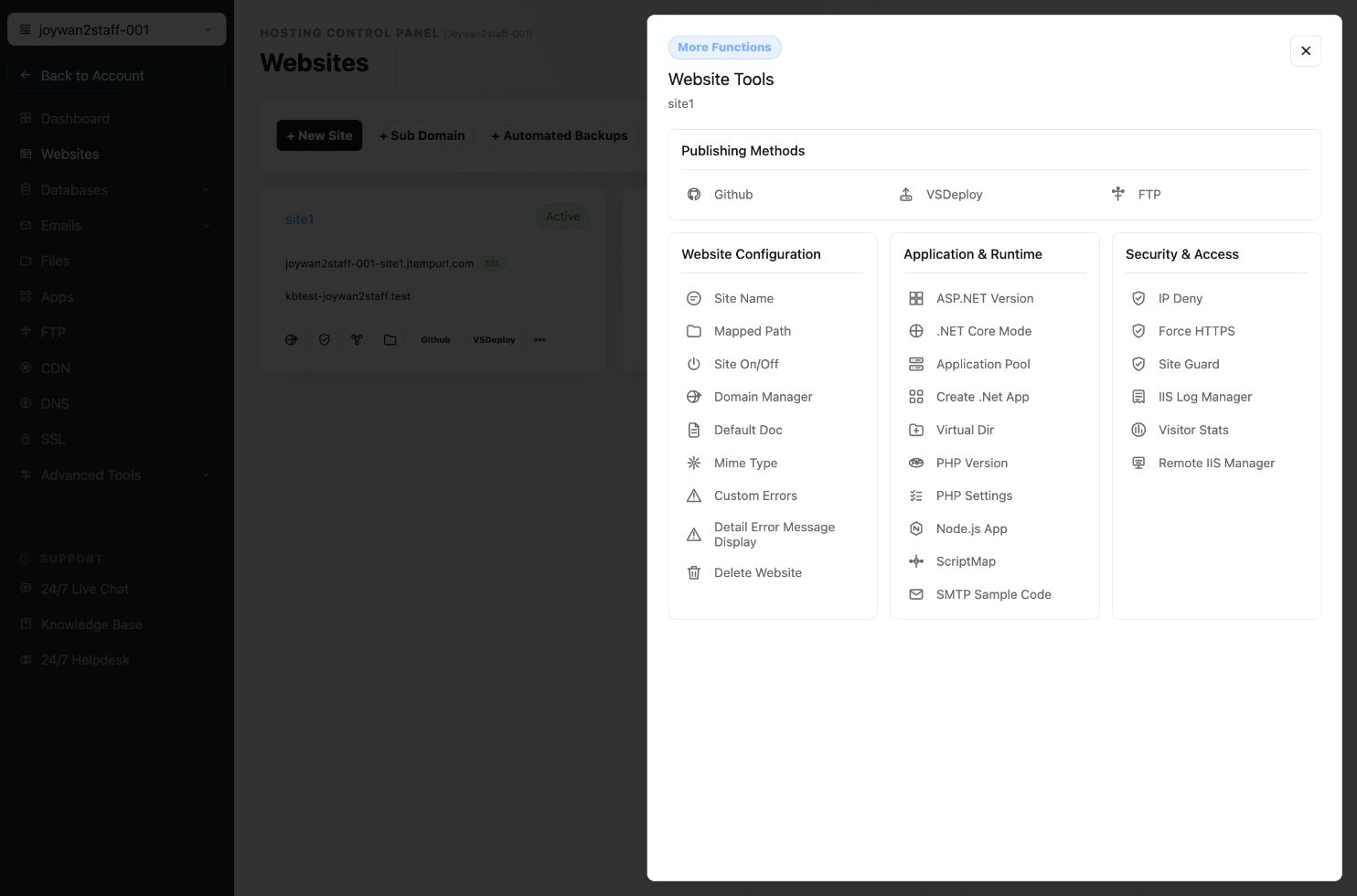
IIS raw logs are included at no additional charge with our .NET ADVANCE and .NET PREMIUM plans. To access them, open your Hosting Control Panel and go to Websites > Manage Website > IIS Log Manager.
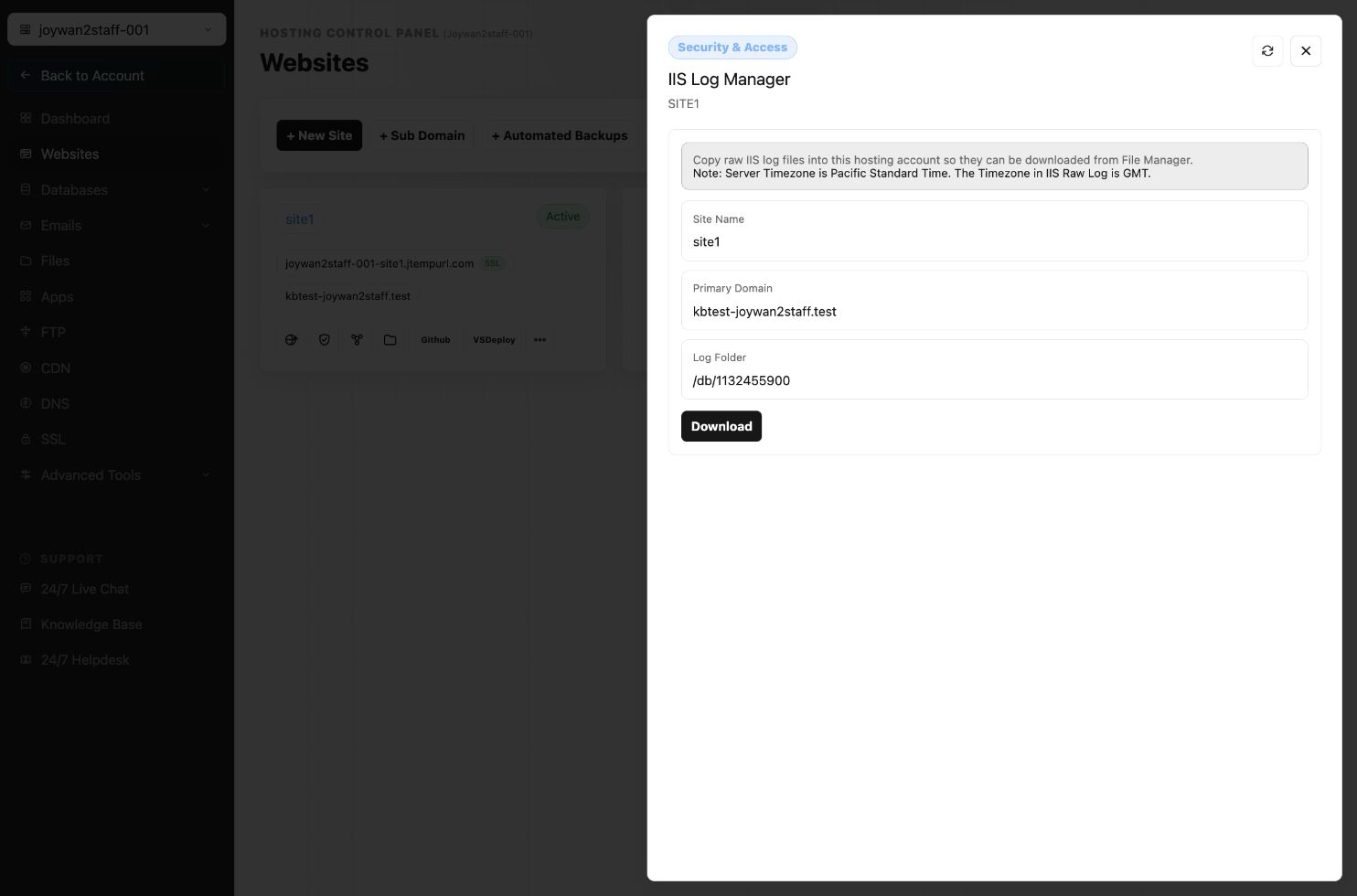
AWStats is also available in the Control Panel for convenient traffic reporting. For custom analysis, download the IIS raw logs and process them with your preferred log-analysis tool.
Article ID: 2379, Created: August 2 at 7:28 AM, Modified: August 4 at 2:26 AM