Follow these steps to set MIME type on your site.
- Sign in to your Hosting Control Panel.
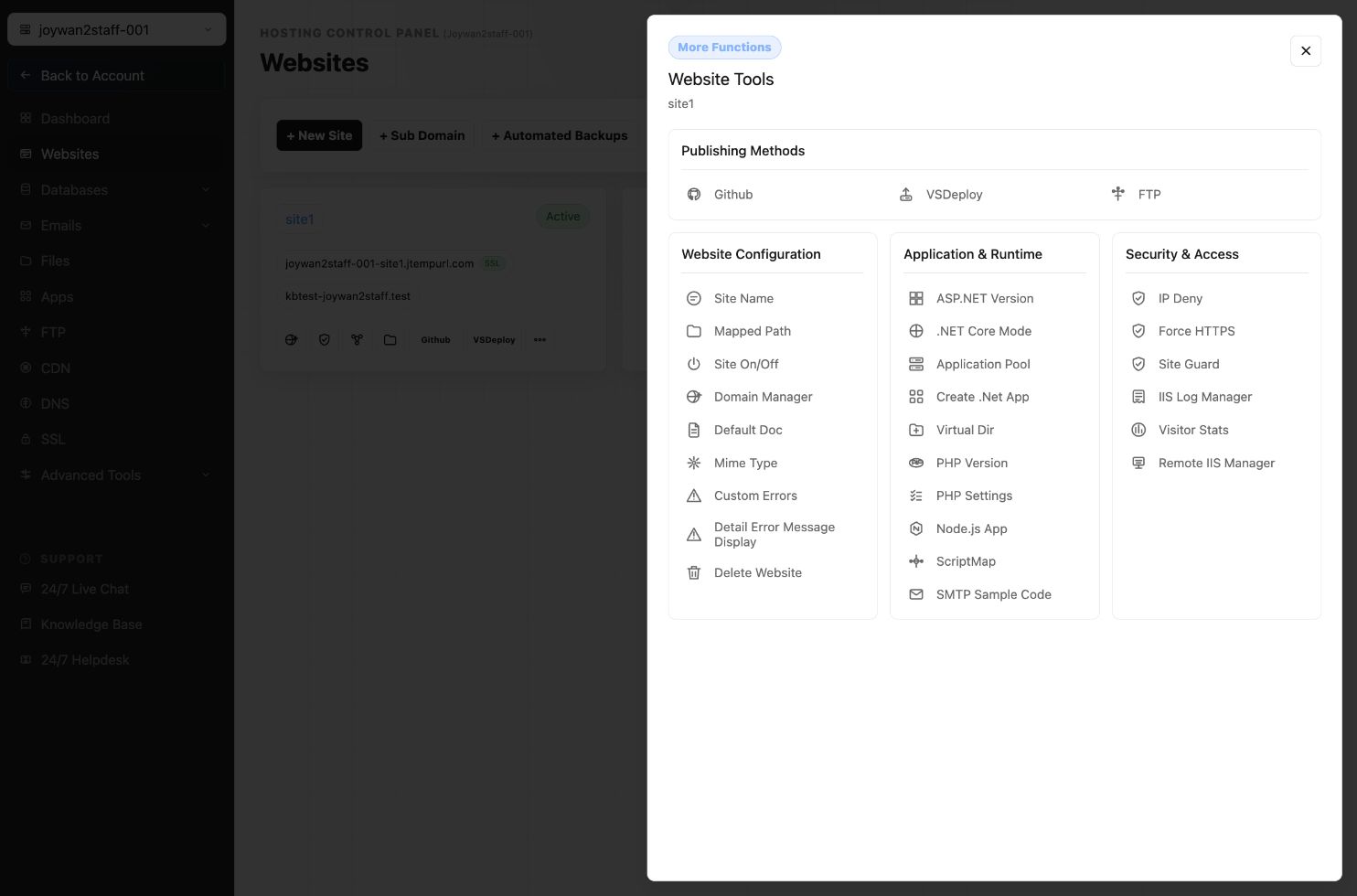
- Go to WEBSITES-->More Functions.
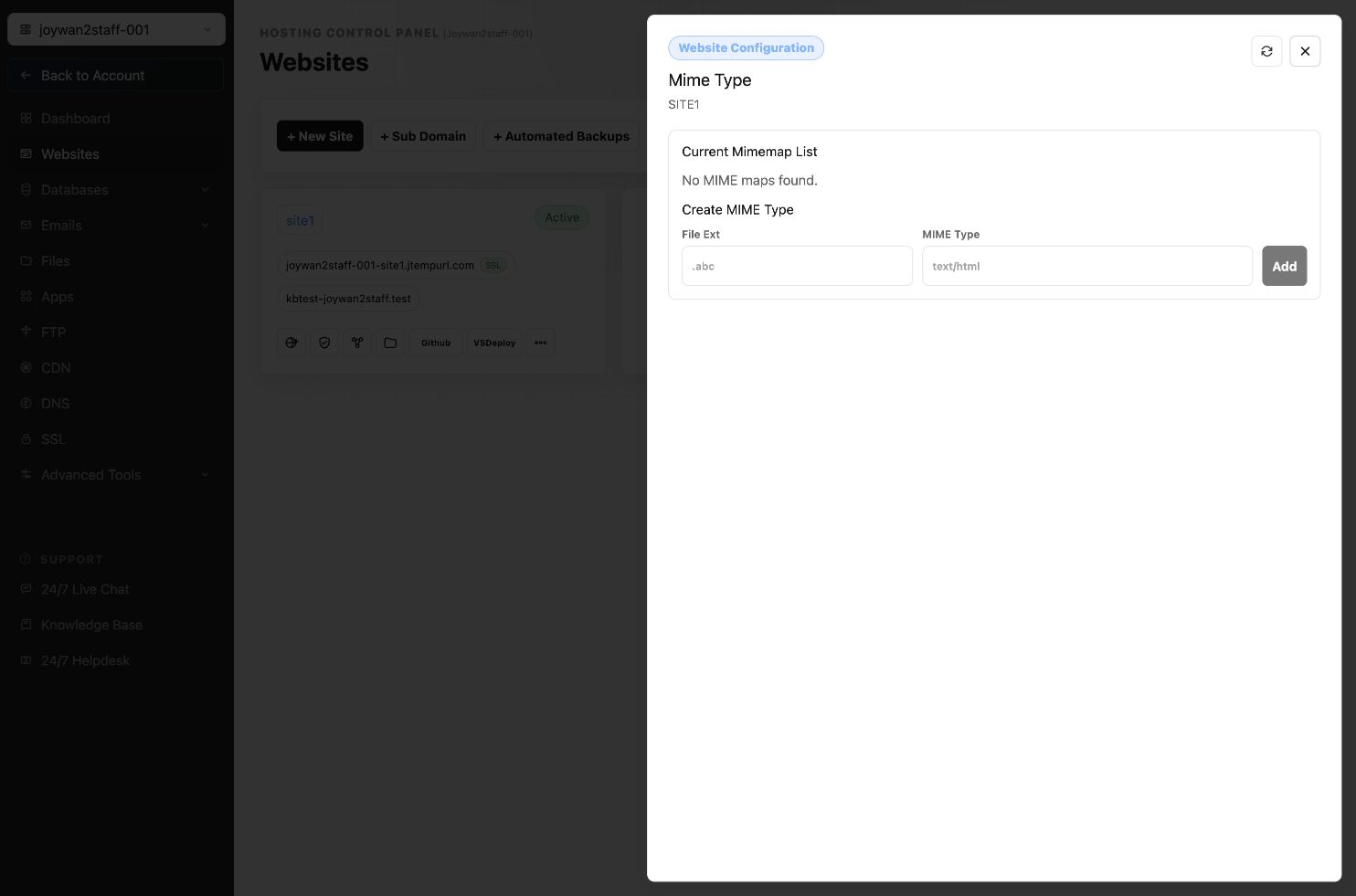
- Enter the file extension that you want set MIME type in 'File extension' box, and enter the MIME type for that file, then click 'Add' button.
Article ID: 2381, Created: August 2 at 7:29 AM, Modified: August 4 at 2:33 AM