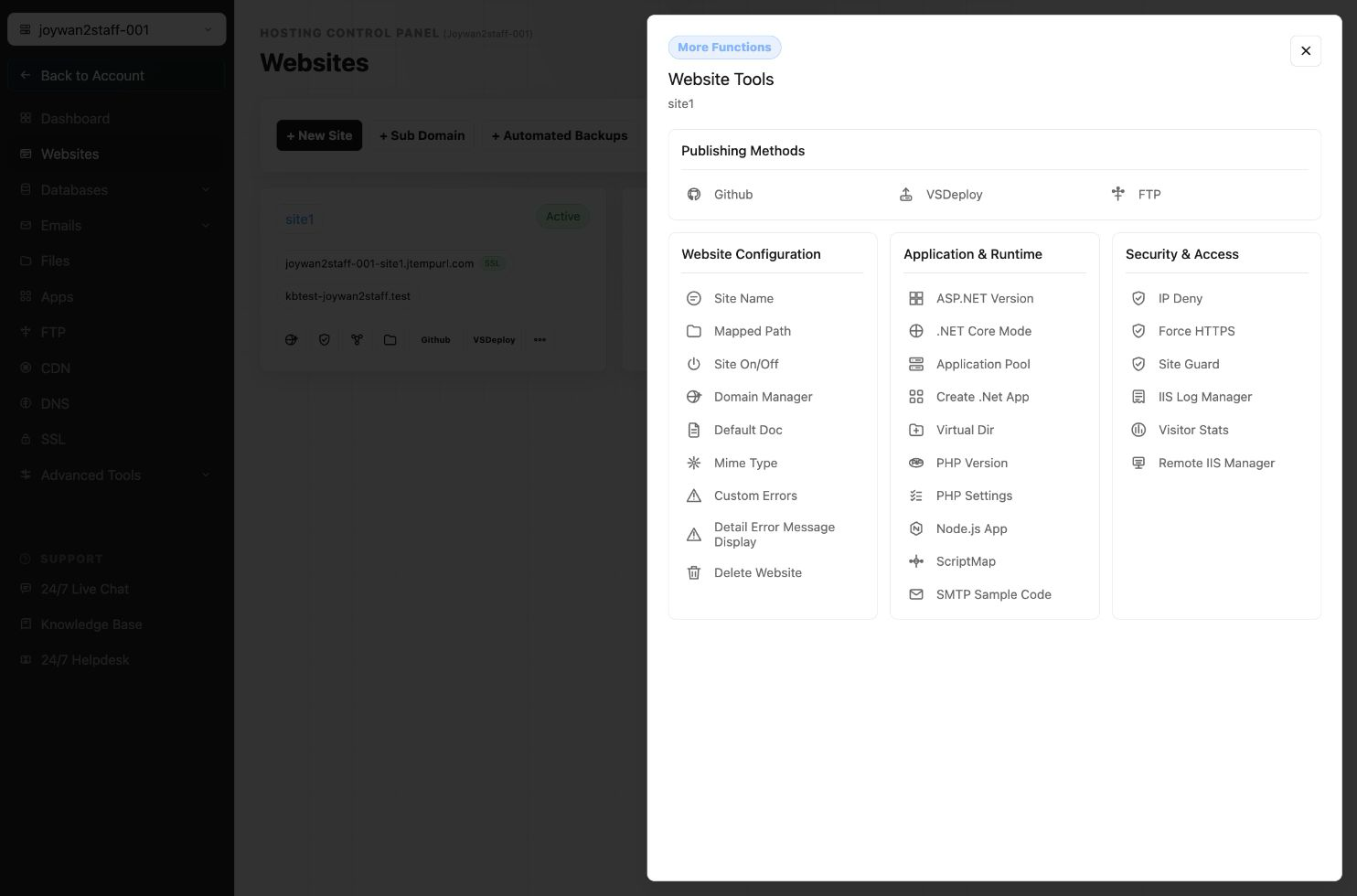
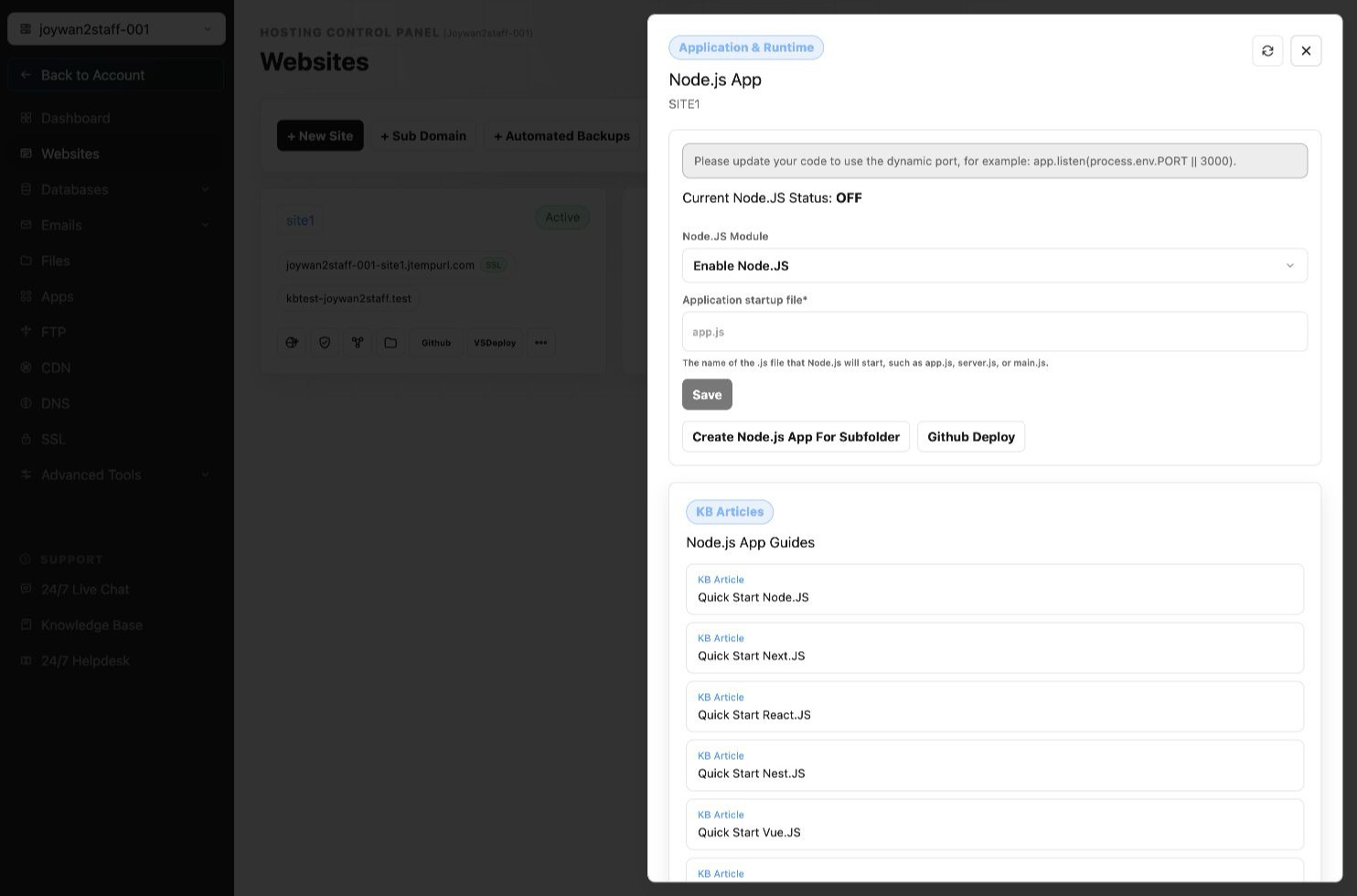
You can enable Node.js to certain folders and run all your Node.js files in that folder from your Hosting Control Panel > Websites > Manage Website > Node.js.
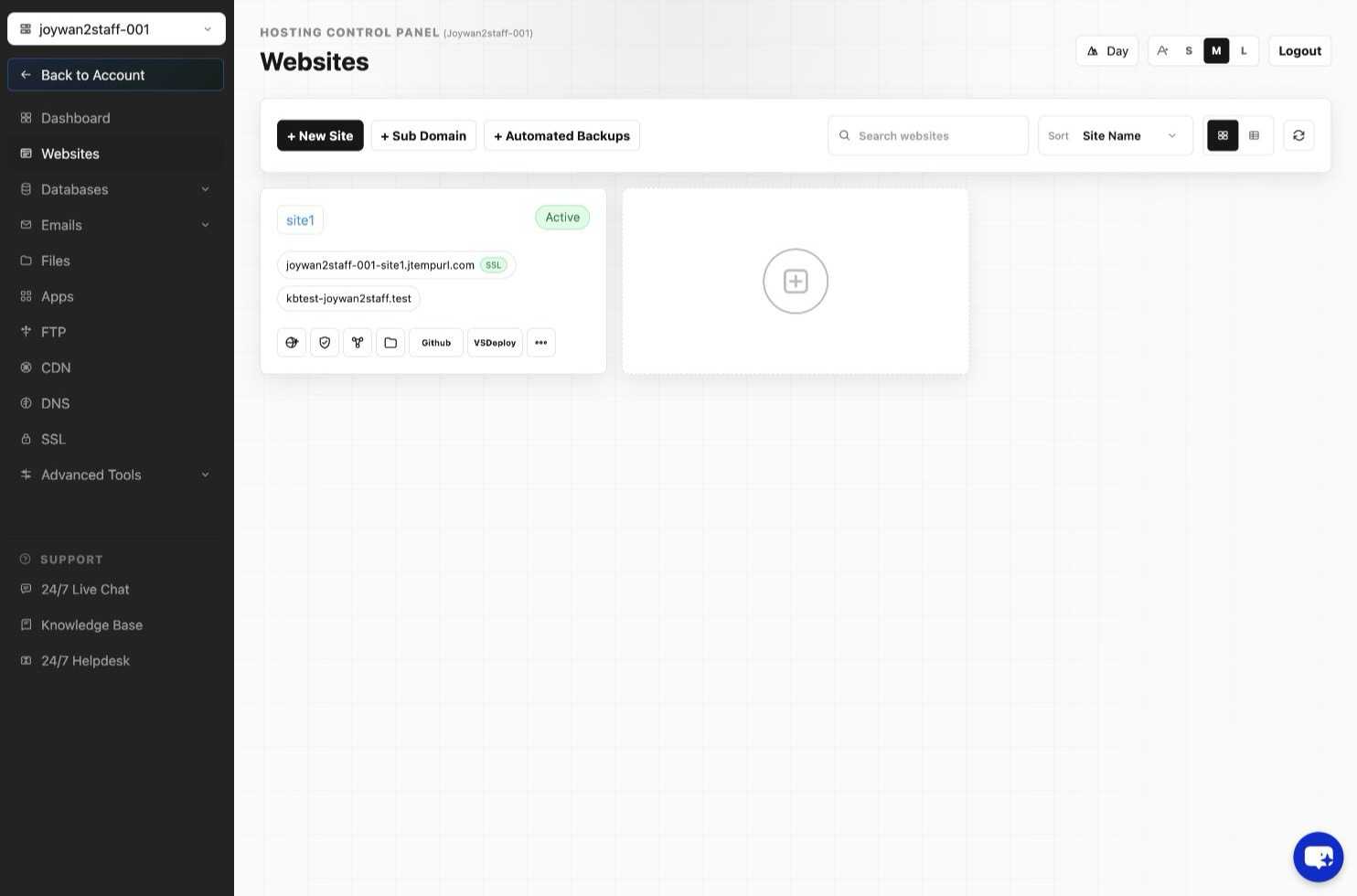
Select the target site > choose the target folder and click Create button.
Article ID: 2383, Created: August 2 at 7:29 AM, Modified: August 4 at 2:27 AM