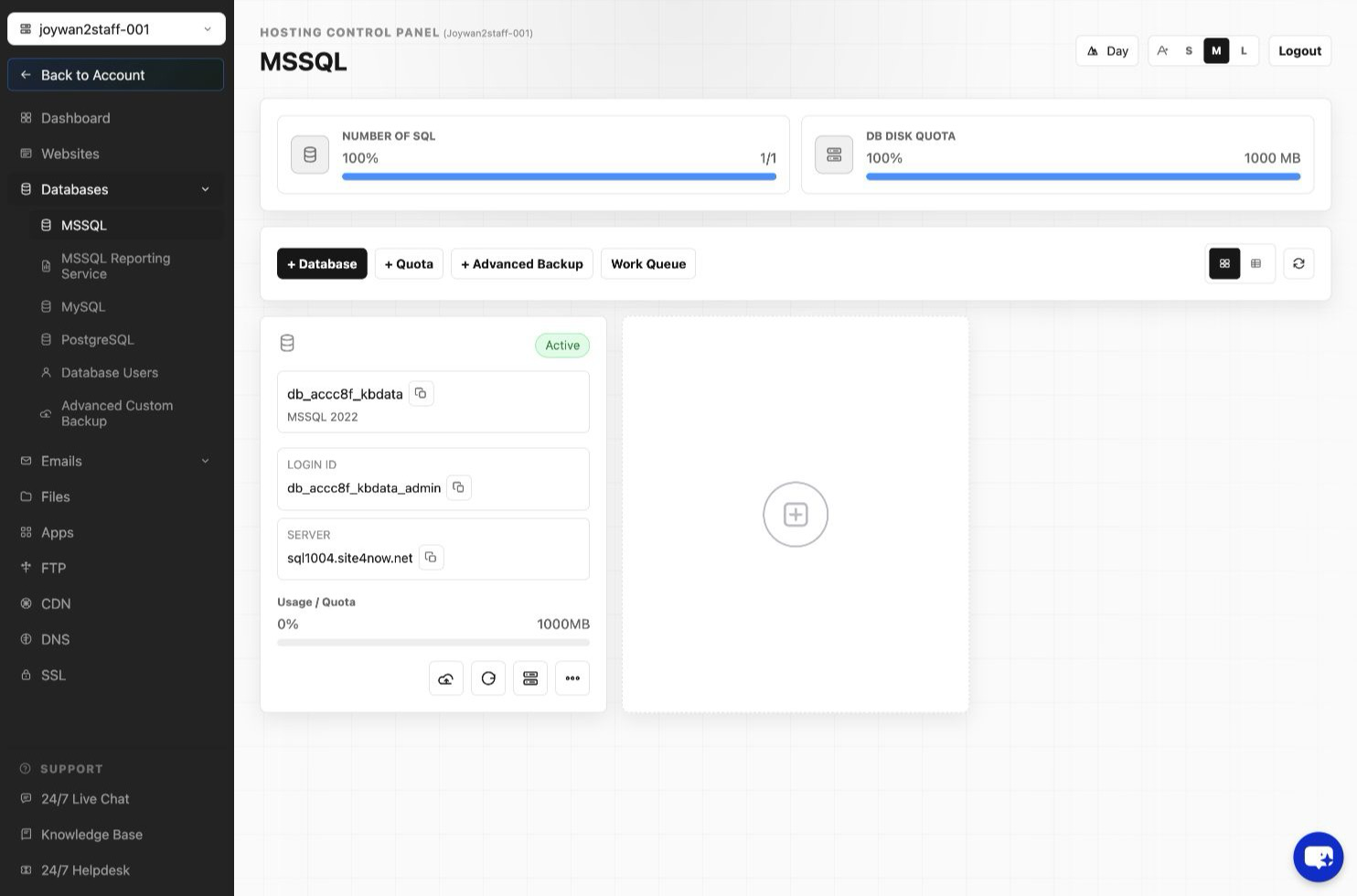
- Sign in to your Hosting Control Panel > DATABASES > MSSQL.
- Click "back up Database" button beside the database.
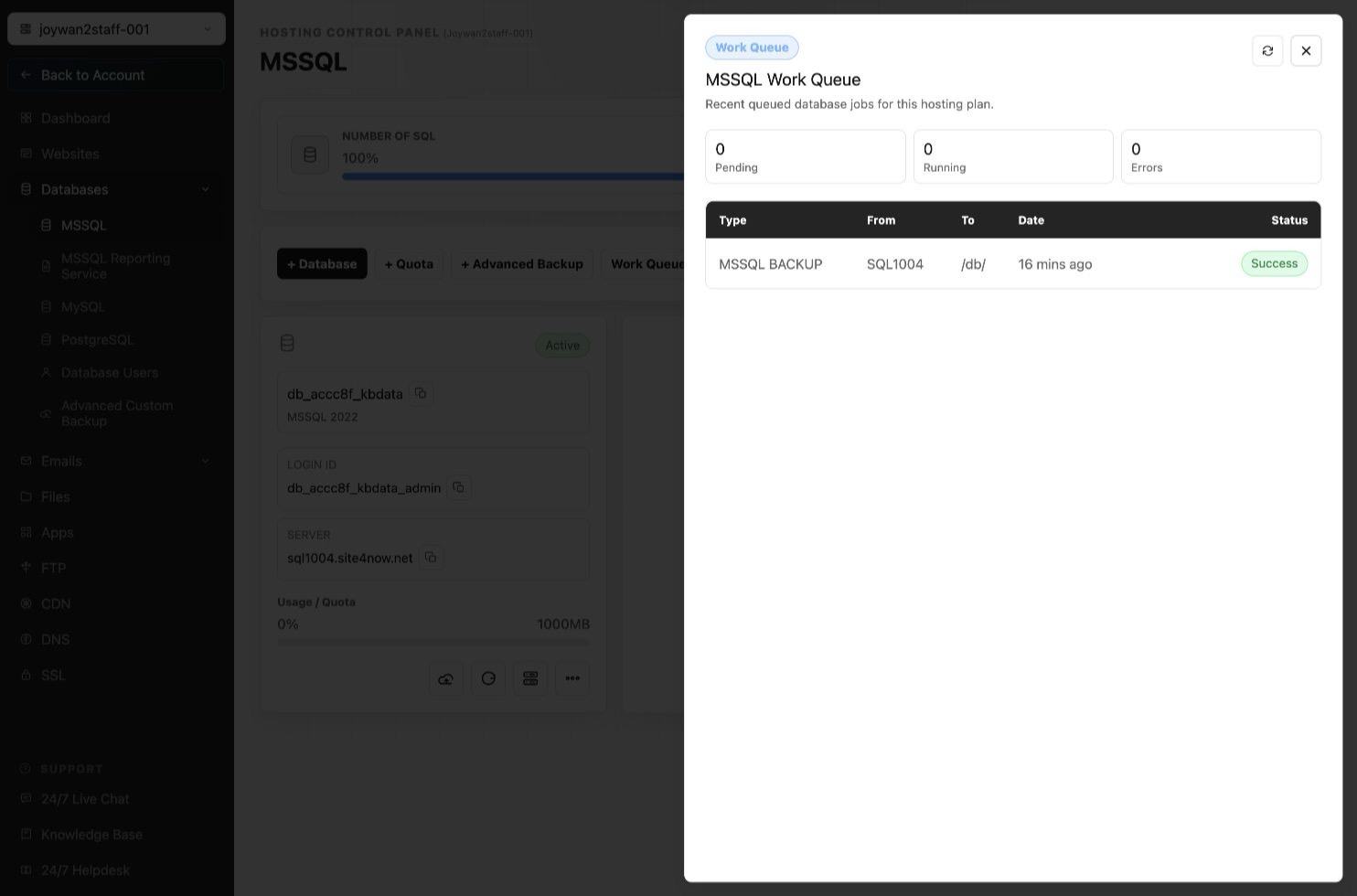
- Then the backup task will be added to the work queue with message "Backup request queued, please wait 1-5 minutes and will be located at \www\db\".
Article ID: 2386, Created: August 2 at 7:29 AM, Modified: August 4 at 2:26 AM