You can export an installed SSL certificate directly from the Hosting Control Panel.
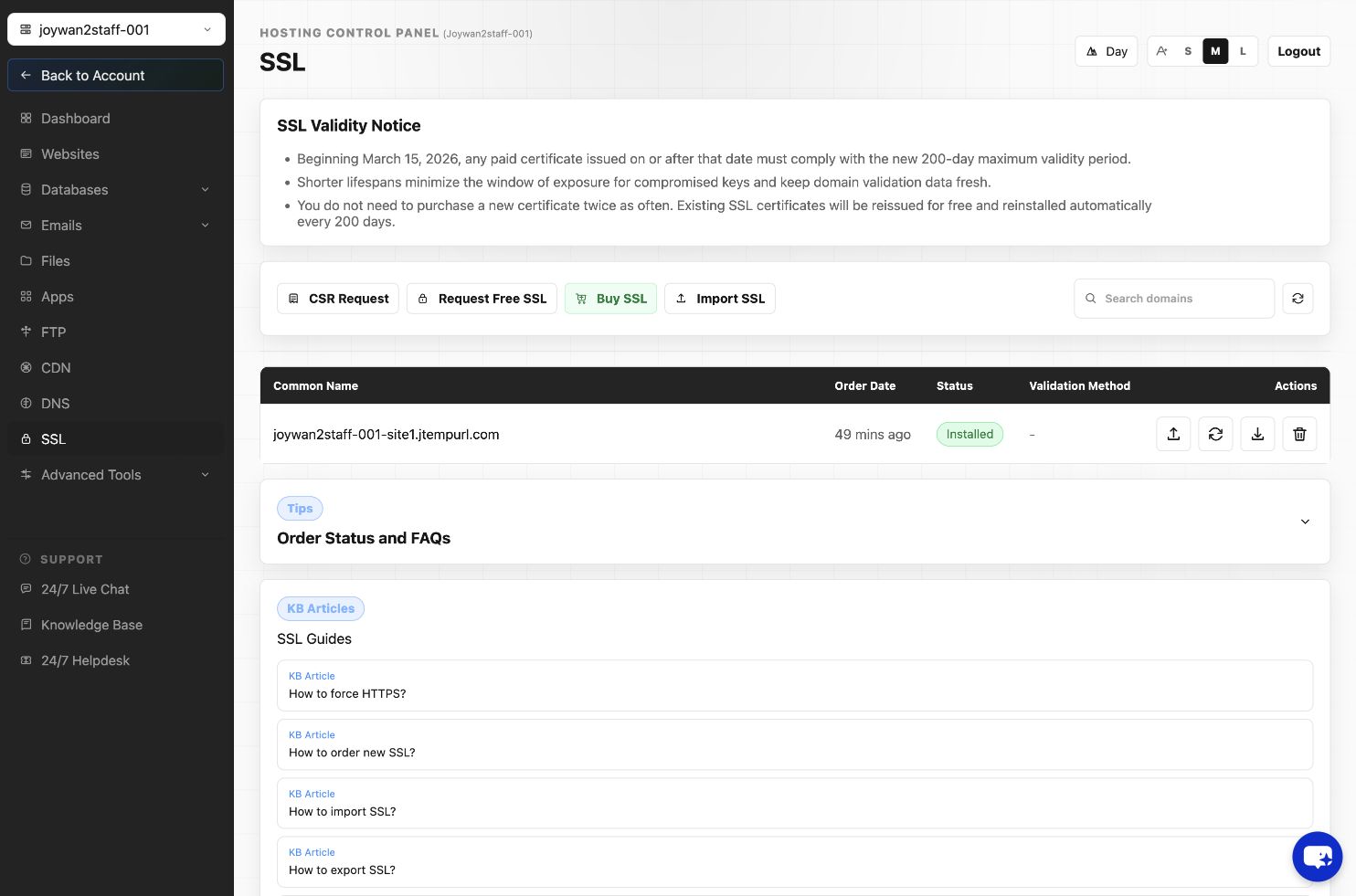
- Open SSL.
- Locate the installed certificate.
- Select Export SSL Cert.
- Your browser will download the certificate as a PFX file.
The PFX password is 123456. Store the downloaded certificate securely because it contains the private key.
Article ID: 2390, Created: August 2 at 7:29 AM, Modified: August 4 at 2:27 AM