Create a MySQL database from the Hosting Control Panel before configuring the application that will use it.
- Sign in to the Hosting Control Panel.
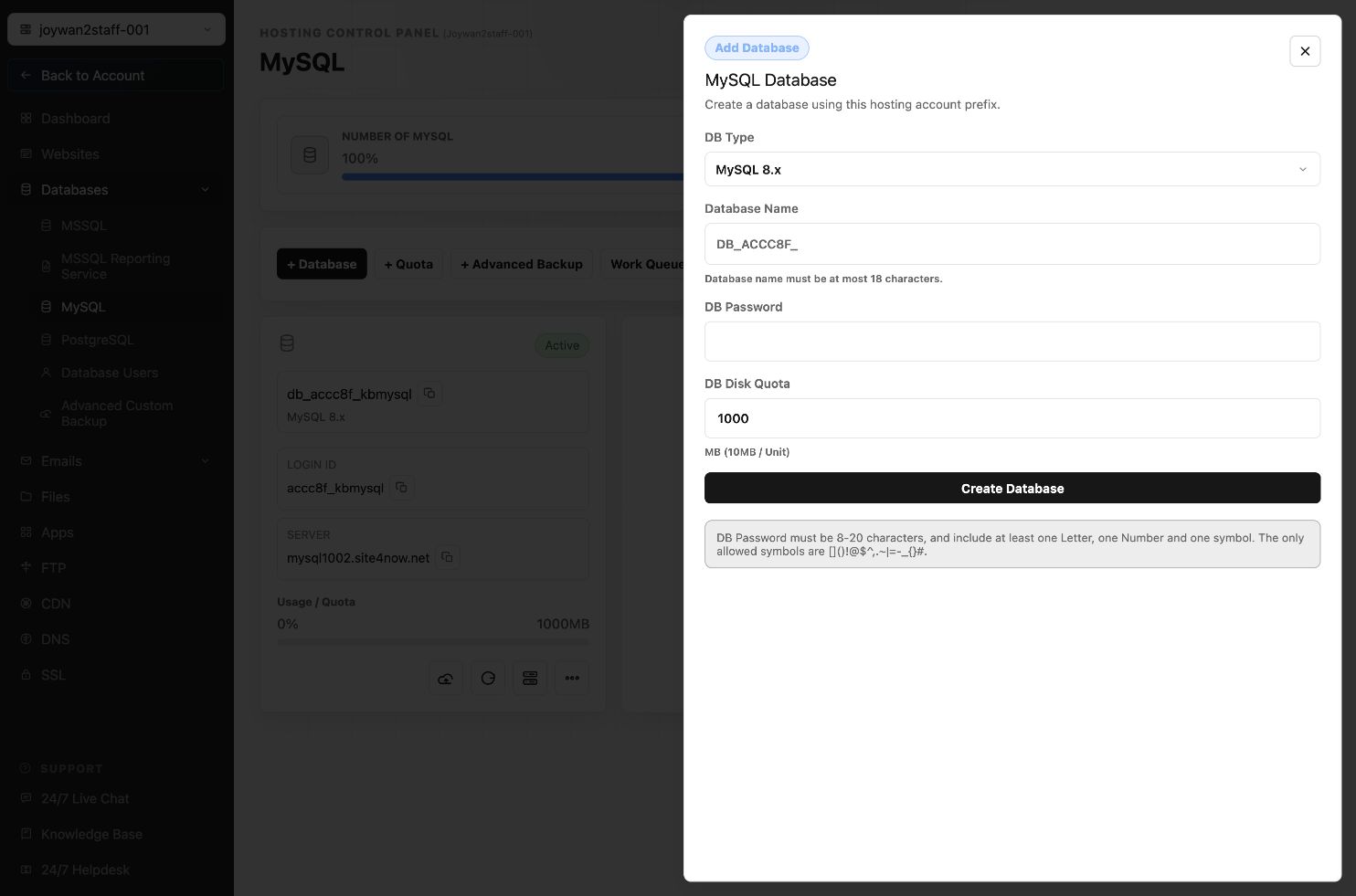
- Open Databases > MySQL.
- Select + Database.
- Choose the MySQL version, enter the database name and password, set the disk quota, and then select Create Database.
Article ID: 2393, Created: August 2 at 7:29 AM, Modified: August 4 at 2:33 AM