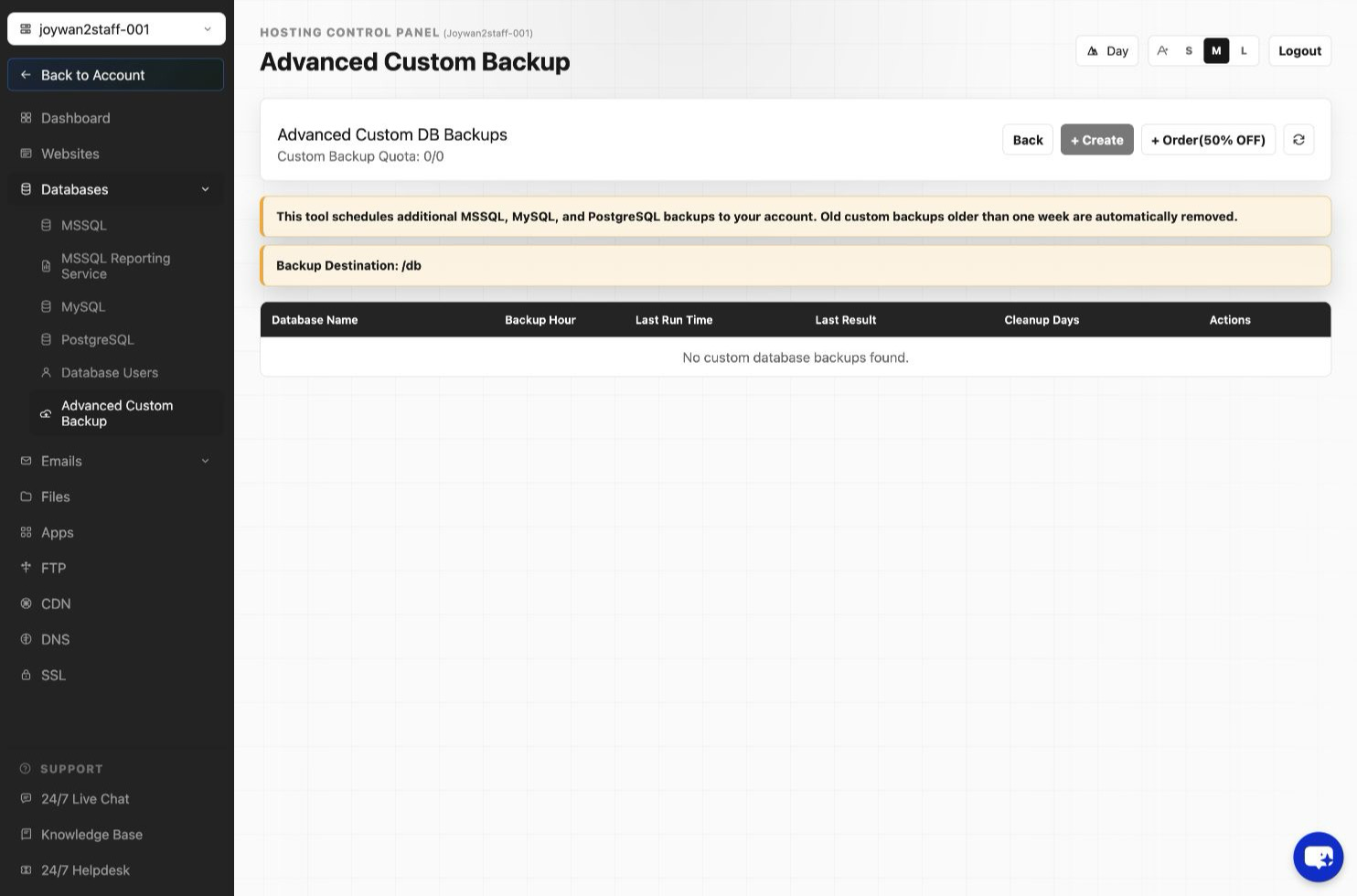
By default, we do make backups for you every other day. However, with custom backup add-on, you can schedule additional backups and have the backups be stored into your FTP account for you to download anytime you want. Note, backup older than one week will be deleted. You can refer to this guide to order the add-on "CustomBackup".
Follow these steps to set up your custom backup.
- Sign in to your Hosting Control Panel.
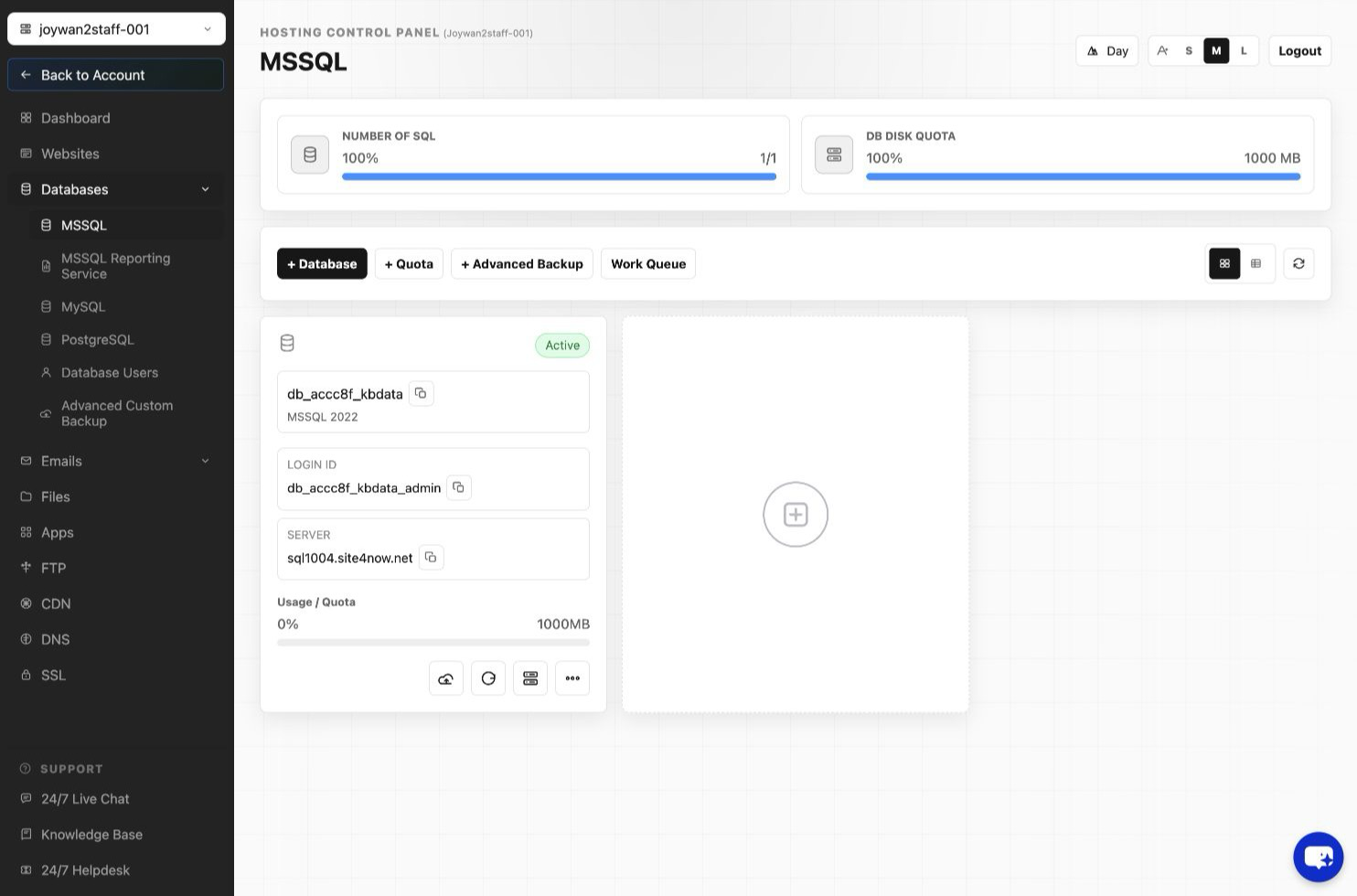
- Click "DATABASES" from the top menu.
- Click "Advance Custom Backup", in the section, you can turn custom backup on your database at specific time, note, you will need to purchase it from our add-on product before you can turn it on.
Article ID: 2394, Created: August 2 at 7:29 AM, Modified: August 4 at 2:26 AM