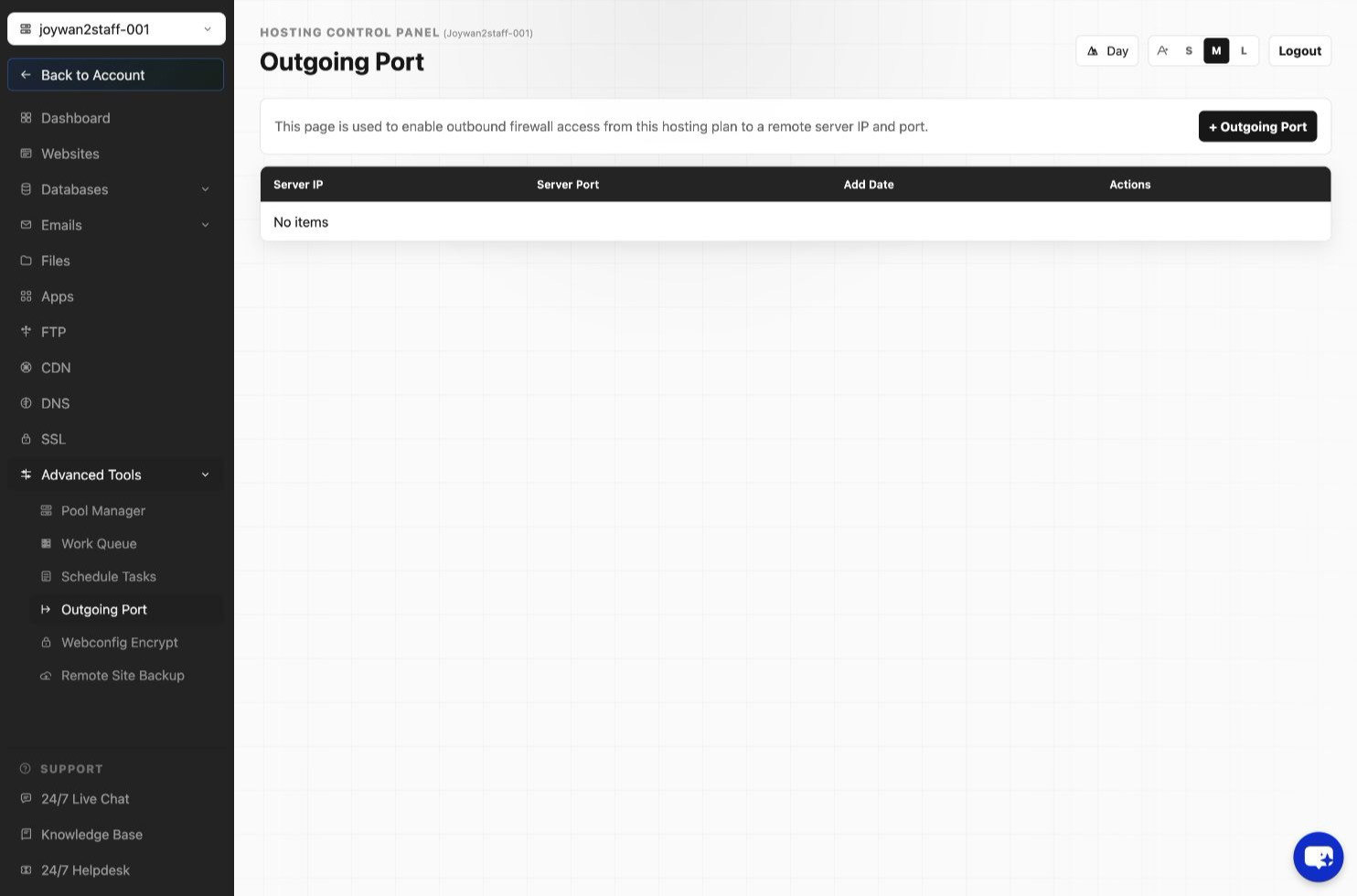
For server security reasons, we only enable some commonly used service ports from our web server. So if your website needs to call an external service via a special TCP port, then you will need to enable the port at first.
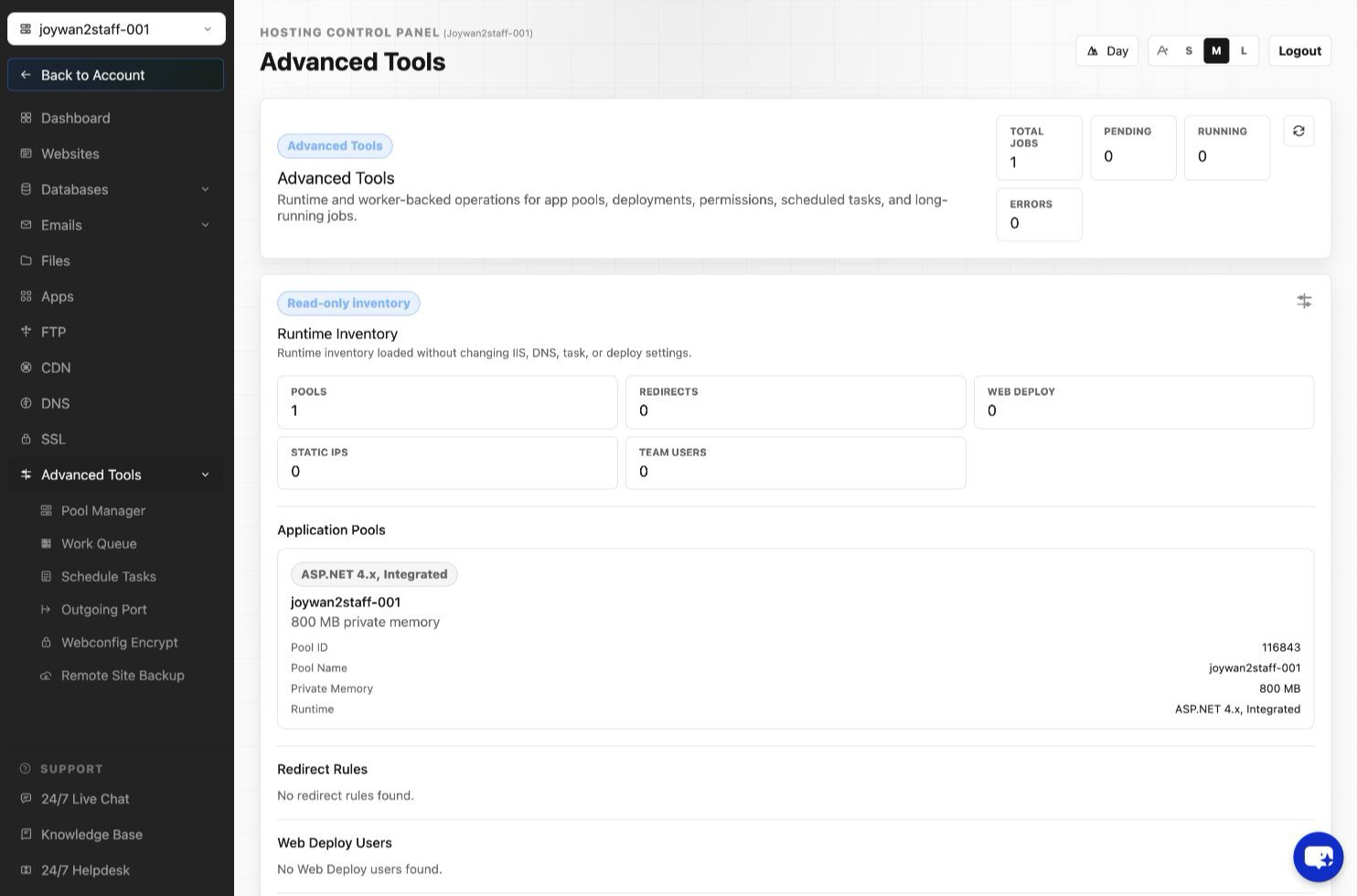
You can enable it from your Control Panel > Advance > Outgoing Port.
* Note that this function is only applied to our Premium plan or above.
Below are the ports we enabled from the web server by default.
" 25, 80, 443, 465, 587, 1433, 3306, 8889, 1521, 8080, 993, 995, 5223, 2195, 2196, 3260, 803, 27017,5432 "
Article ID: 2396, Created: August 2 at 7:29 AM, Modified: August 4 at 2:27 AM