Use the website IP-deny settings to block a specific IP address or supported address range.
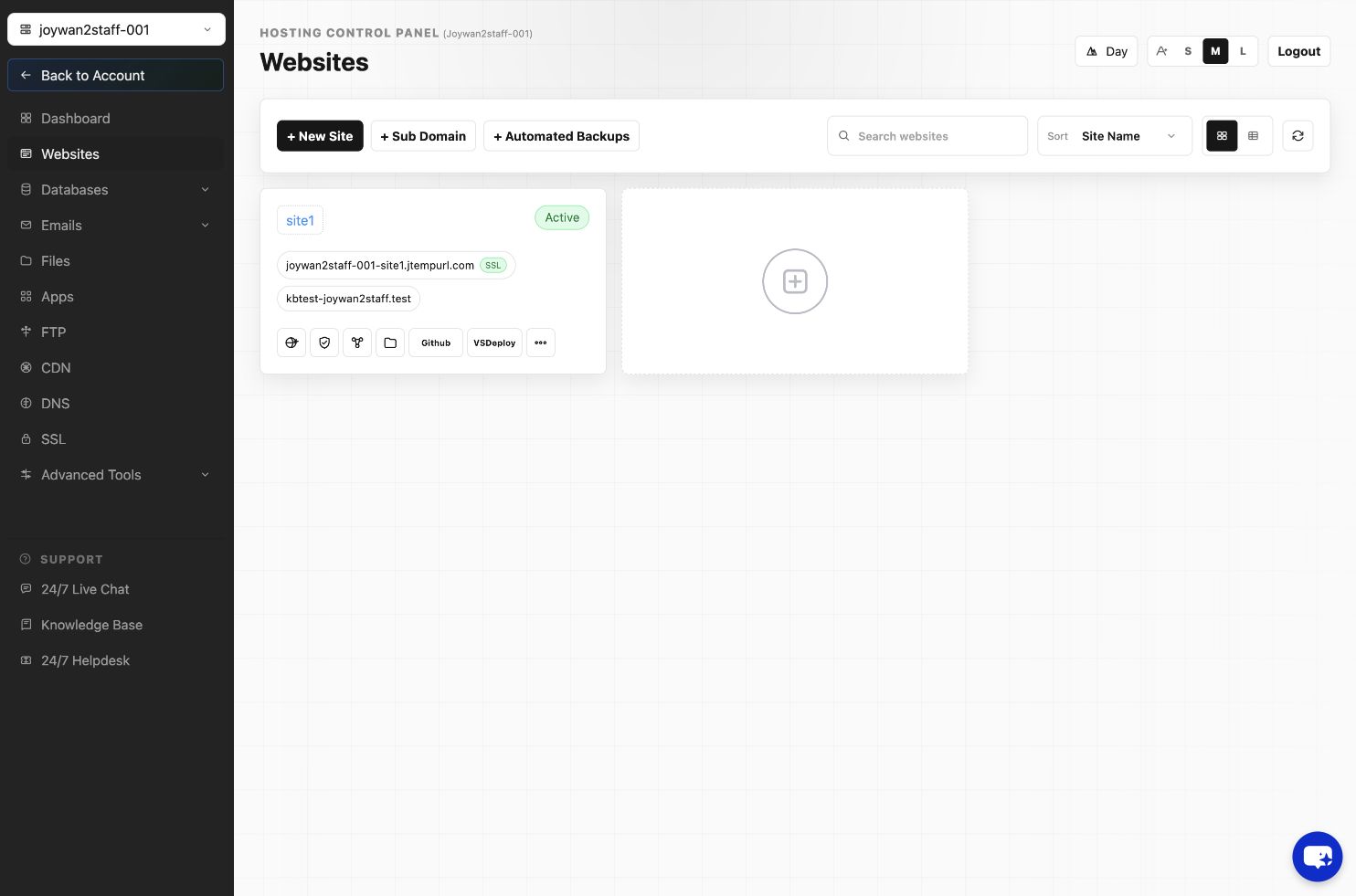
- Sign in to the Hosting Control Panel and open Websites.
- Locate the website and select More Functions.
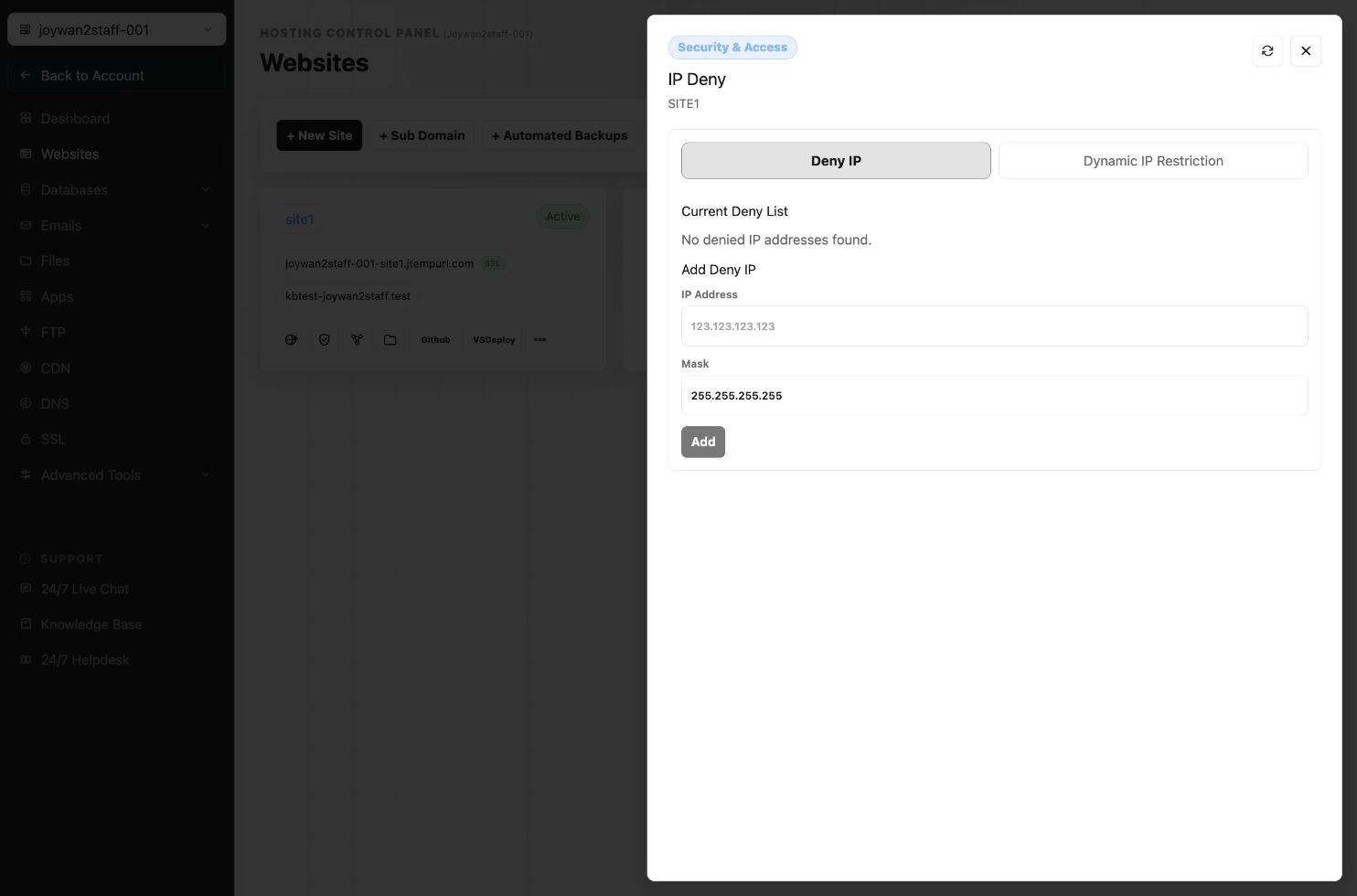
- Open the IP-deny or IP-blocking tool under the website security settings.
- Enter the IP address or supported range, then save the rule.
- Test the rule from an appropriate connection to confirm that it works as intended.
Review the value carefully before saving so you do not block an administrator or required service.
Article ID: 2397, Created: August 2 at 7:29 AM, Modified: August 4 at 2:33 AM