You can adjust the disk quota assigned to an MSSQL, MySQL, or PostgreSQL database.
- Open the appropriate database engine under Databases.
- Locate the database and select More Function.
- Select Modify Quota.
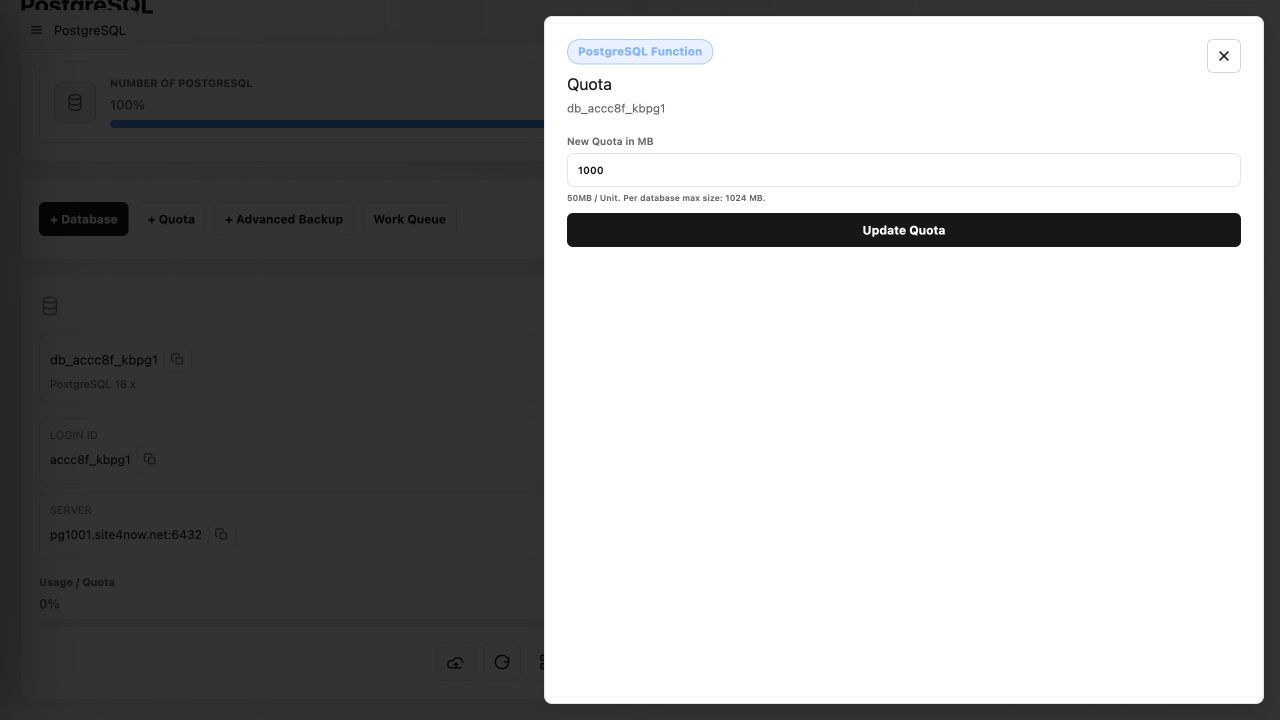
- Enter the new quota in megabytes, then select Update Quota.
The requested quota must stay within the hosting account's available database-space allowance and the per-database maximum shown on the form.
Article ID: 2400, Created: August 2 at 7:30 AM, Modified: August 4 at 2:26 AM