To create a new file for you site online, you can consider to use our File Manager to do it.
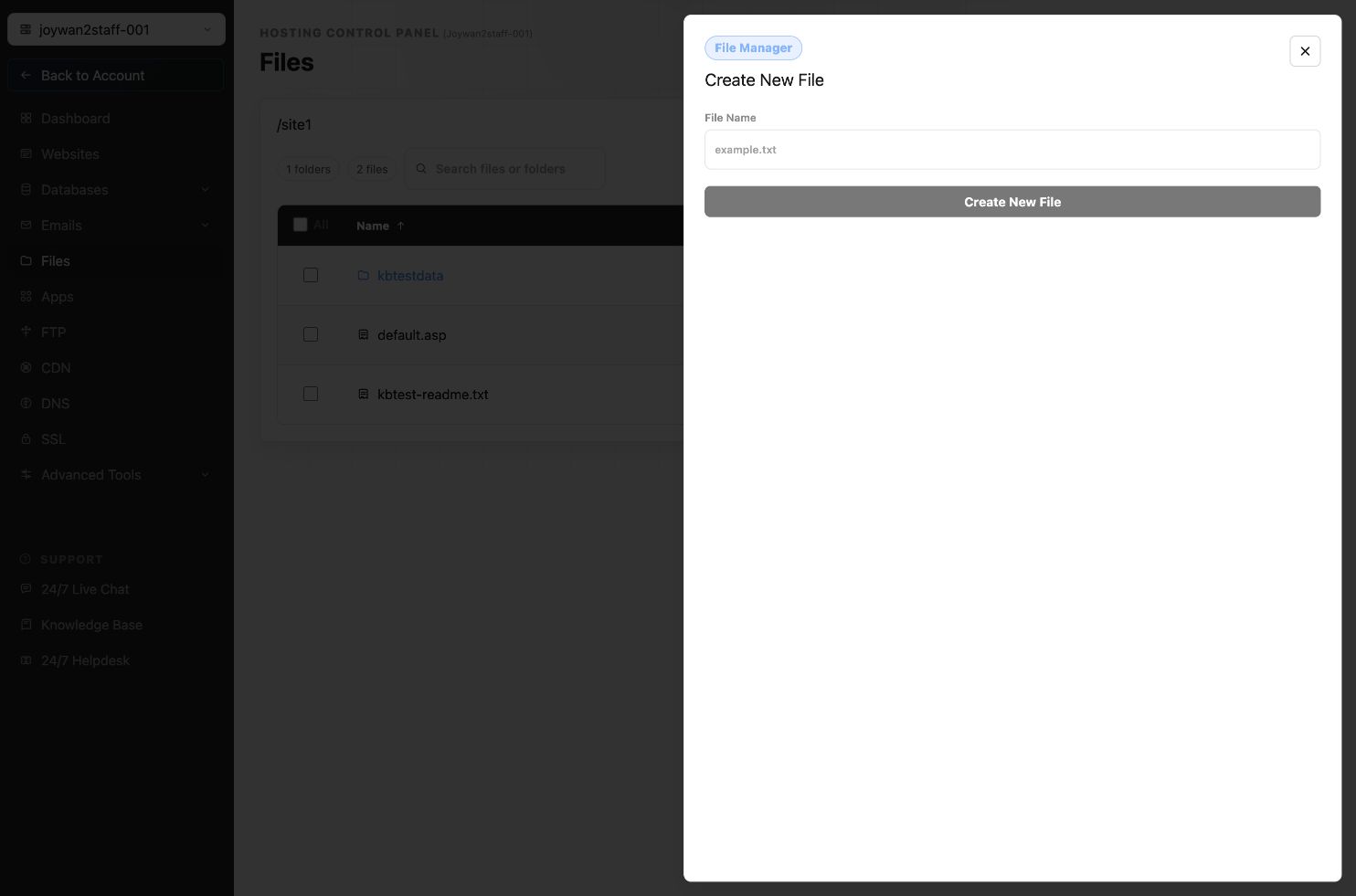
Follow these steps to create the new file.
Sign in to your Hosting Control Panel > Files > Open the folder which you would like to put the new file in > Click "+" at top > Choose "File". Then you can edit your file content and file name.
Note it is not allowed to add file in your account root folder.
Article ID: 2403, Created: August 2 at 7:30 AM, Modified: August 4 at 2:33 AM