Follow these steps to delete a file or folder from File Manager:
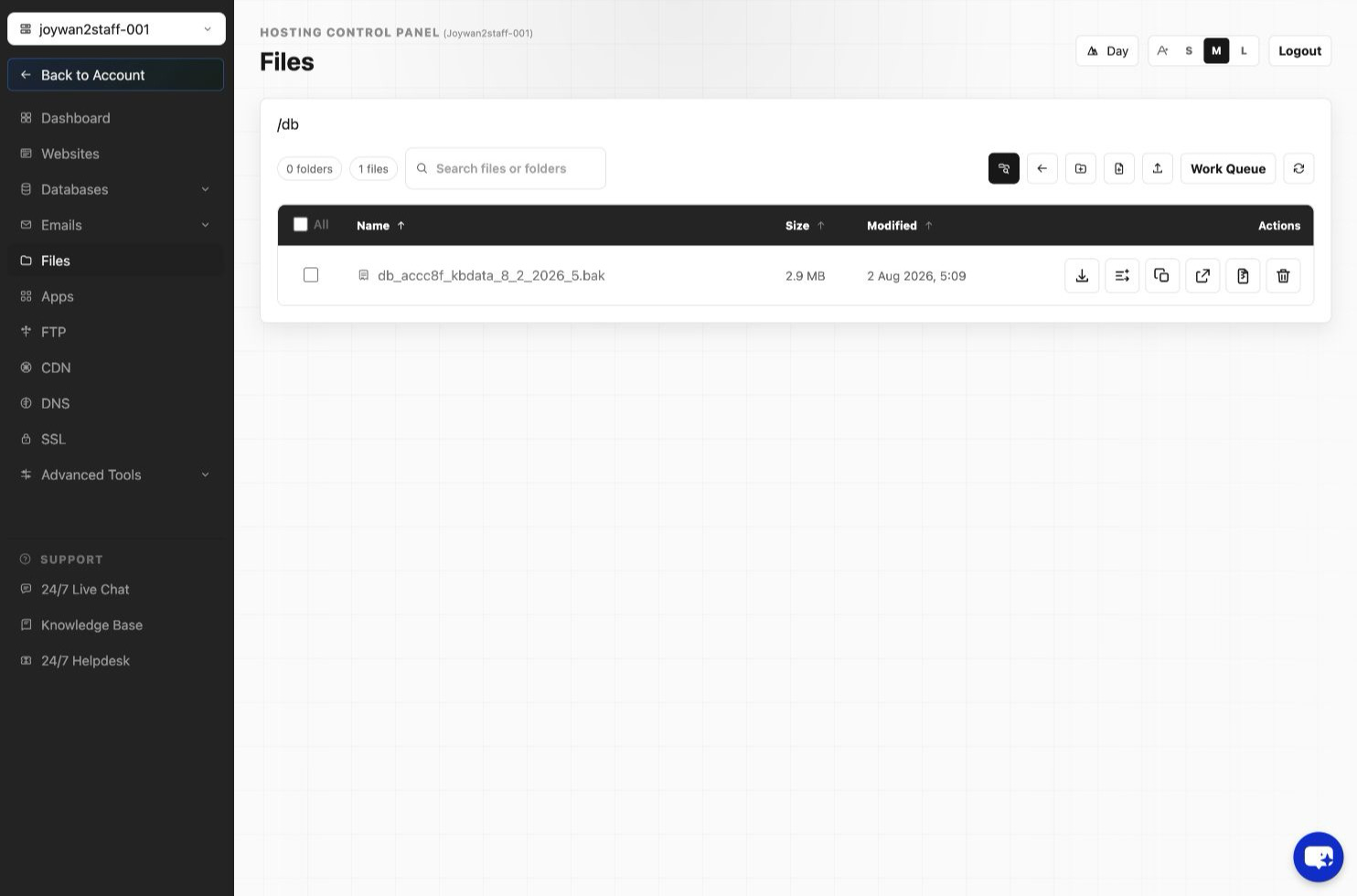
- Sign in to the Hosting Control Panel and open Files.
- Select the file or folder that you want to delete.
- Select Delete and confirm the deletion.
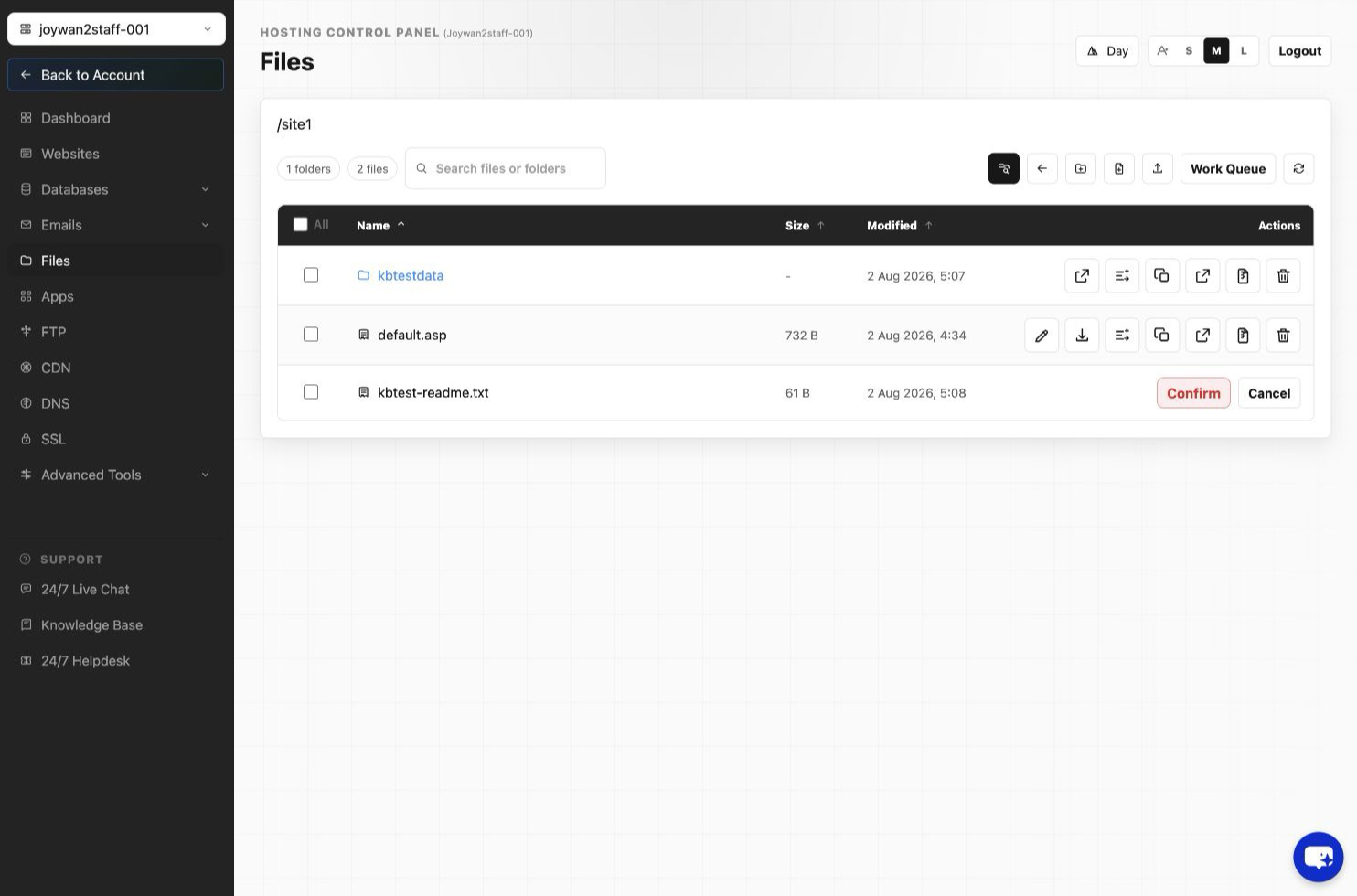
Warning: Deleted files and folders may not be recoverable unless a backup is available.
Article ID: 2406, Created: August 2 at 7:30 AM, Modified: August 4 at 2:26 AM