If you want to change your site type, you can follow the instructions below to confirm it for your site.
1. Log into your hosting Control Panel.
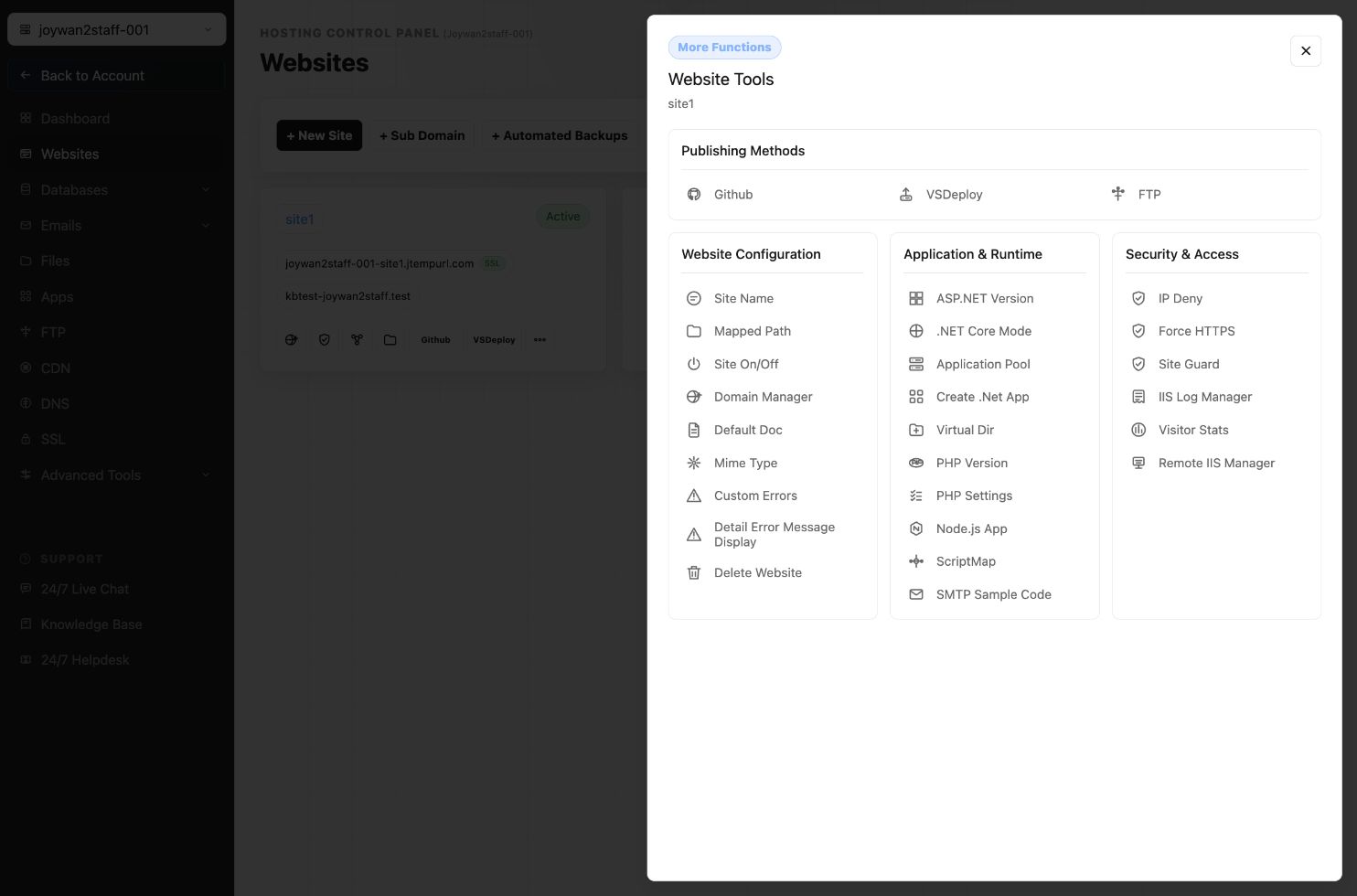
2. Go to WEBSITES > Manage Website
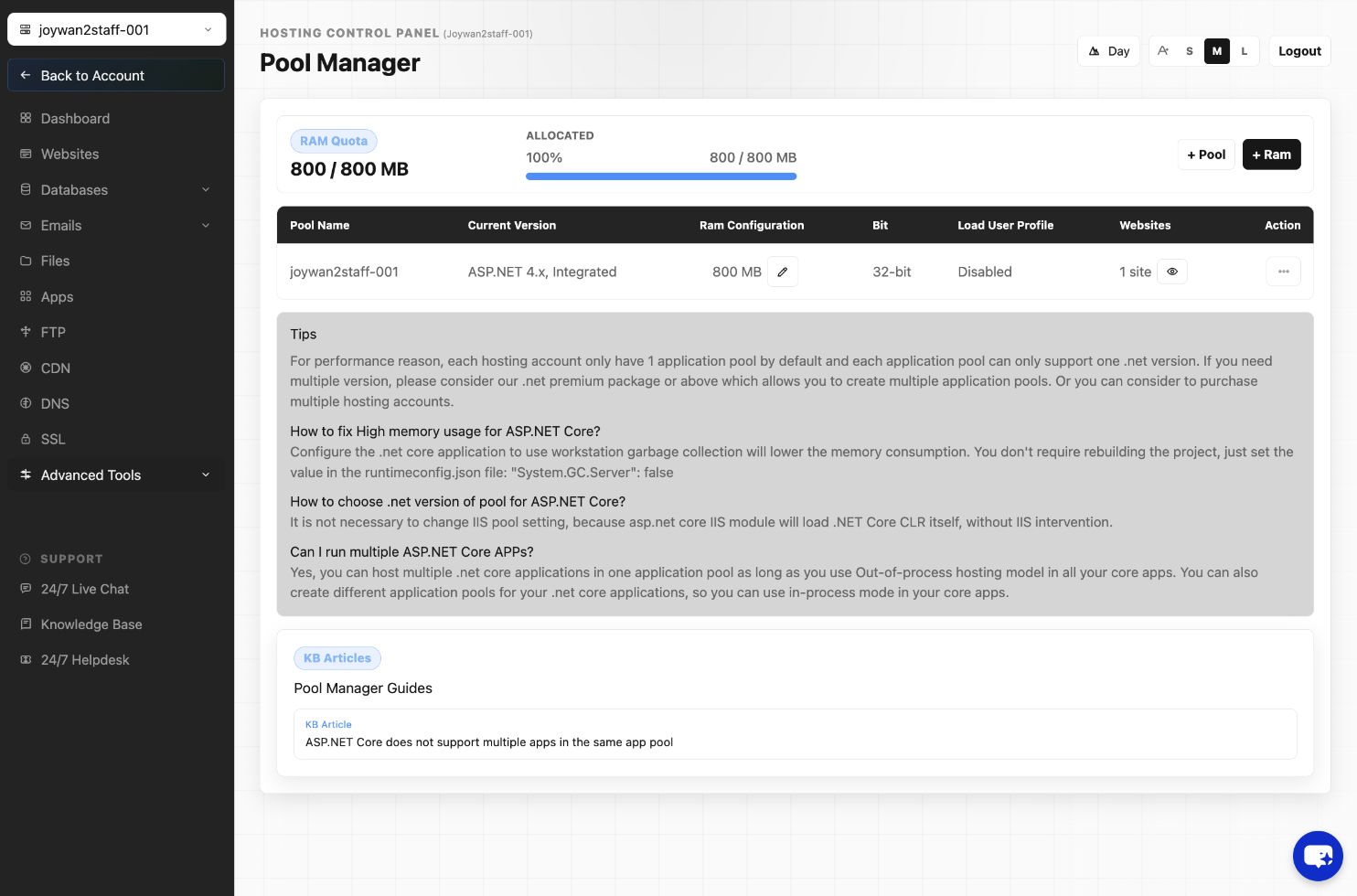
3. Click and select the right website type and the version for your site, refer to the images below:
ASP.NET Version
PHP version
Note: if you still have questions about it, please contact our live chat support for details.
Article ID: 2407, Created: August 2 at 7:30 AM, Modified: August 4 at 2:33 AM