AWStats provides website traffic statistics, including visits, unique visitors, page views, browsers, operating systems, search terms, robots, and broken links.
- Sign in to the Hosting Control Panel and open Websites.
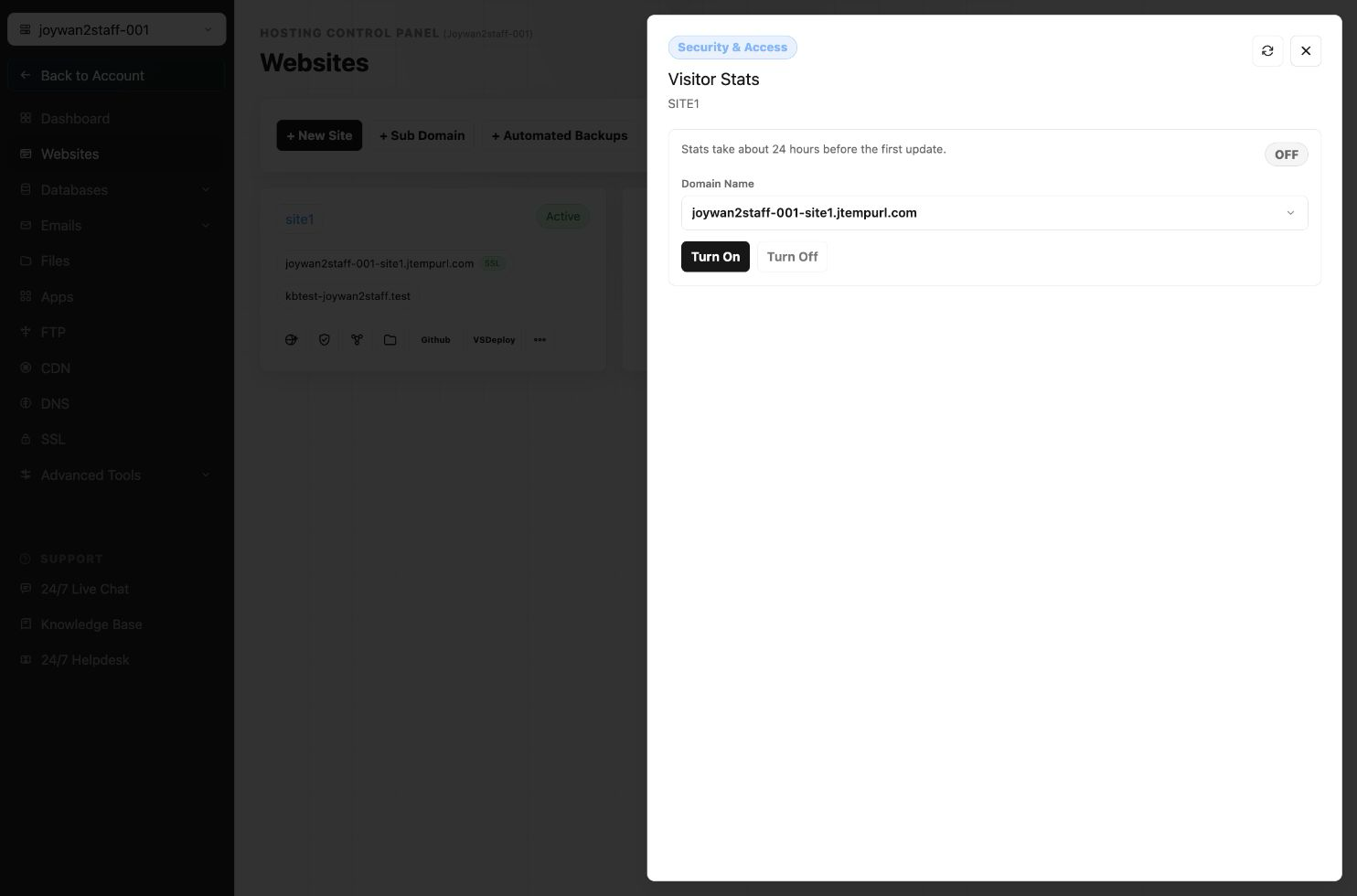
- Locate the website, select More Functions, and open Visitor Stats.
- Enable the service if it is currently disabled.
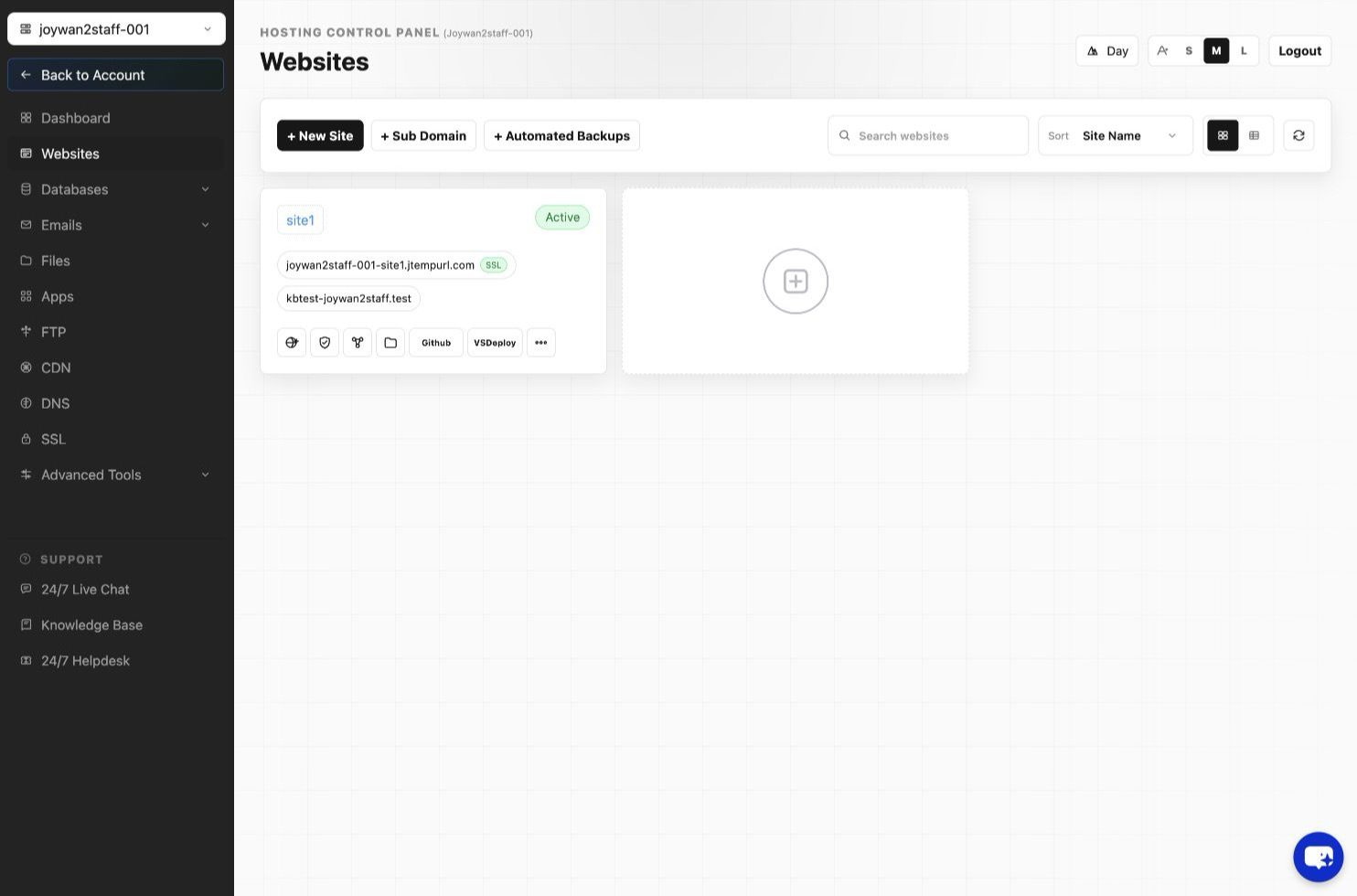
- Select View to open AWStats.
- If prompted, sign in with the Hosting Control Panel username and password.
After signing in, you can review the available traffic reports for the website.
Article ID: 2408, Created: August 2 at 7:30 AM, Modified: August 4 at 2:24 AM