Home
Knowledge Base
How can I edit a file in File Manager?
Control Panel V10 > Hosting Control Panel
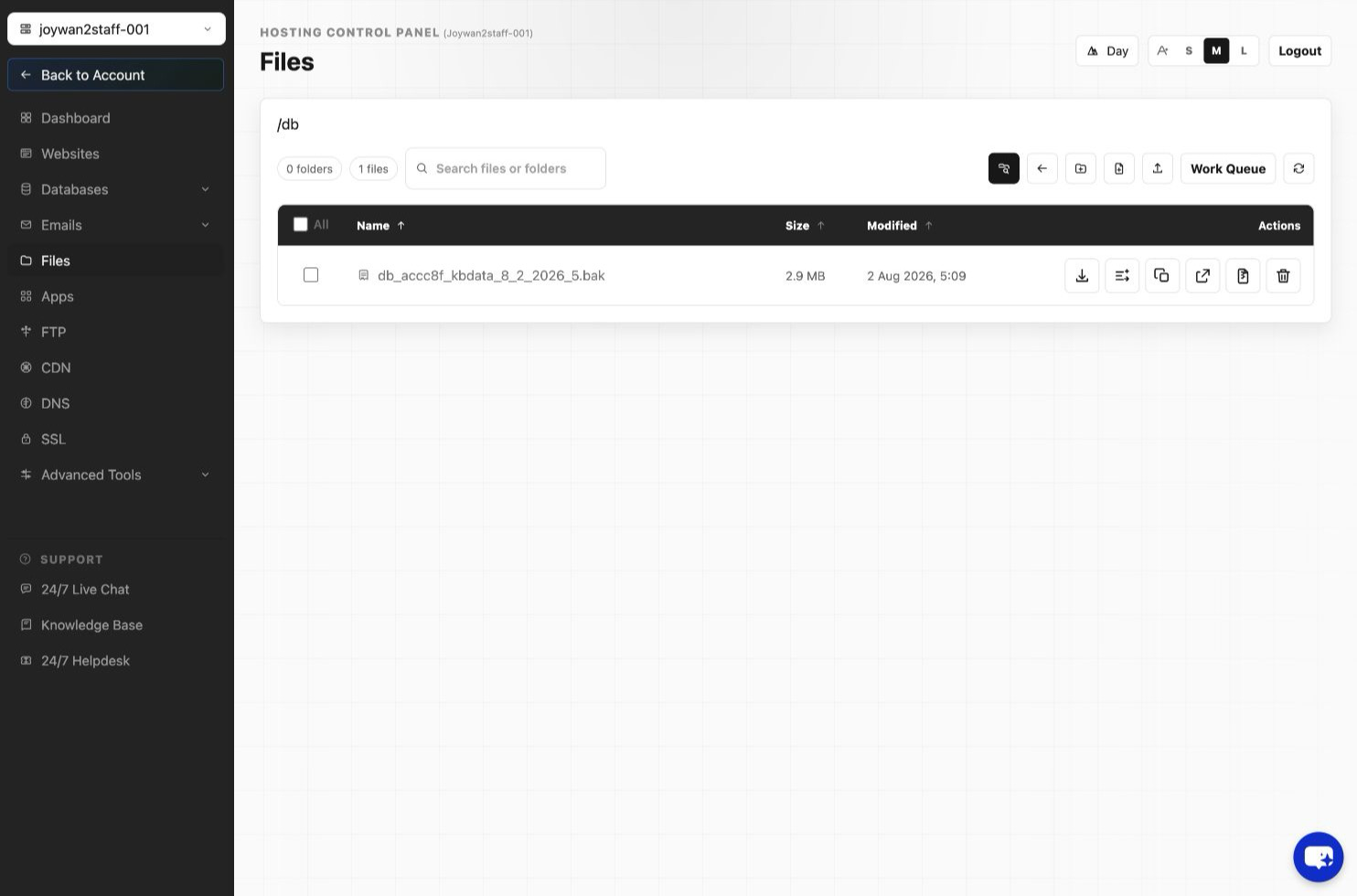
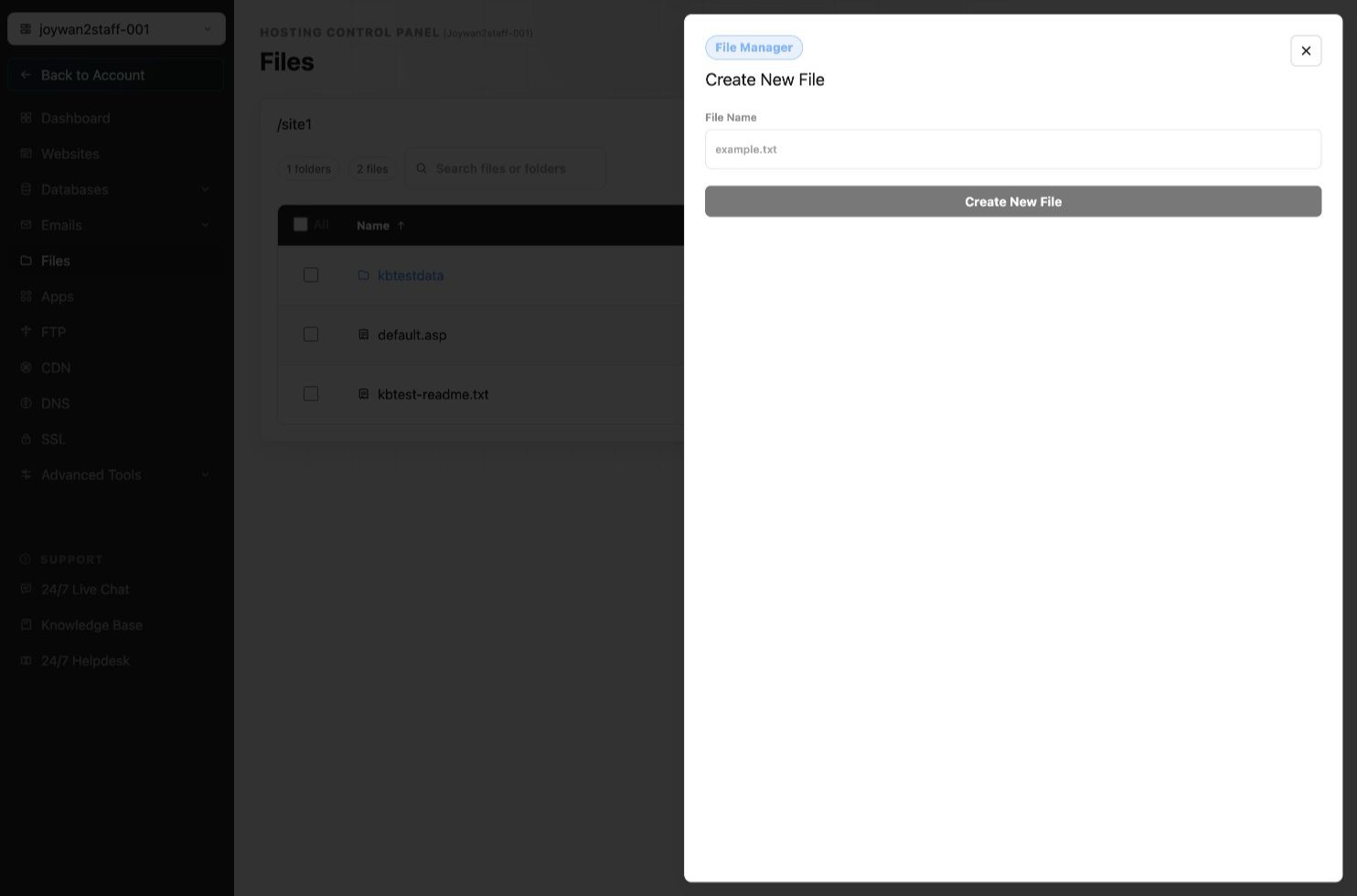
Sign in to your Hosting Control Panel > Files > choose the file to edit > click "Edit" at top.
Share this article
Facebook
Google+
Twitter
Other Social Networks
×
Share With Others
BlinkList
Blogmarks
del.icio.us
Digg
Diigo
Facebook
FriendFeed
Google+
LinkedIn
Netvouz
NewsVine
Reddit
StumbleUpon
Tumblr
Twitter
Yahoo Bookmarks
Print
×
forgotPassLbl
×
Please log in below
Username
Password
Remember Me
×
Not Logged In
You must be logged in to perform this action.