Use this procedure to change the password for a specific Hosting Control Panel user without changing the Account Panel password.
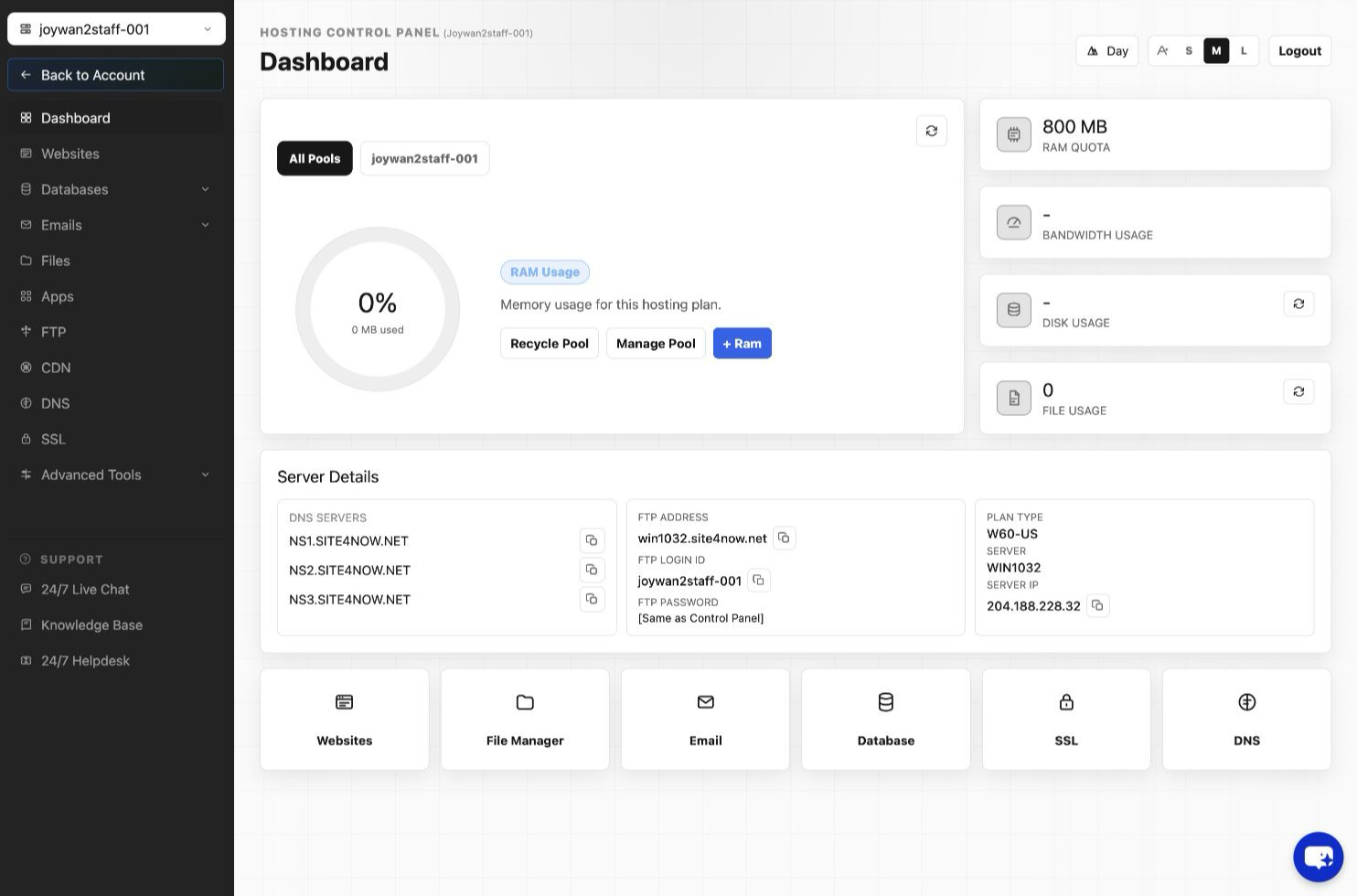
- Sign in to the Hosting Control Panel.
- Open the control-panel user or security settings.
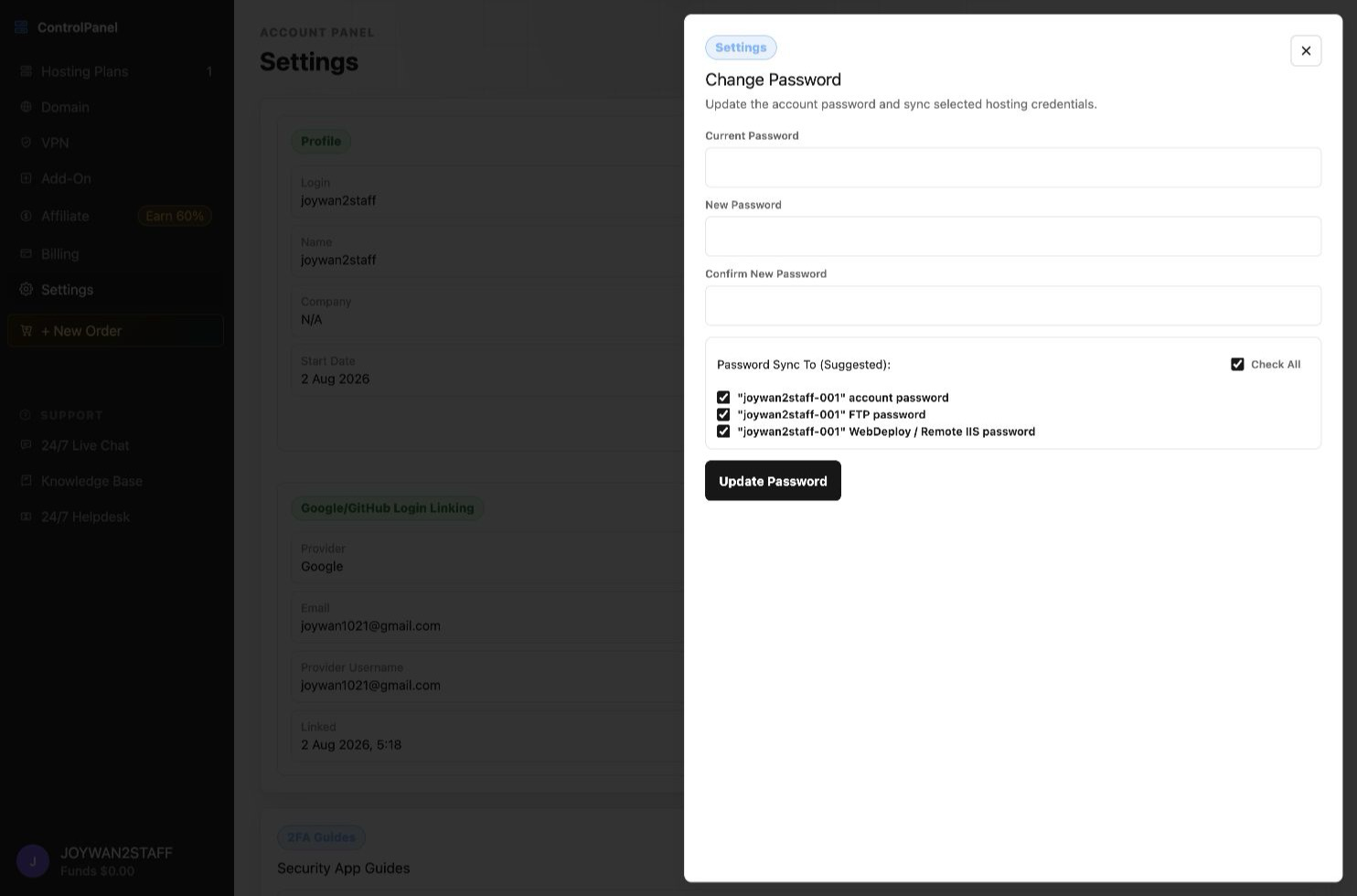
- Locate the user and select its password-update action.
- Enter and confirm the new password, then submit the change.
FTP and Web Deploy may use the primary Hosting Control Panel password. Update saved credentials in deployment tools after changing it.
Article ID: 2411, Created: August 2 at 7:30 AM, Modified: August 4 at 2:26 AM