To run an ASP.NET application in a subfolder of your site, you must first configure the subfolder as an ASP.NET application. Follow these steps:
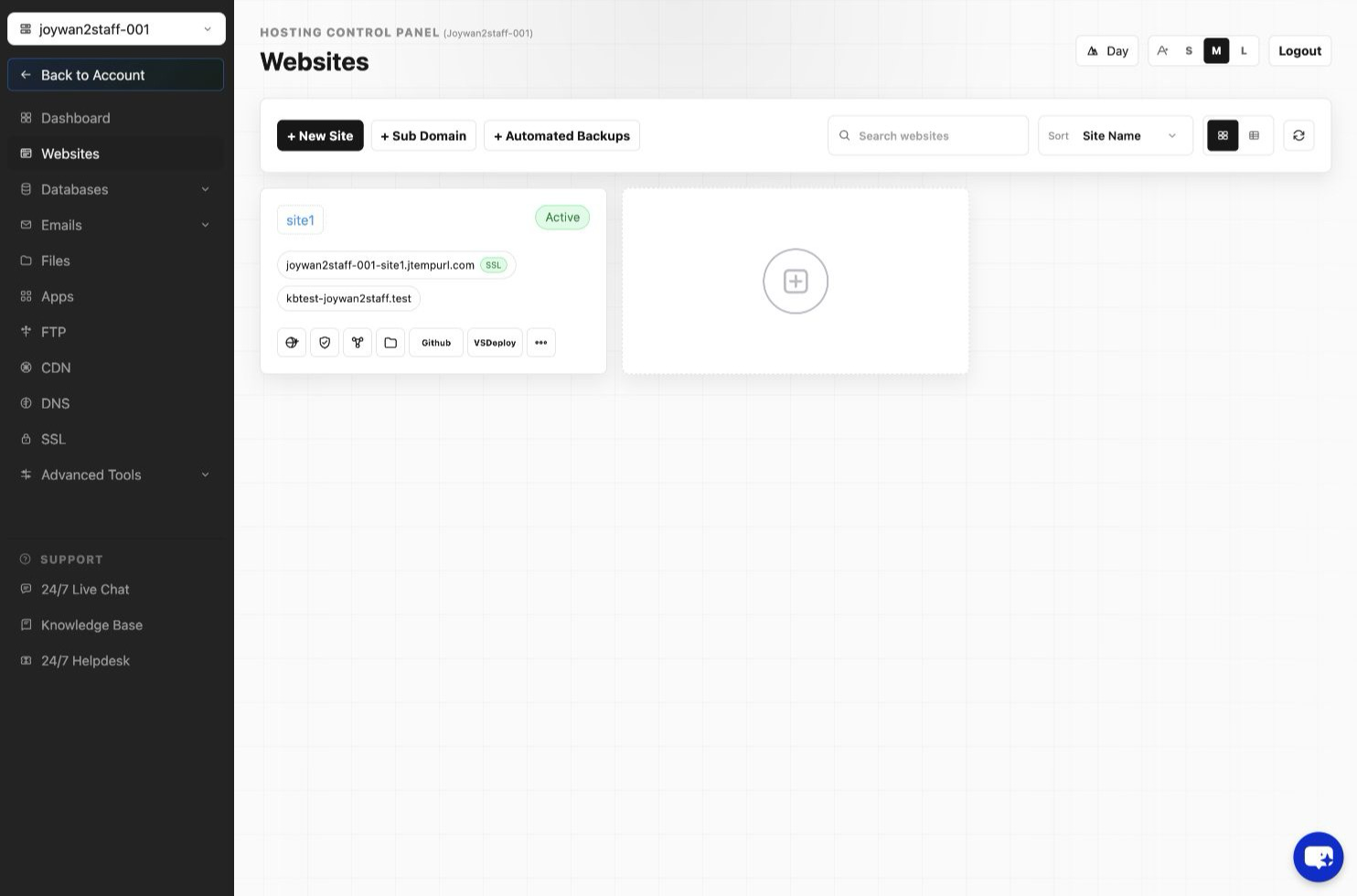
- Sign in to your Hosting Control Panel.
- Open Websites, select the appropriate site, and then select Manage Website > Create .NET App.
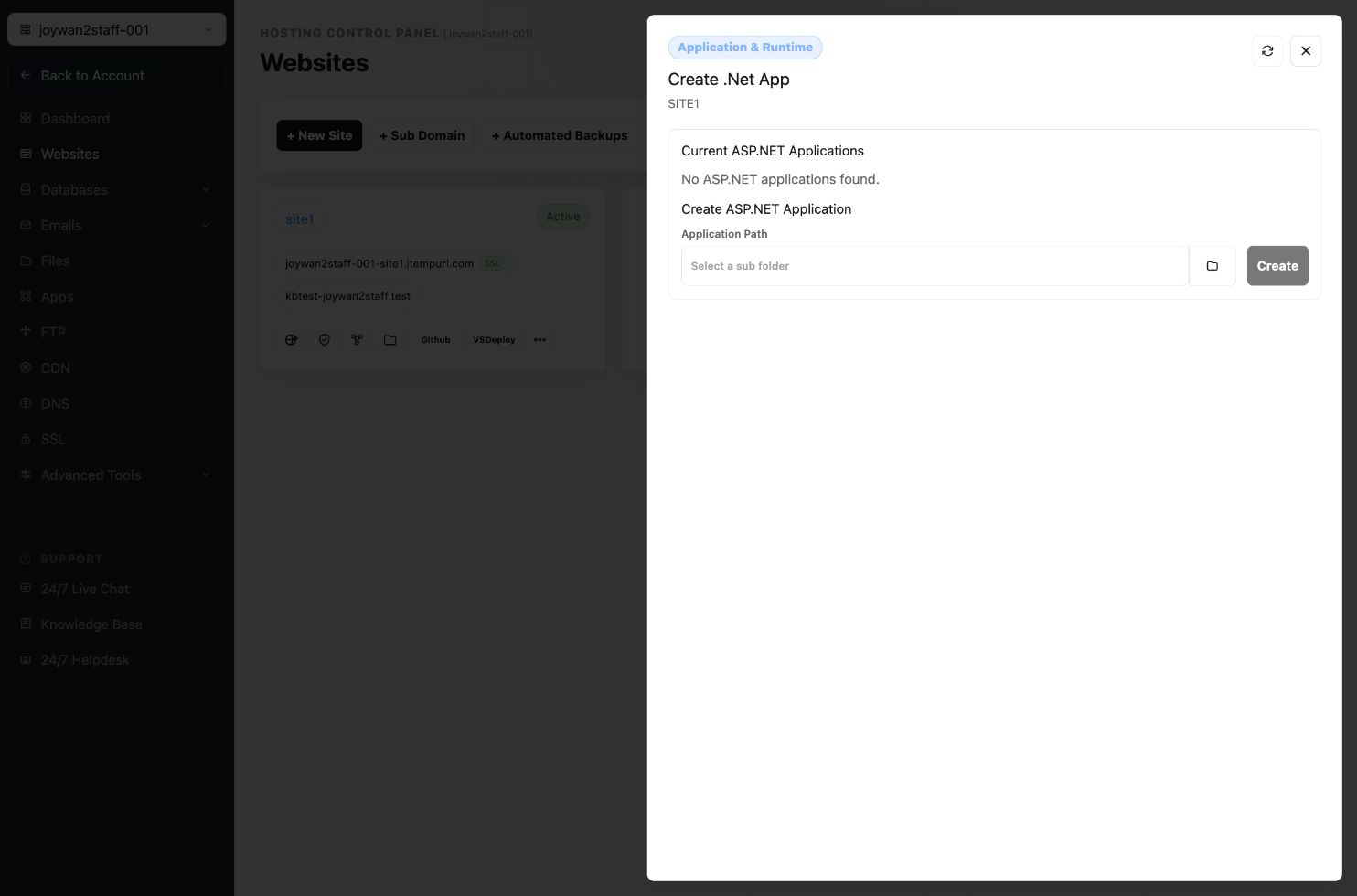
- Select the folder that you want to configure as an application, and then select Create.
Article ID: 2412, Created: August 2 at 7:30 AM, Modified: August 4 at 2:26 AM