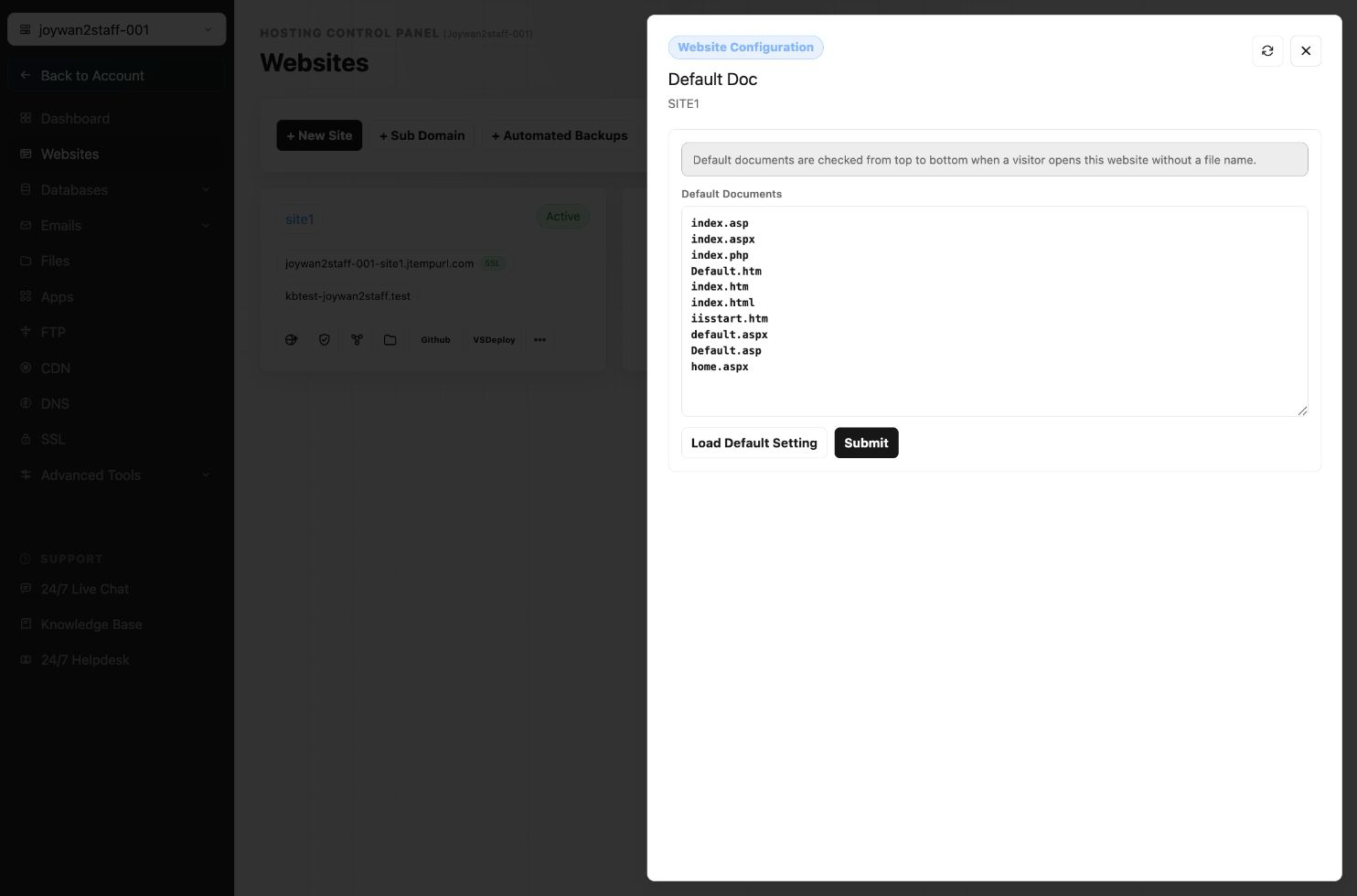
If the website uses a default document that is not already listed, add its filename to the website's default-document settings.
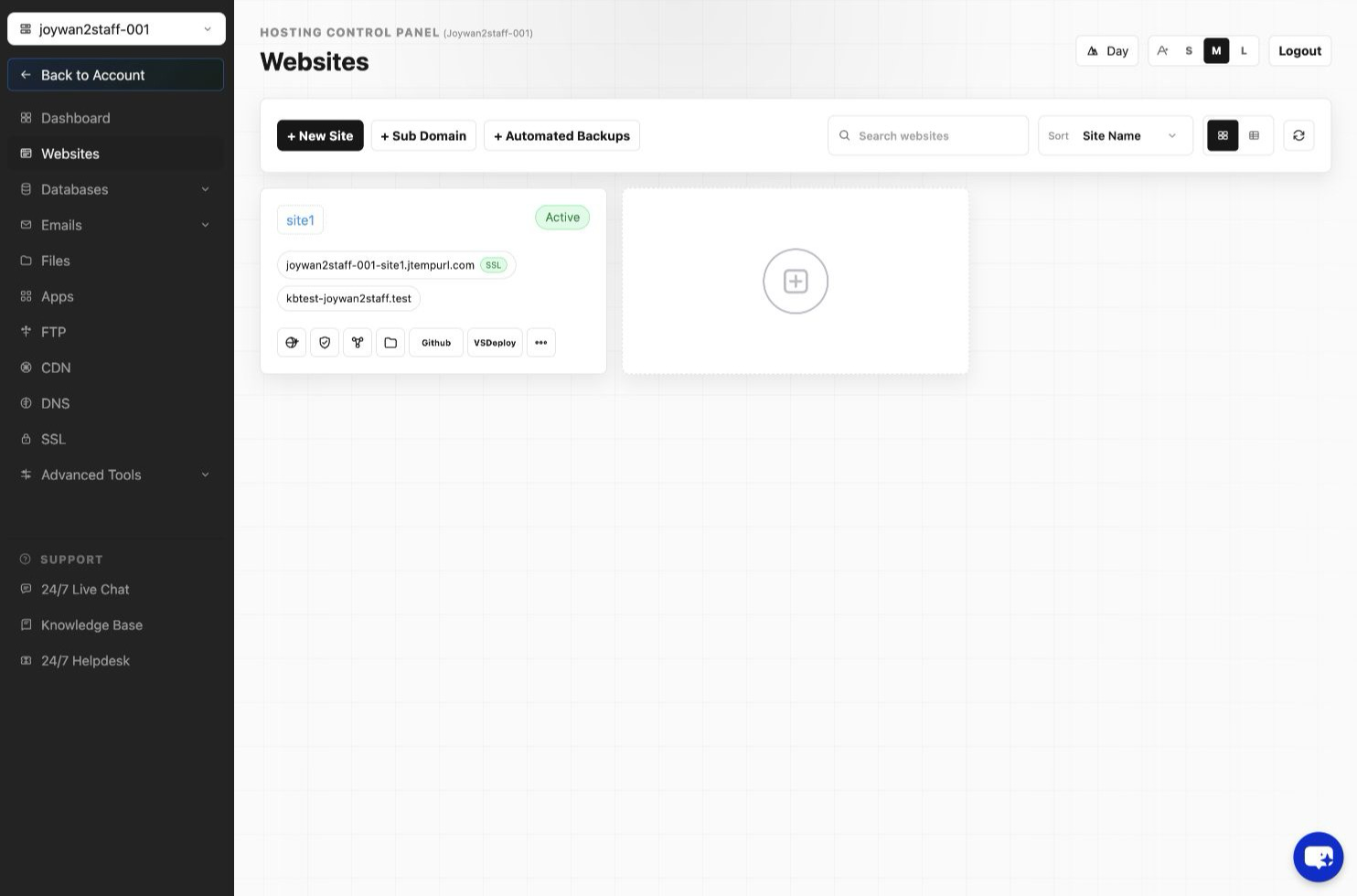
- Sign in to the Hosting Control Panel and open Websites.
- Locate the website, select More Functions, and open Default Documents.
- Add the default-document filename, arrange it in the required priority order, and save the change.
Article ID: 2416, Created: August 2 at 7:30 AM, Modified: August 4 at 2:26 AM