In a simple term, Site Guard helps prevent hackers from hacking your website (s)
Site Guard can stop buffer overflow, SQL injection, directory traversal, character encoding and other attacks. This way we can protect your sites against all known and unknown attacks.
It's different from a regular Firewall
Firewall is included in all of our hosting packages for free. However, firewall only protects our servers and network layers. individual websites are still vulnerable due to poor programming practice or lack of security knowledge. 95% of web applications out there have flaws that can allow attackers to compromise a website easily. That's why it's important to use our Site Guard service.
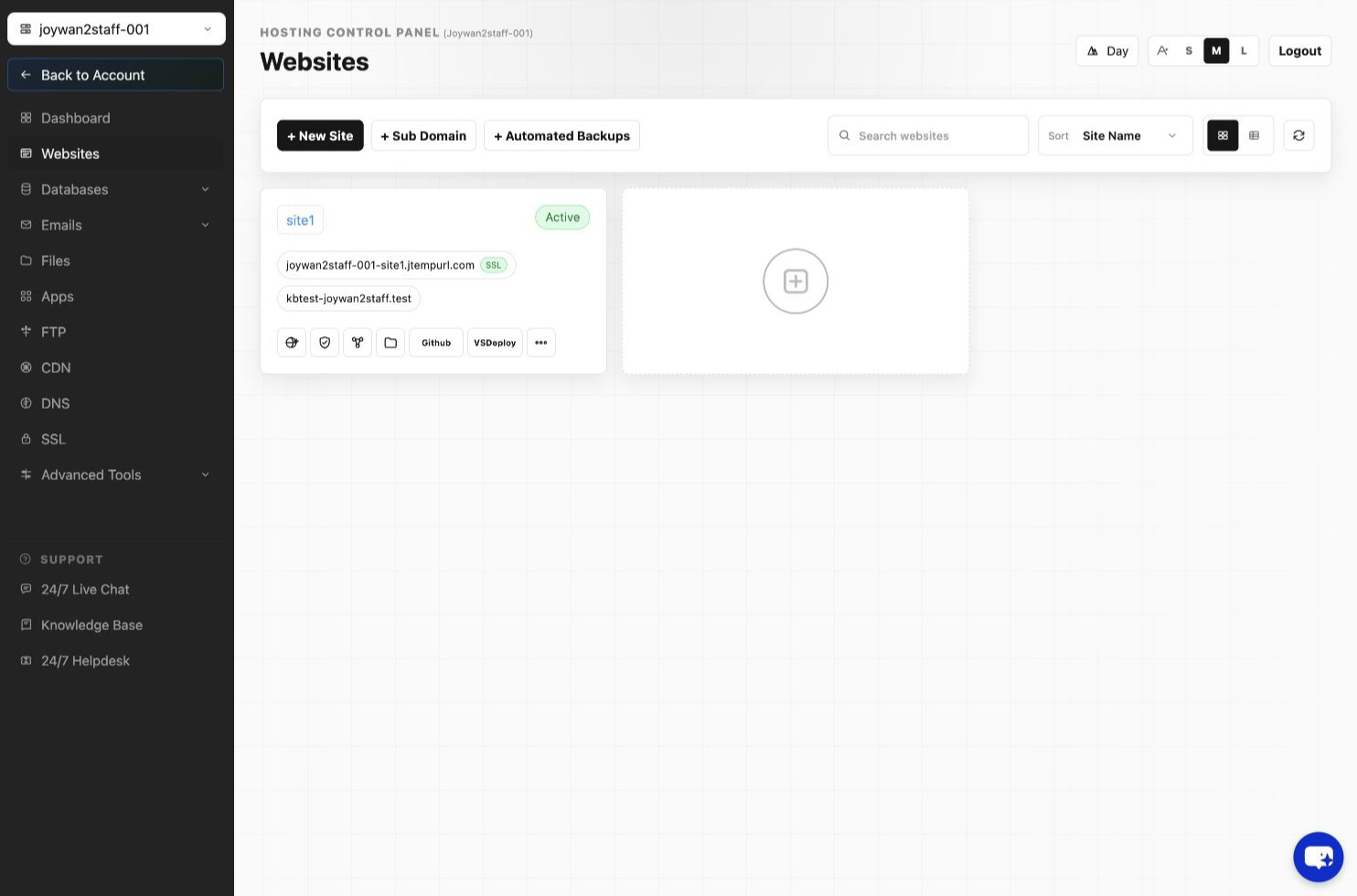
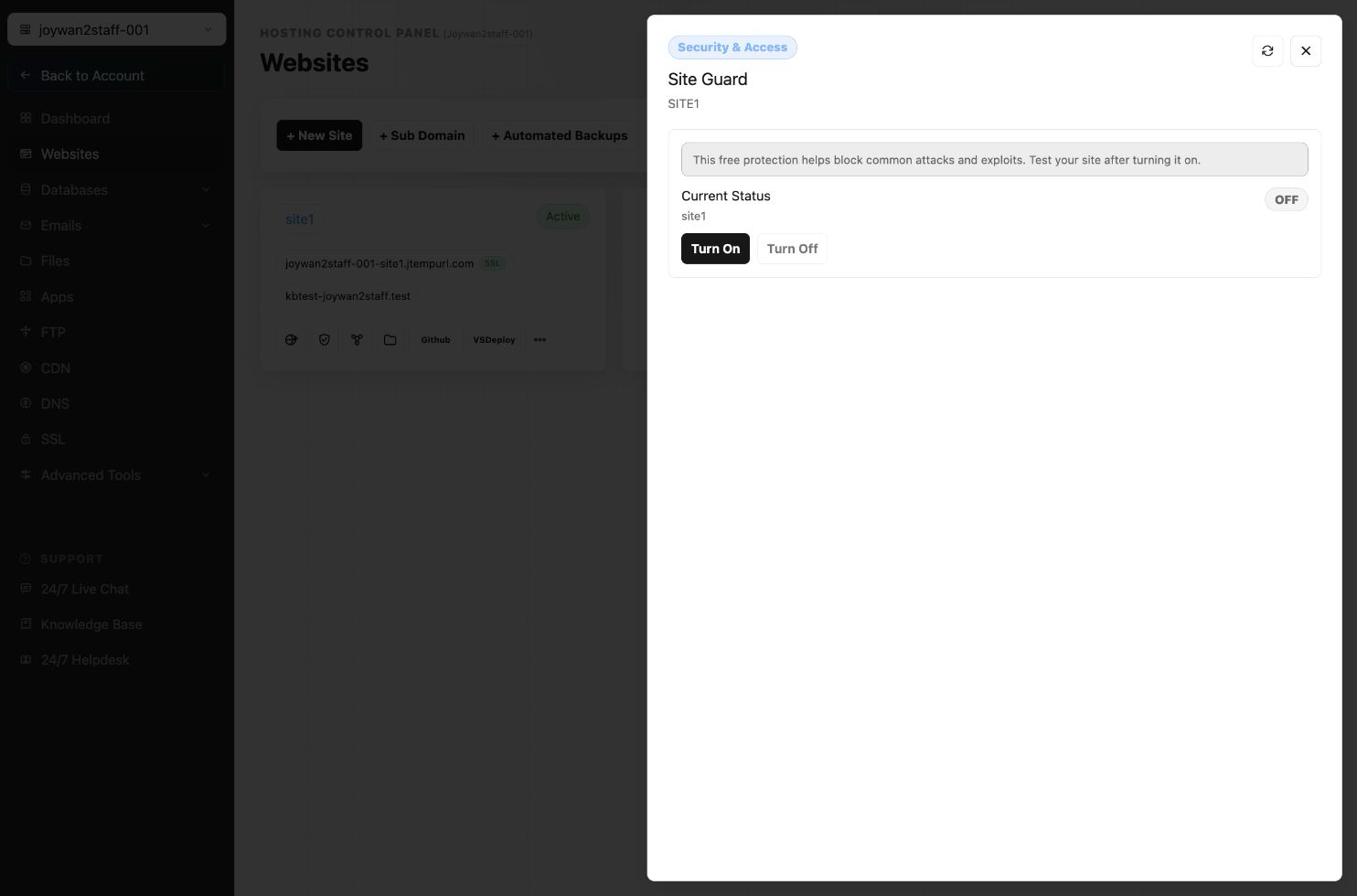
To turn on site guard, please sign in to your hosting > WEBSITES > Manage Website > Site Guard, you can turn it on from the page.
Article ID: 2418, Created: August 2 at 7:30 AM, Modified: August 4 at 2:26 AM