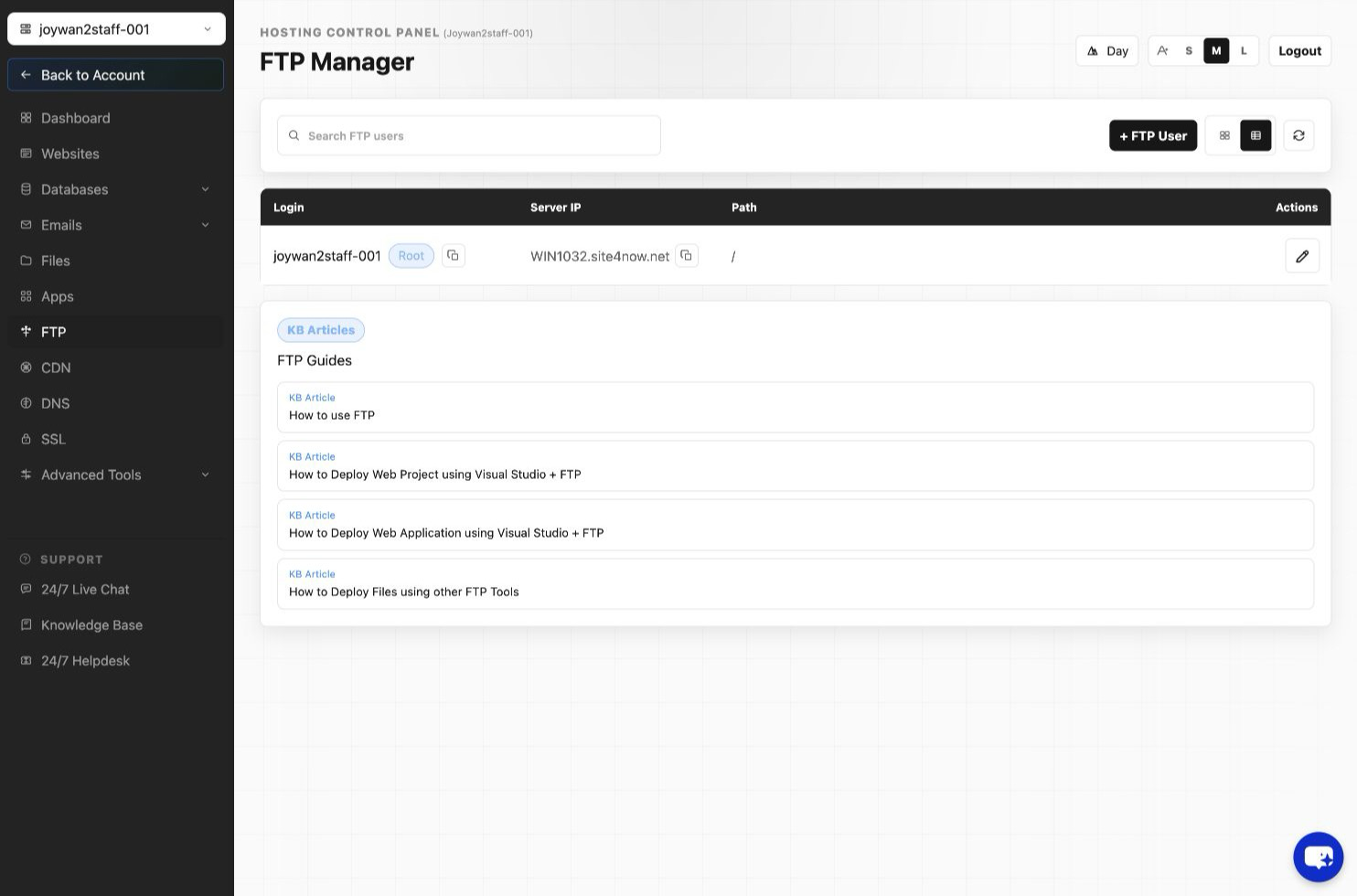
- Open FTP in the Hosting Control Panel.
- Open the additional FTP-user list for the website.
- Locate the user and select its edit action.
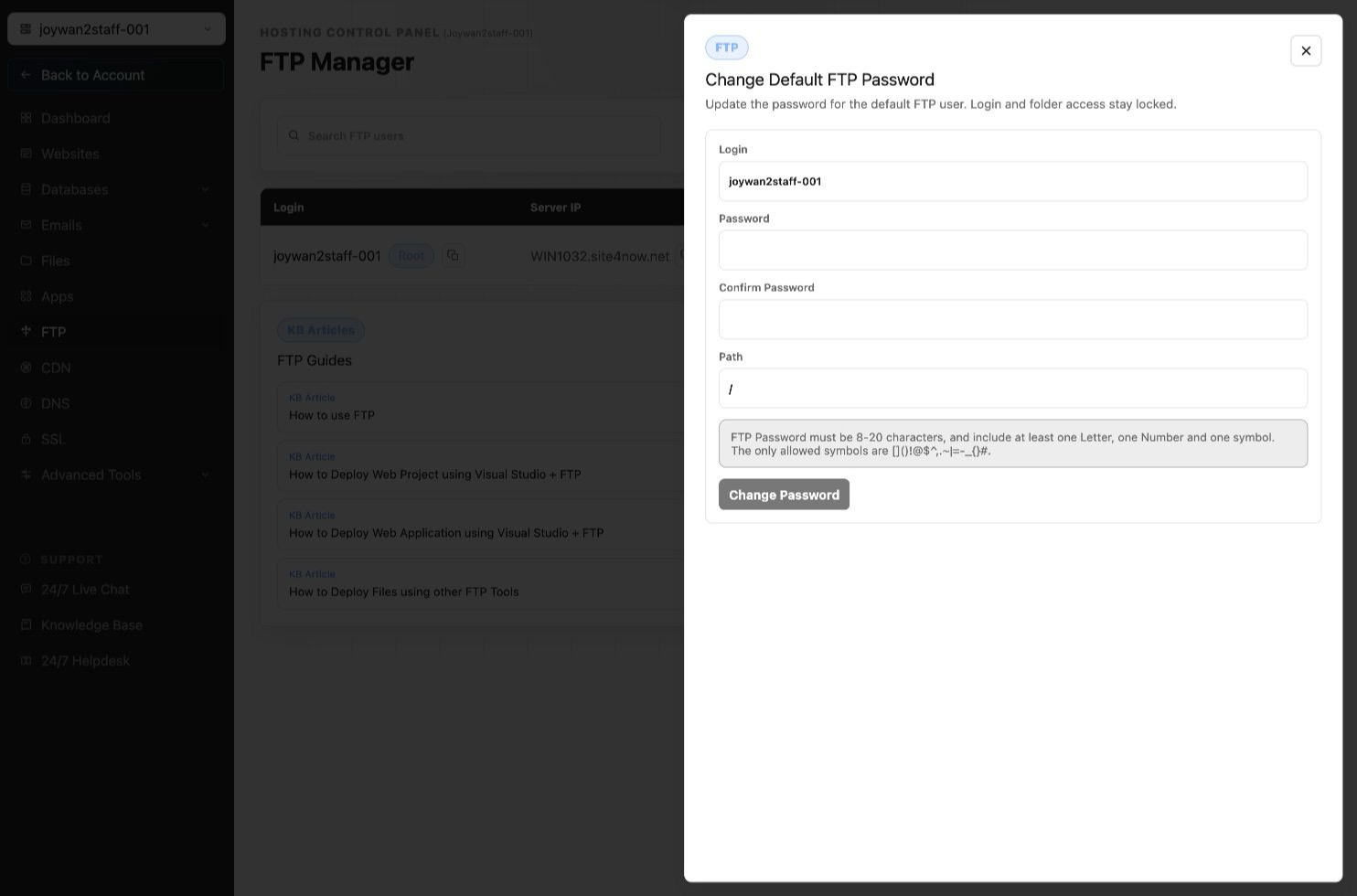
- Enter and confirm the new password, then save the change.
Update the saved password in the user's FTP client before reconnecting.
Article ID: 2419, Created: August 2 at 7:30 AM, Modified: August 4 at 2:26 AM