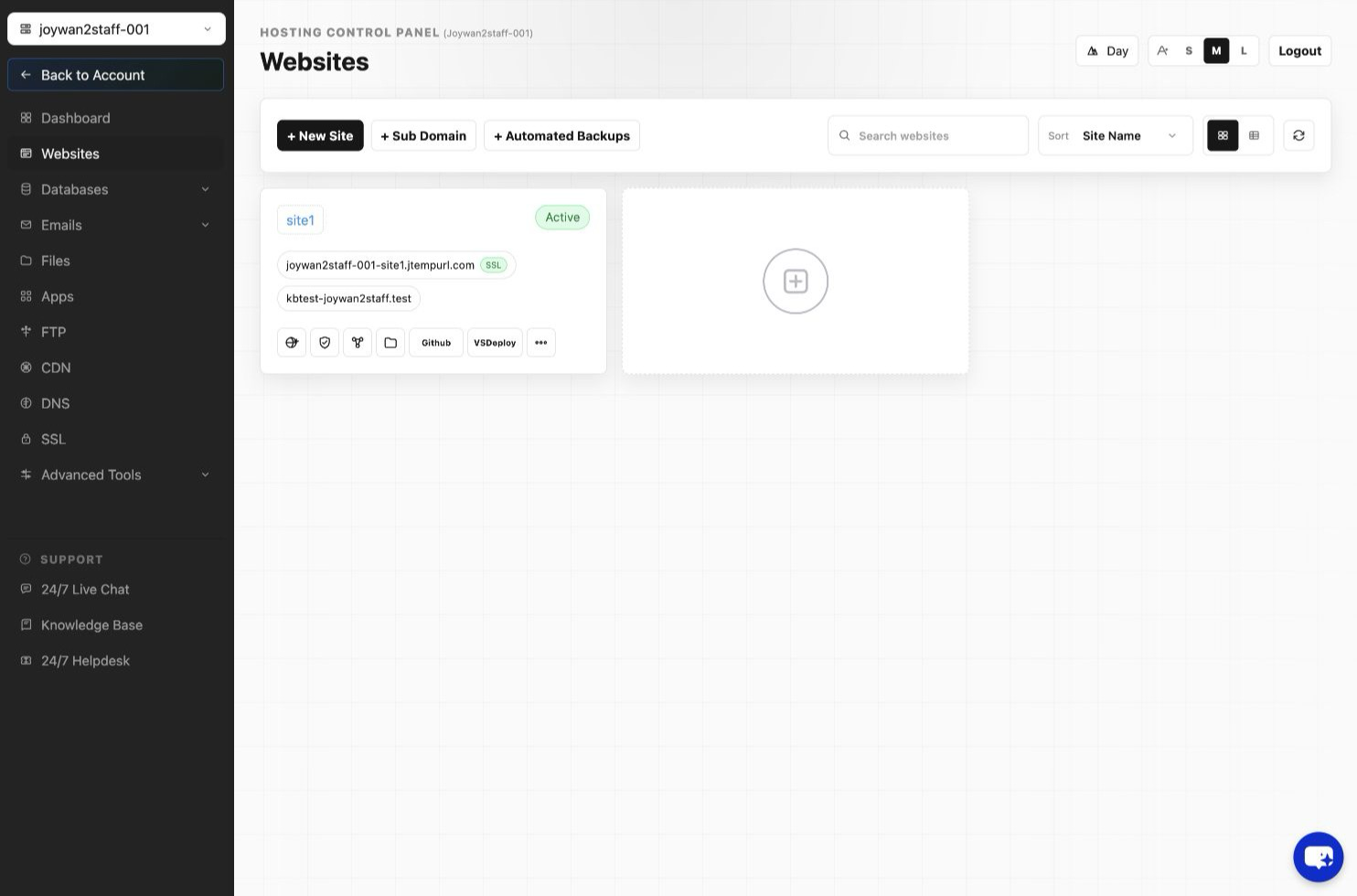
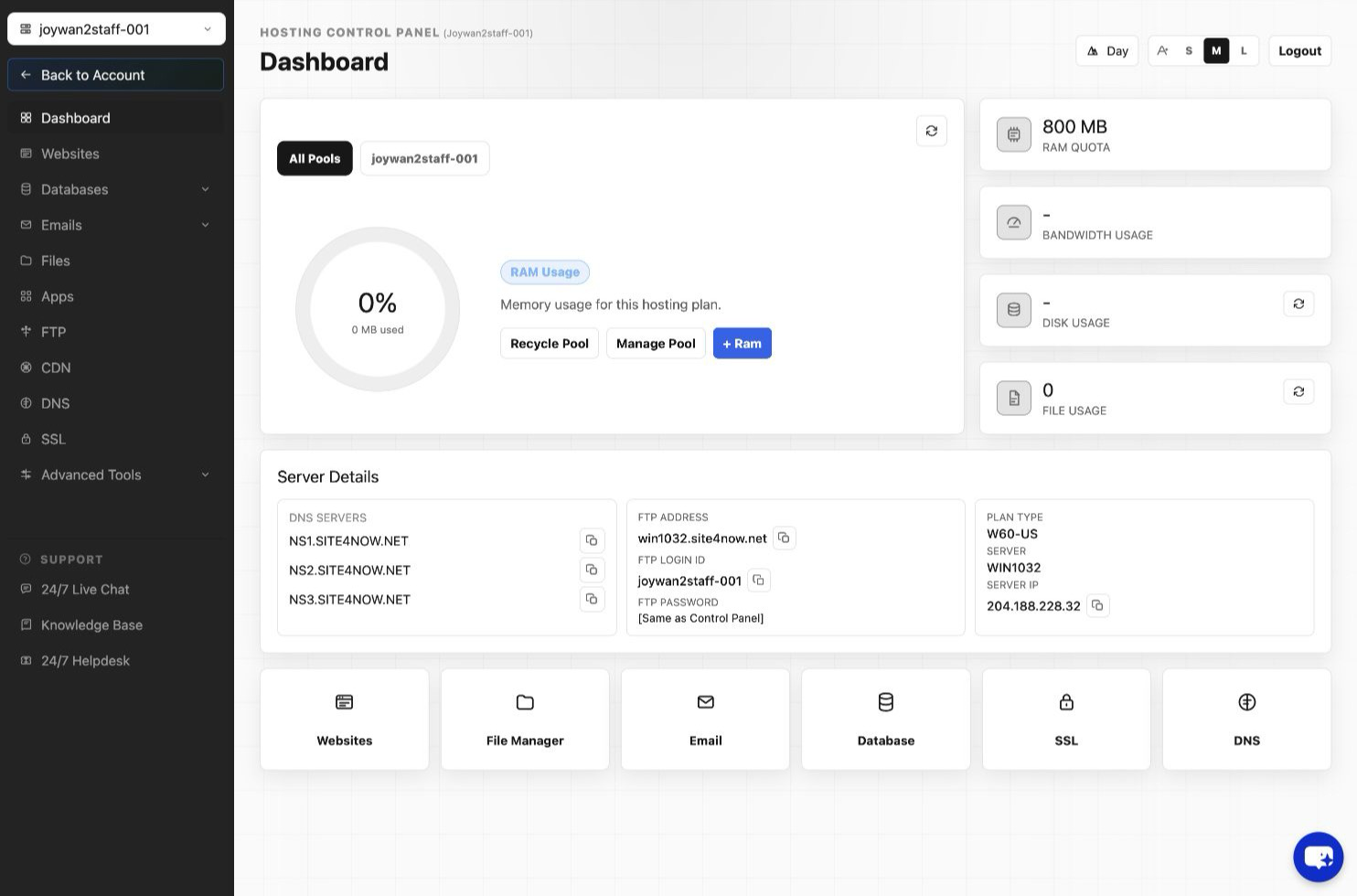
To check your hosting account usage, you can sign in to the Hosting Control Panel > WEBSITES > Left Menu:
Also you can recalculate your File Count usage by clicking the sync icon as screenshot below:
Article ID: 2420, Created: August 2 at 7:30 AM, Modified: August 4 at 2:27 AM