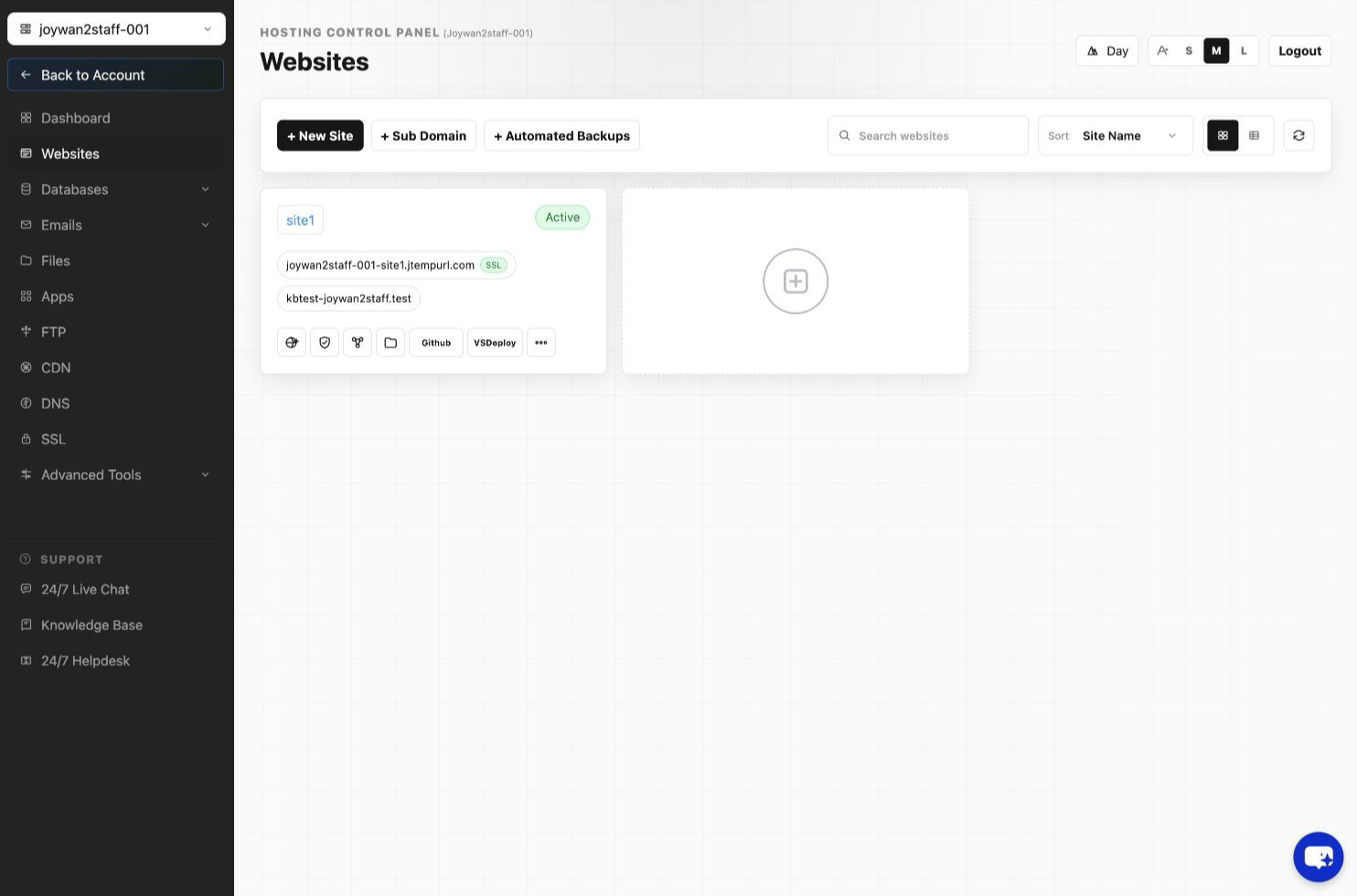
Please sign in to your Control Panel > WEBSITES, Click "+ Add Domain Name" icon and then enter your domain name there.
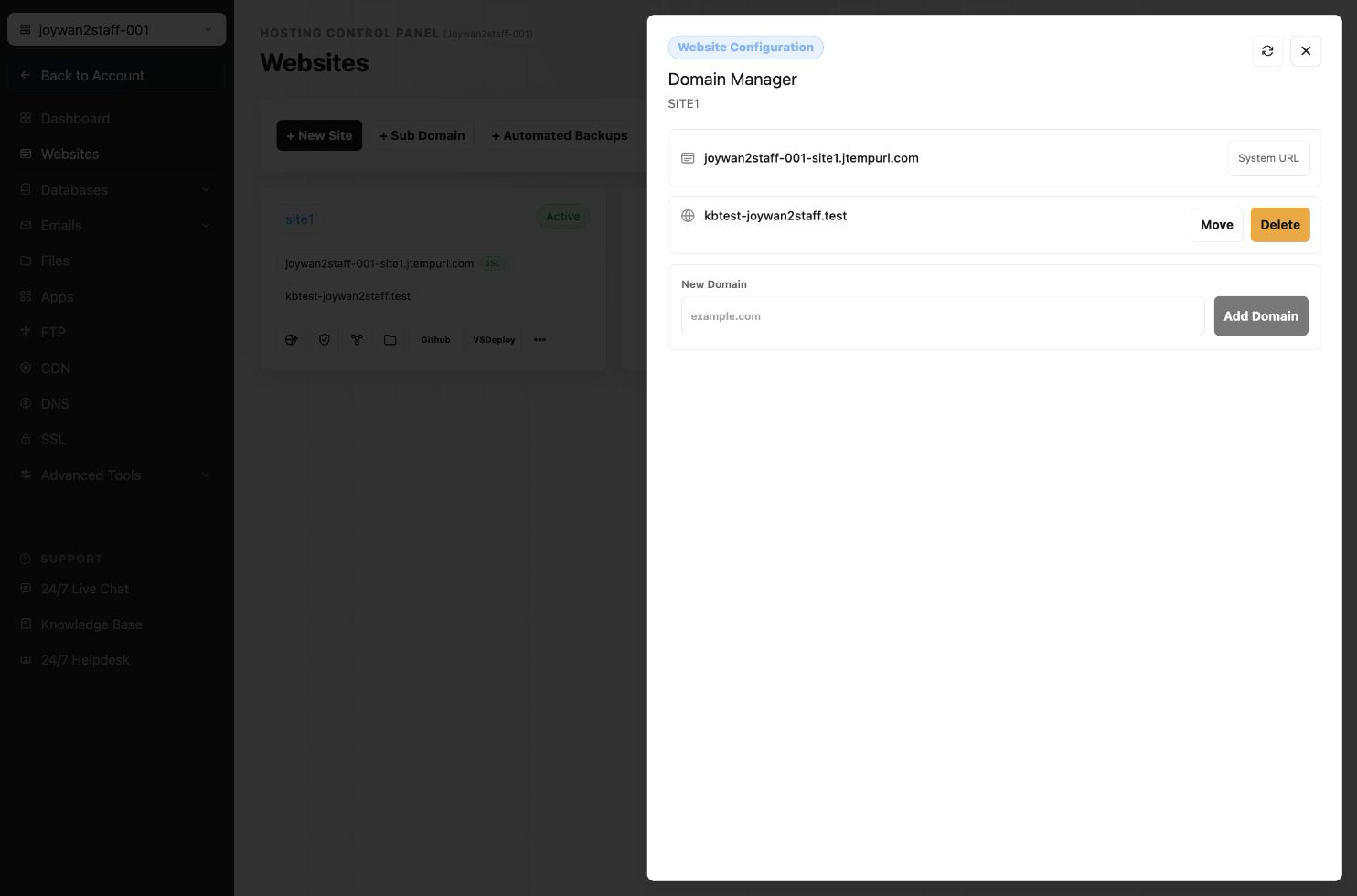
After you add your domain here, you still need to point your domain's IP to our server.
We recommend you change your domain's DNS name server to us. Our DNS name servers are:
After you change the DNS name servers, your domain will automatically point to our server IP after the DNS propagation.
If you don't want to use our DNS name servers, you can find your server IP by clicking 'DNS' in the top menu of the Hosting Control Panel. Then go to your DNS name server to point your domain's A record to the server IP.
Article ID: 2423, Created: August 2 at 7:30 AM, Modified: August 4 at 2:27 AM