- If your top domain is already pointed to your current hosting account, and you would like to point a sub-domain to a sub-directory of the top domain's root folder, you can follow these steps below to add it.
a. You can sign in to your Hosting Control Panel > WEBSITES > My Websites > Click + Sub Domain
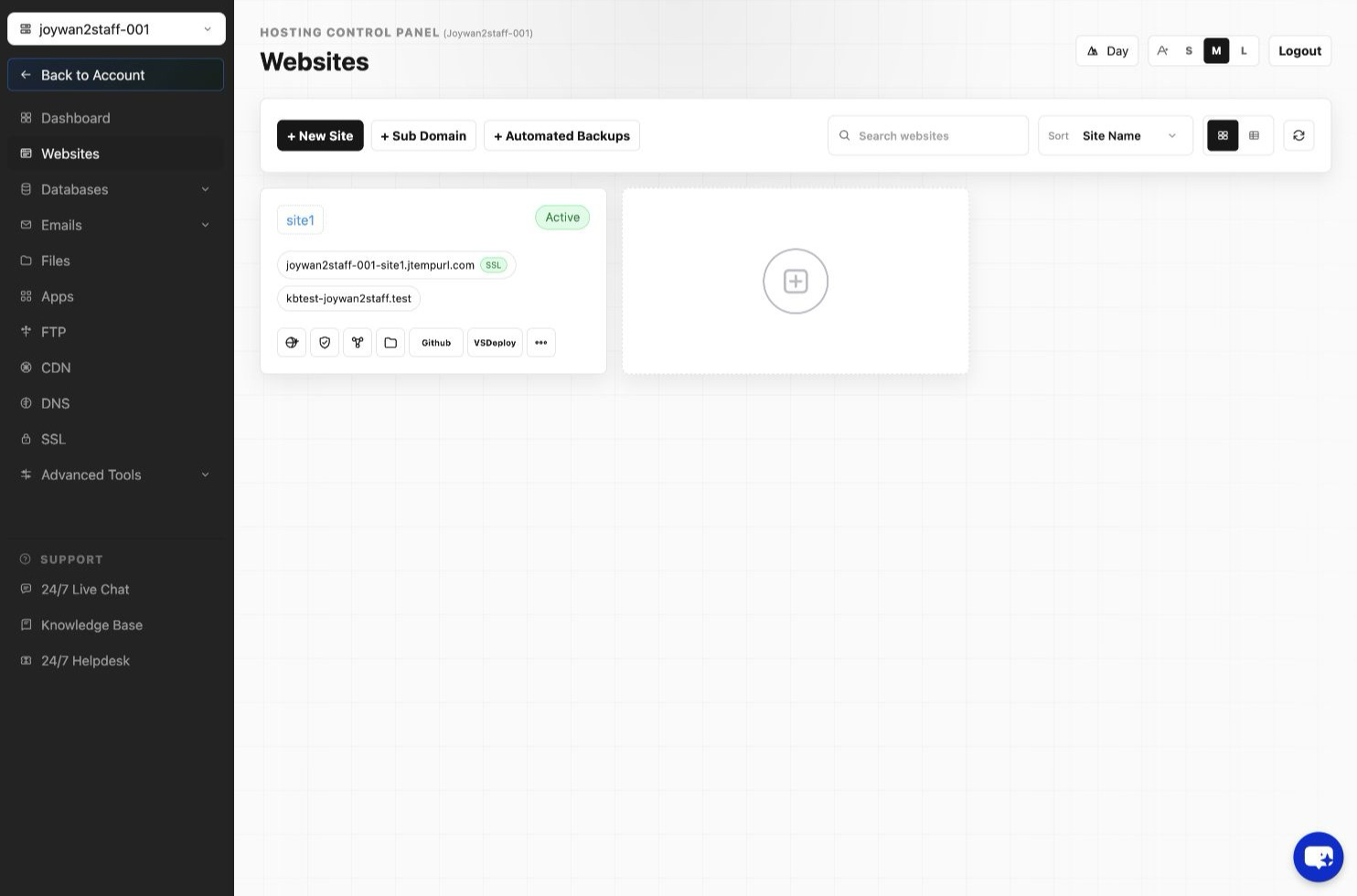
b. Enter the sub-domain prefix and select the top domain, and then point it to the sub-folder path, then click 'Create'
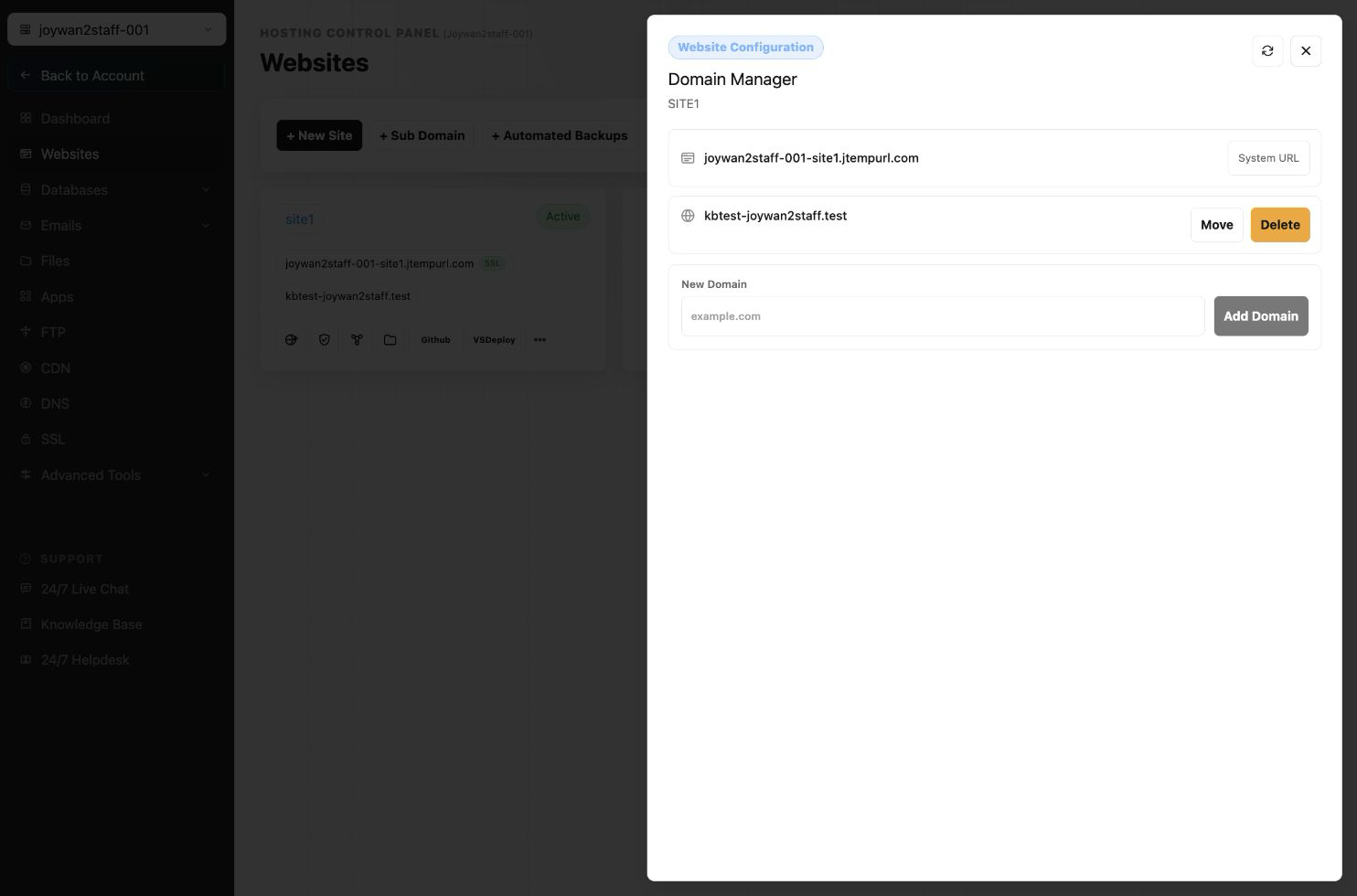
c. Point this sub-domain's A record to the same IP of your top domain.
- If the top domain is not pointing to your current hosting account or you would like to point this sub-domain to a separate root folder which is different from the top domain in this hosting account. You can follow these steps below to add it.
a. You can sign in to your Hosting Control Panel > My Websites > + New site
b. enter your sub-domain to the site like a top domain, then select 'Map New Domain'
c. Point the sub-domain's A record to the IP in 'DNS Manager' in your domain registration account.
Article ID: 2424, Created: August 2 at 7:30 AM, Modified: August 4 at 2:27 AM