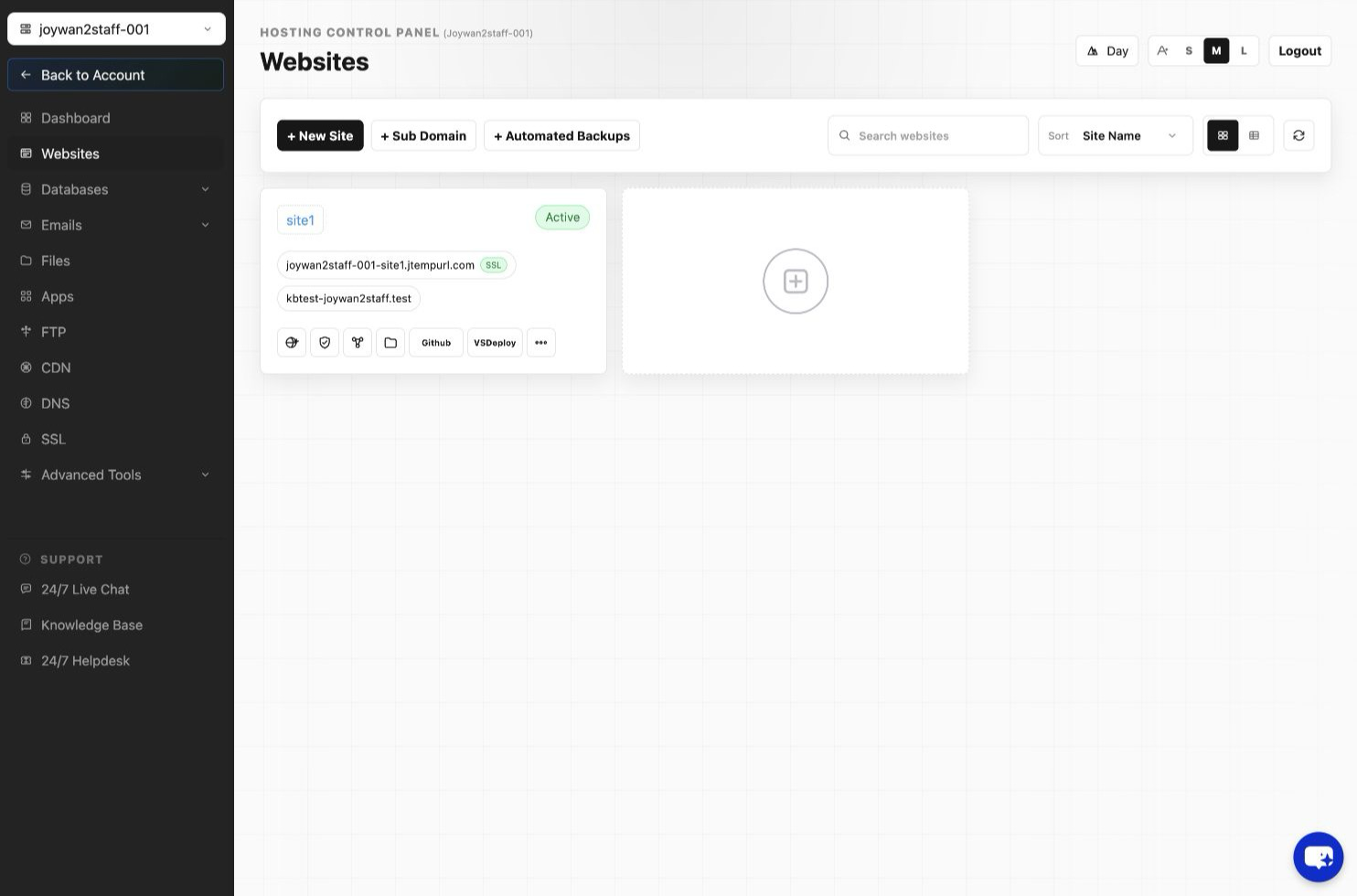
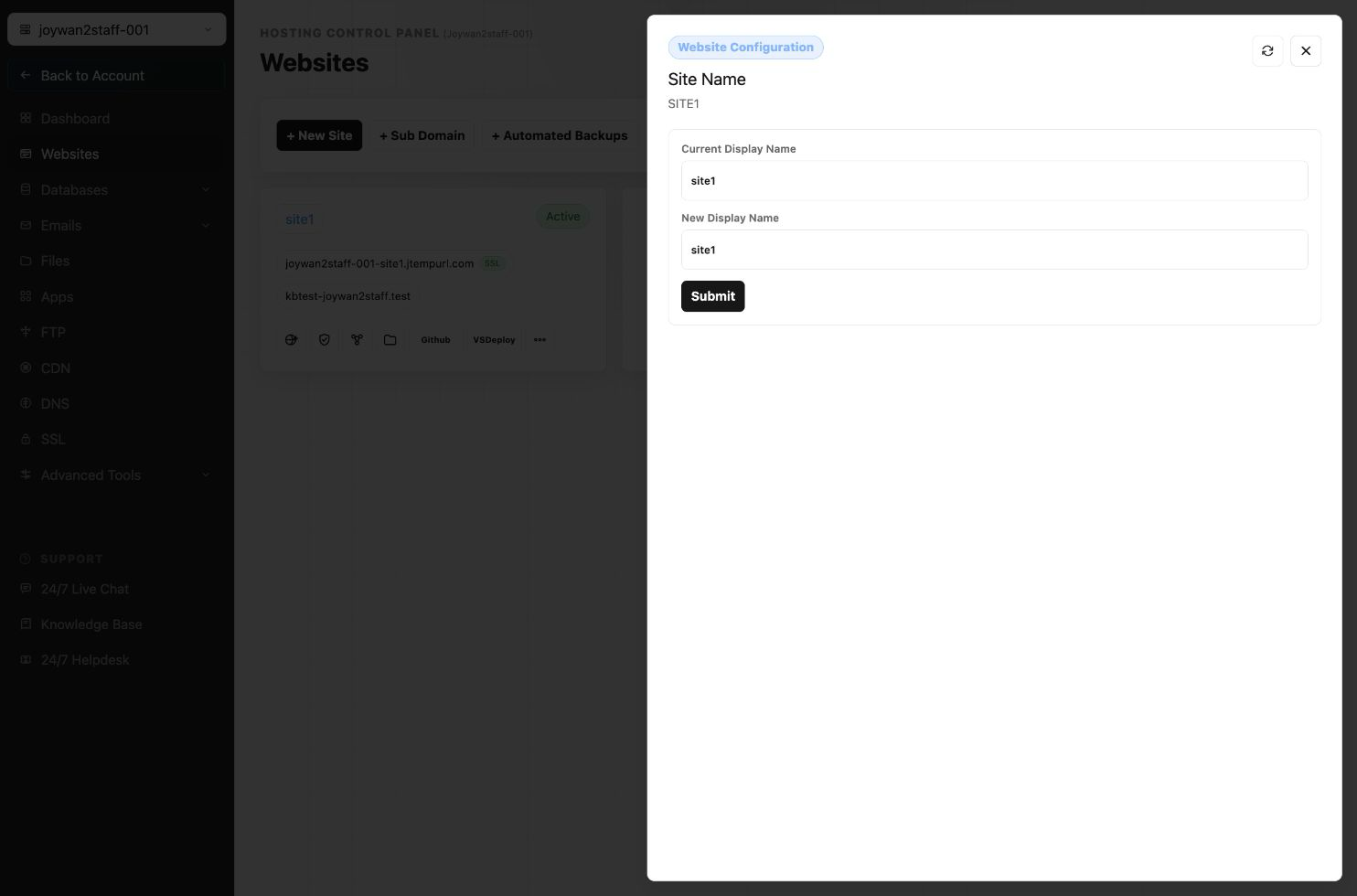
If you want to rename your root folder from the default "Site1" to a different name, you can do that by going to your Hosting Control Panel > WEBSITES > My Websites > Manage Website > Edit Site Name
Article ID: 2426, Created: August 2 at 7:30 AM, Modified: August 4 at 2:28 AM