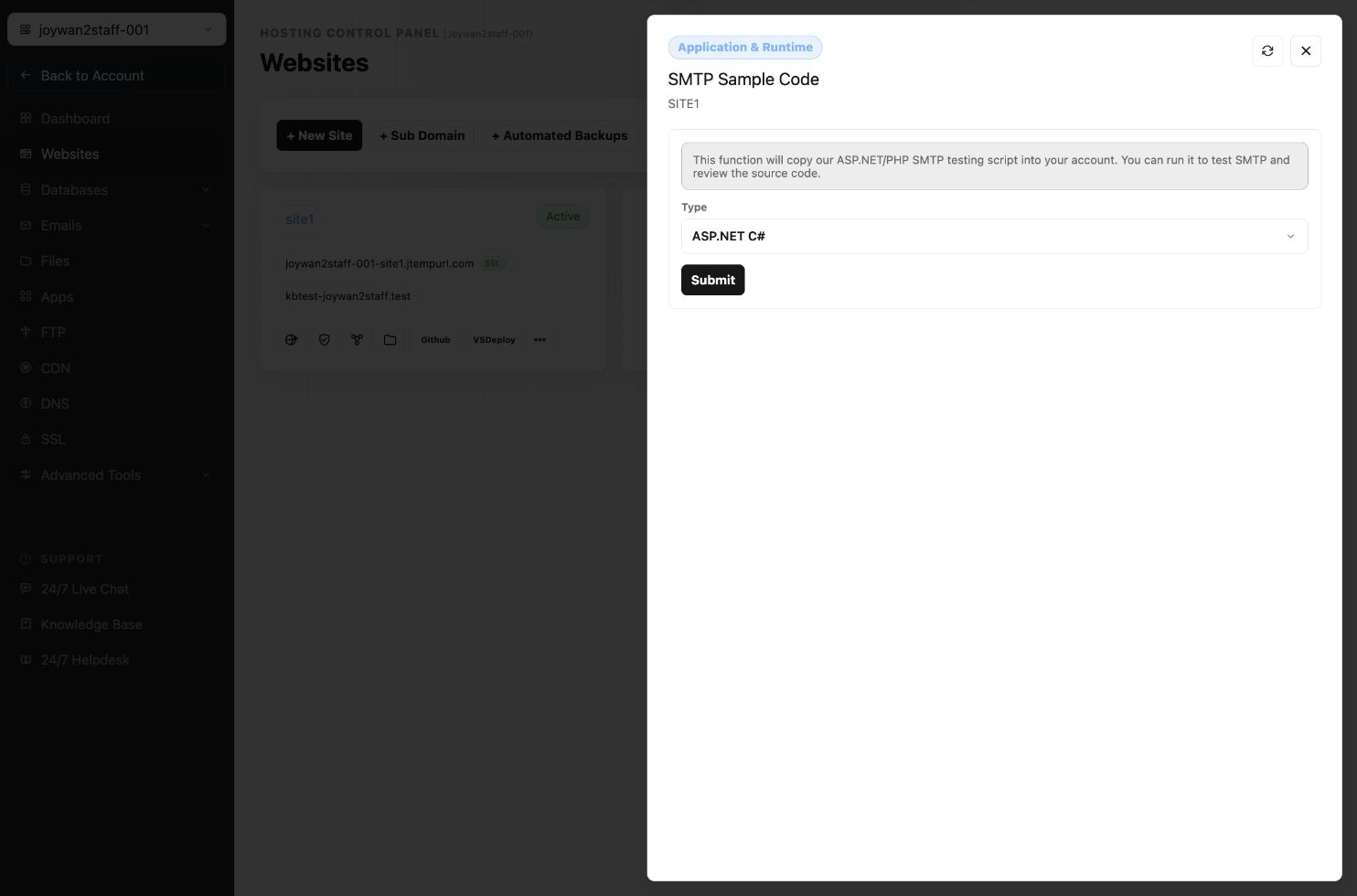
To get the Sample codes, please simply sign in to your Hosting Control Panel, go to WEBSITES > Manage Website > SMTP Scripts.
You can select script type, and select the target site you'd like to copy this script to.
After that it'll be copied to your site root folder and provide you a link to test the SMTP service:
Article ID: 2430, Created: August 2 at 7:30 AM, Modified: August 4 at 2:28 AM