Your account can contain multiple hosting plans. For example, if your account username is demo, the hosting account usernames may be demo-001, demo-002, and so on.
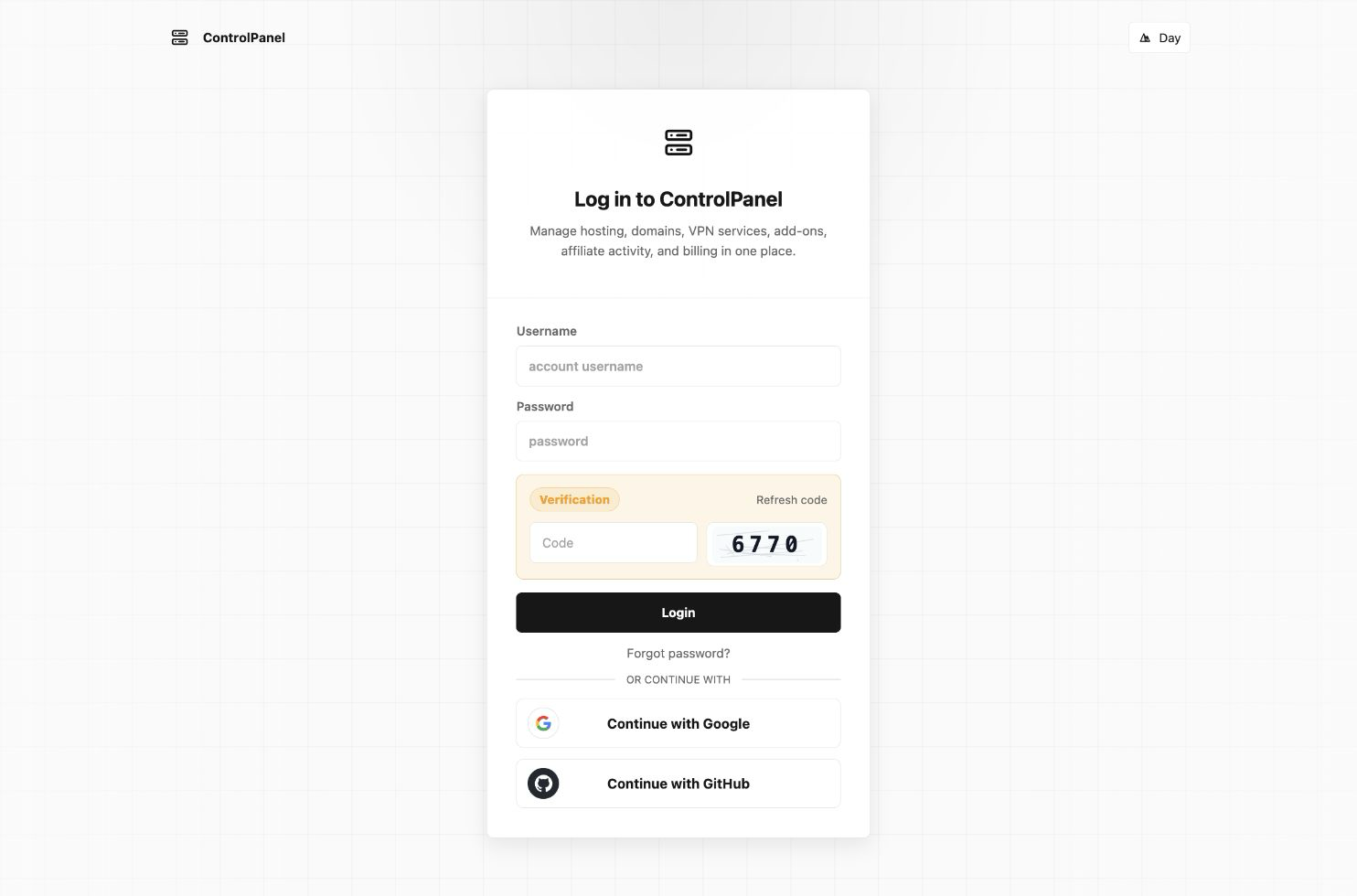
Use your account username to access the Account Panel. Use a hosting account username to sign in directly to its Hosting Control Panel.
Sign in to the Account Panel
- Select Customer Login on the SharkASP.NET website.
- Enter your account username and password.
After signing in, the Account Panel displays the services and features available to your account.
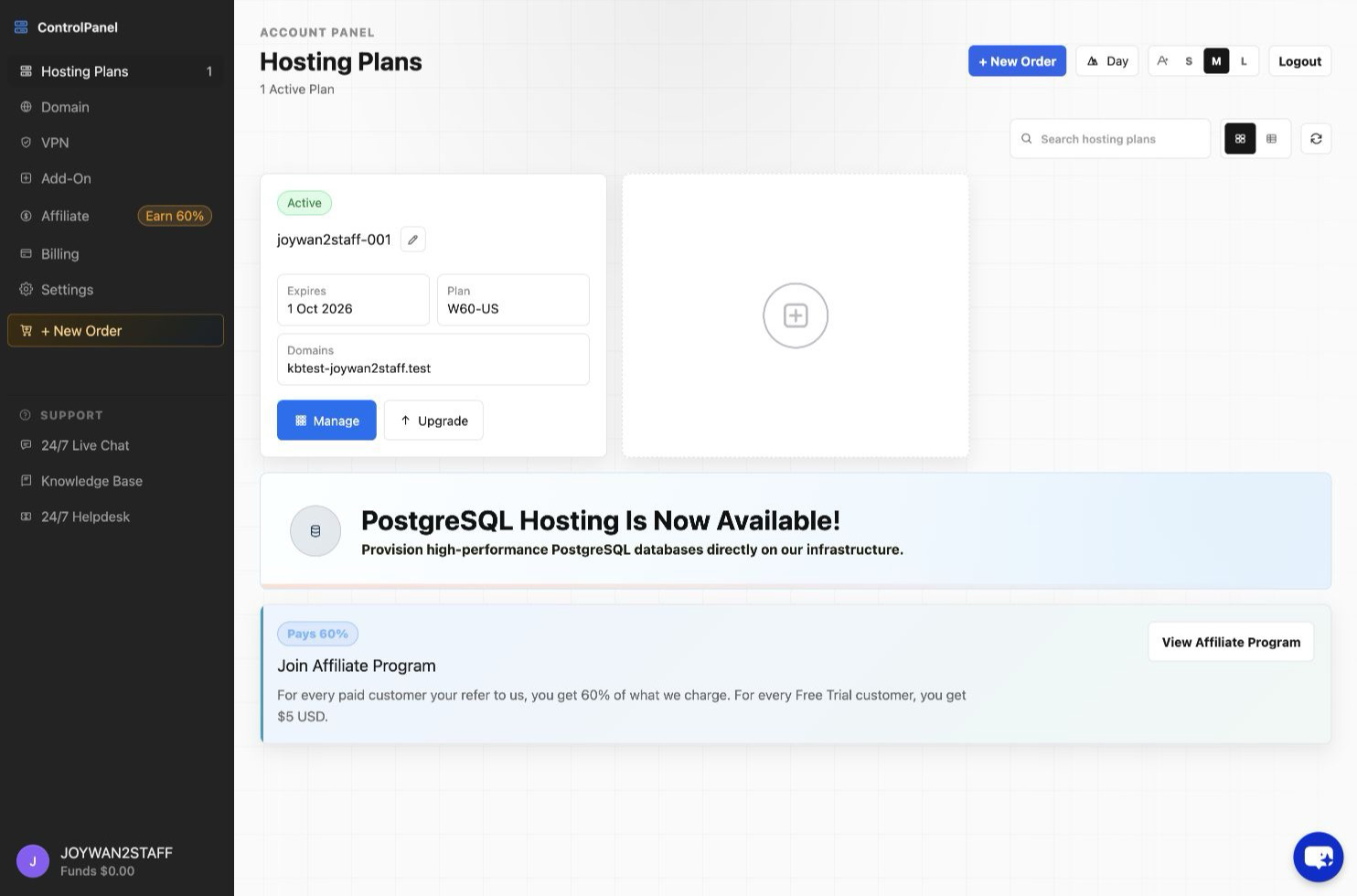
Sign in to a Hosting Control Panel
You can open a Hosting Control Panel in either of these ways:
- Sign in to the Account Panel, open Hosting Plans, and select Control Panel for the appropriate hosting account.
- On the main login page, enter the hosting account username and password directly. A hosting account username normally includes a numeric suffix, such as demo-001.
Sign out
Open the user menu in the Account Panel or Hosting Control Panel, then select Logout.
Article ID: 2431, Created: August 2 at 7:31 AM, Modified: August 4 at 2:23 AM