Before ordering an SSL certificate, decide which common name the certificate should secure, such as example.com or www.example.com. The certificate must be issued for a registered domain.
Requirements
- A dedicated IP address, unless the hosting plan already includes one.
- A certificate signing request (CSR) generated for the correct common name.
- Accurate domain-registration contact information and access to an approved validation email address.
Order and activate the certificate
- Sign in to the Hosting Control Panel, open SSL, and select + Buy SSL.
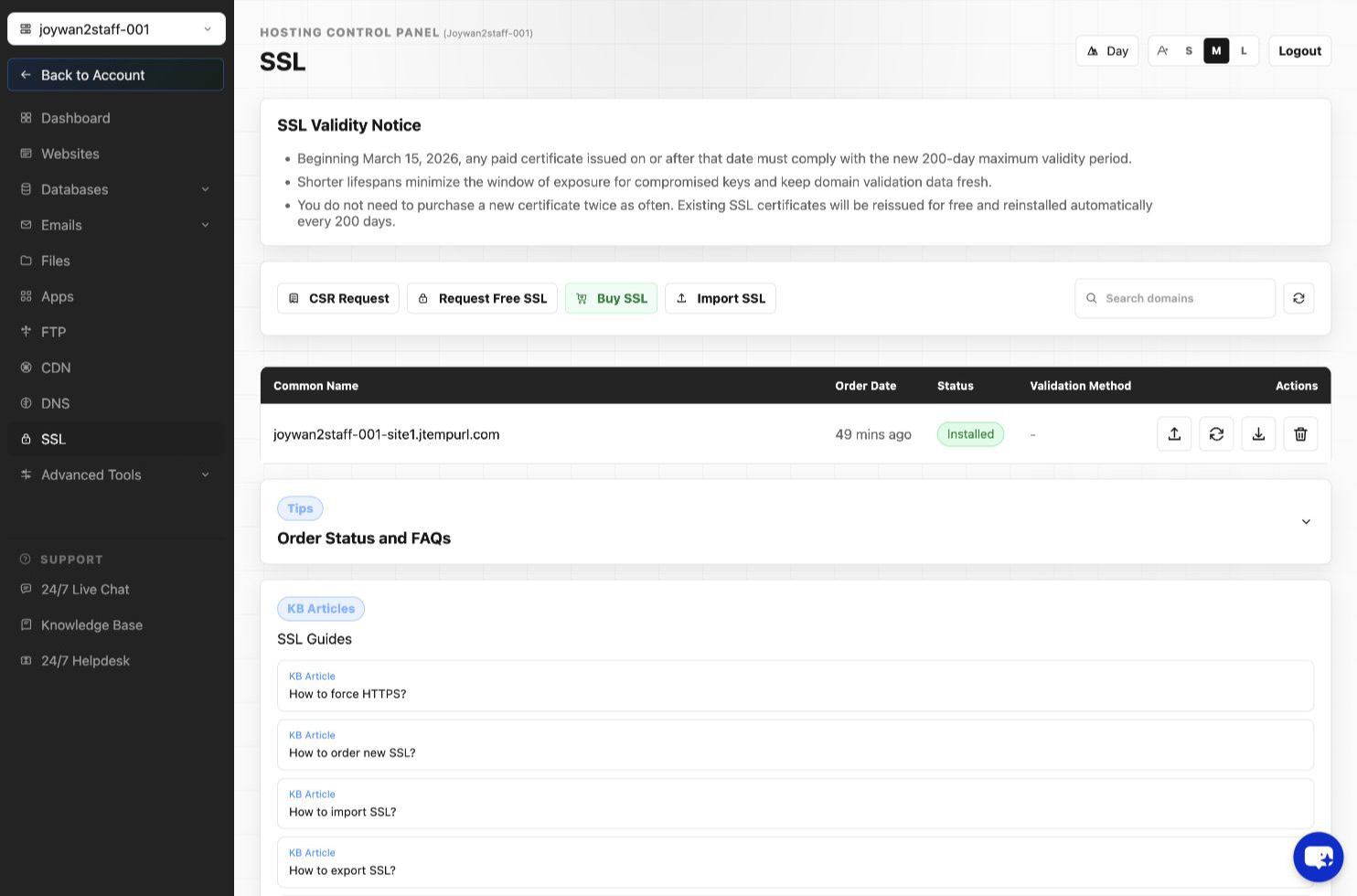
- Select the certificate type and continue with the purchase.
- Select the hosting account and purchase a dedicated IP address if one is required.
- Complete the payment.
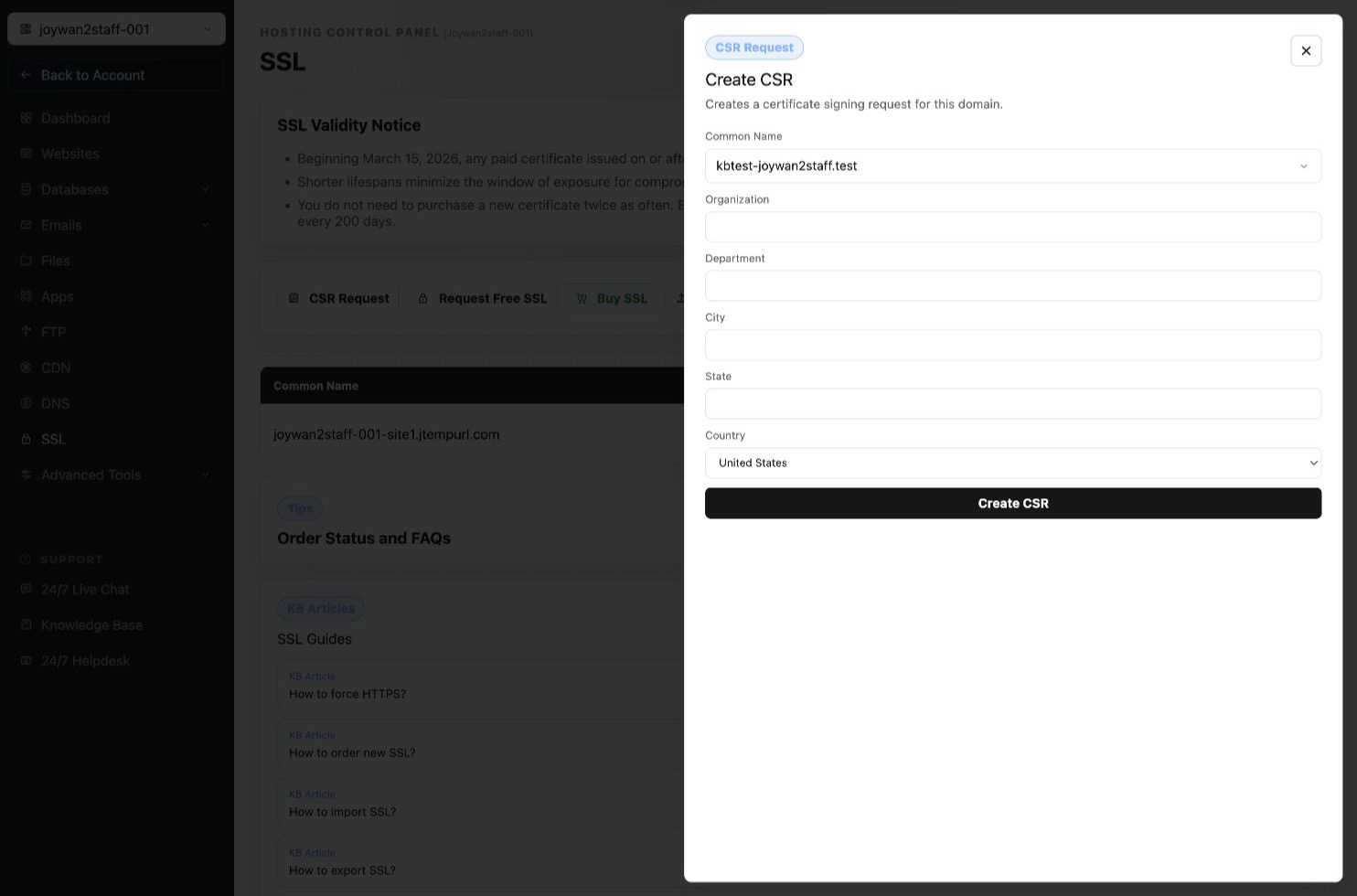
- Return to SSL and select Create CSR.
- Enter the CSR information for the exact common name and submit the request.
- Select an available domain-validation address, such as [email protected], [email protected], [email protected], [email protected], or [email protected].
- Open the validation email, follow its authorization link, and enter the authorization code.
After validation is completed and the certificate is issued, the system installs it for the selected hosting account automatically.
Article ID: 2433, Created: August 2 at 7:31 AM, Modified: August 4 at 2:27 AM