Environment variables are configured at the IIS application-pool level. Every website assigned to the same application pool can access those variables, so each variable name must be unique within the pool.
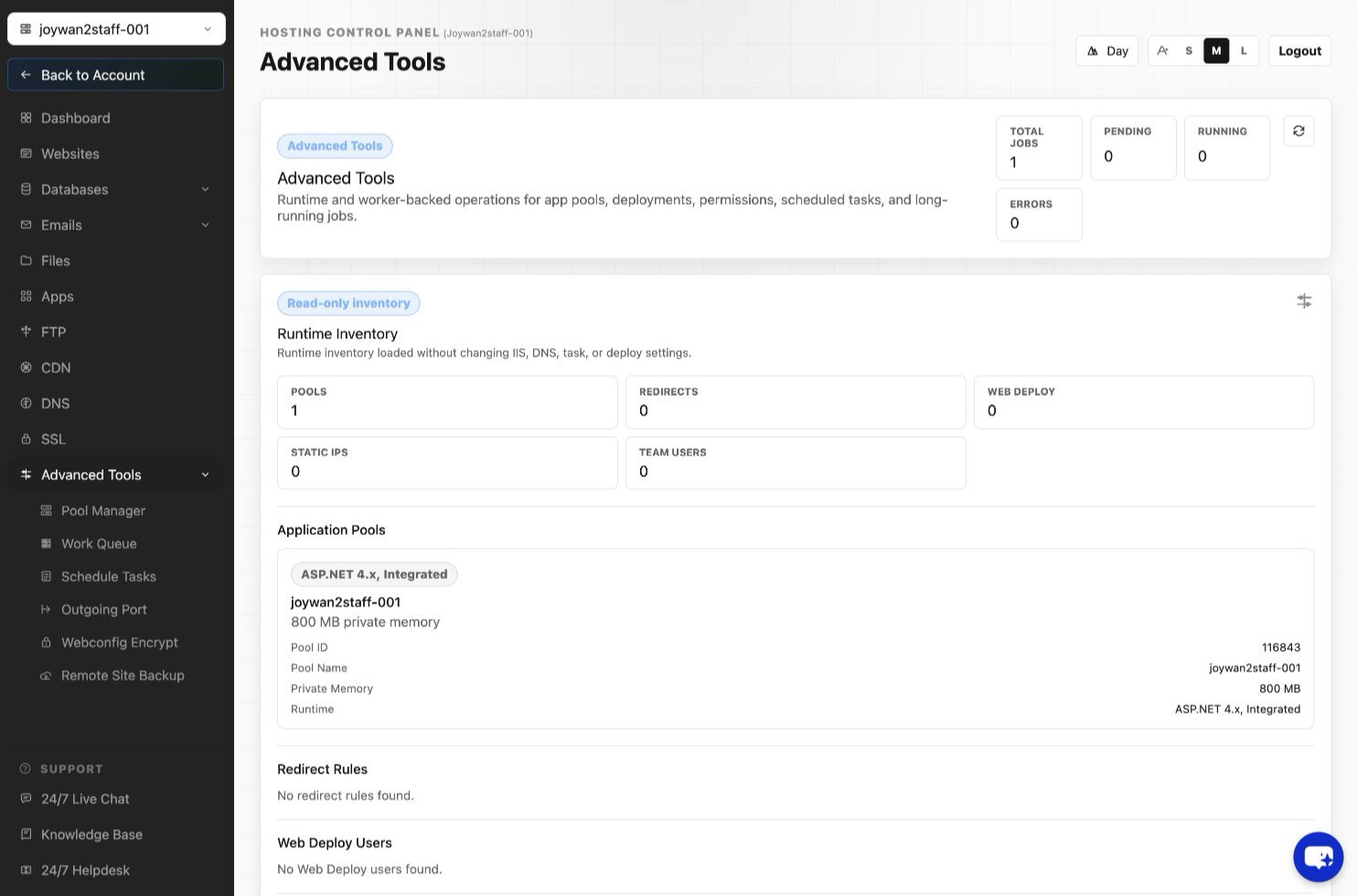
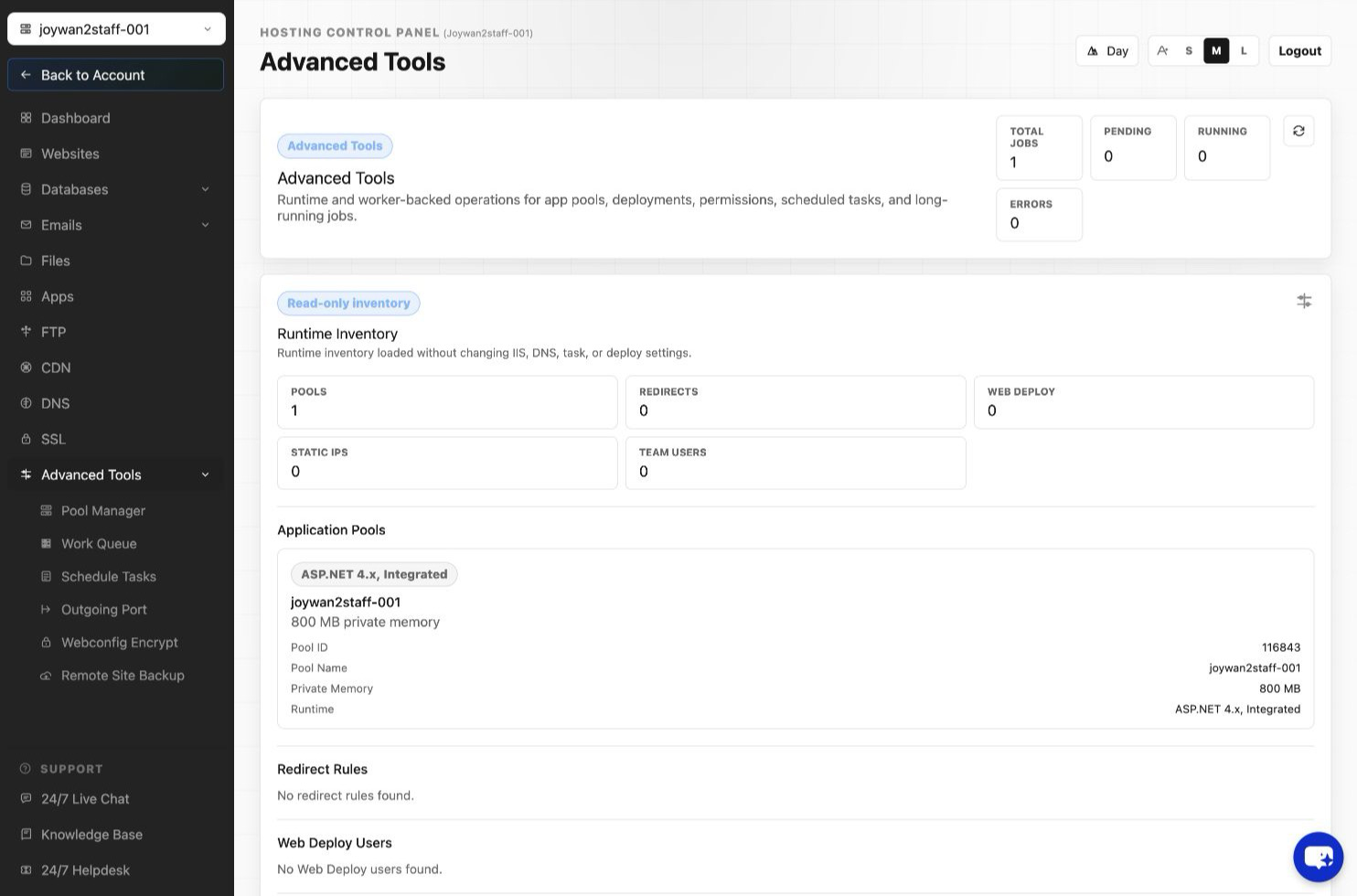
- Sign in to the Hosting Control Panel and open Advanced Tools > Pool Manager.
- Open the application pool's Actions menu and select Environment Variables.
- Add or edit the required variable name and value, then save the change.
Article ID: 2437, Created: August 2 at 7:31 AM, Modified: August 4 at 2:28 AM