You can change a website's root folder from the Hosting Control Panel.
- Open Websites.
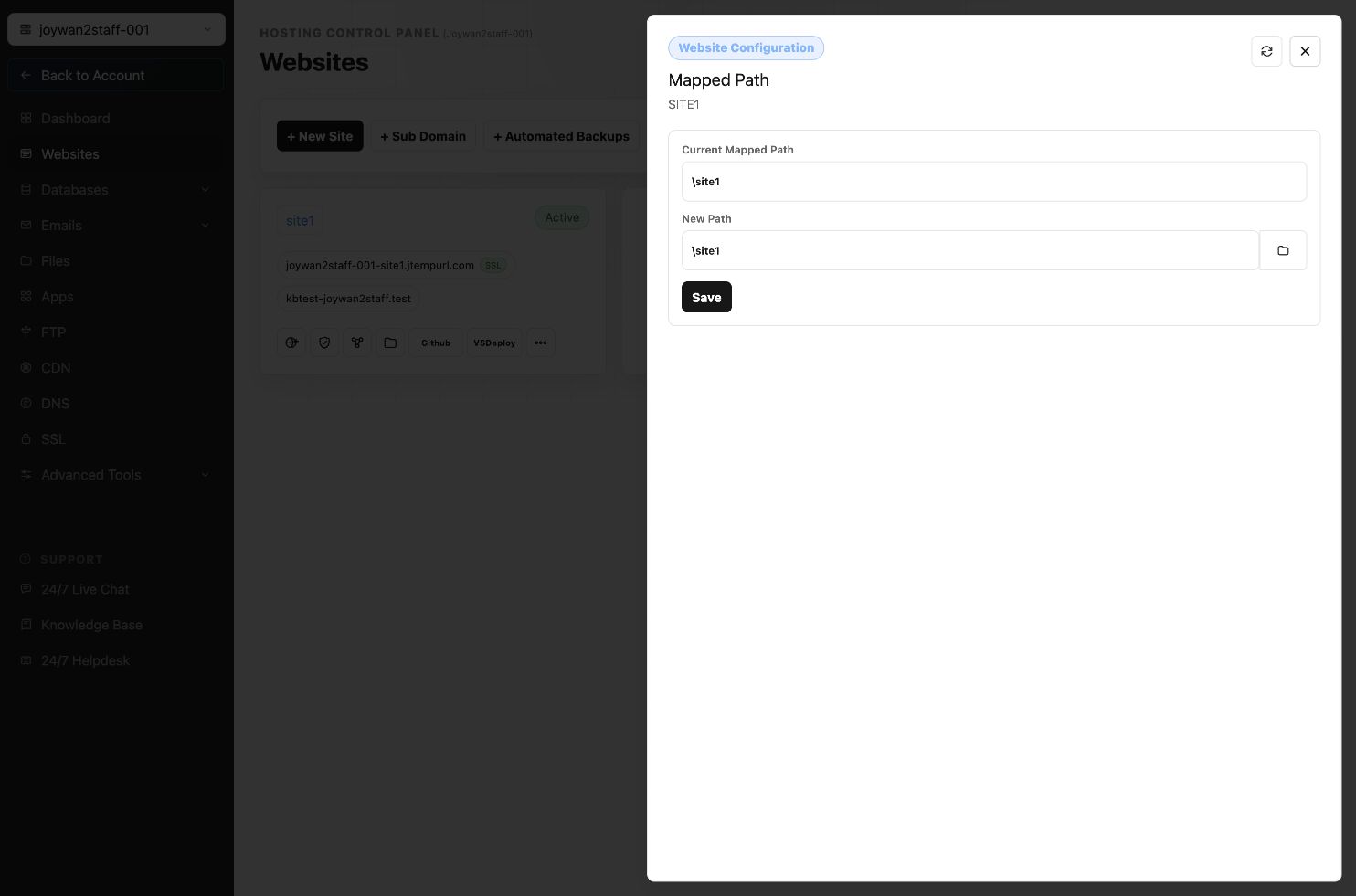
- Locate the website, open More Functions, and select Mapped Path.
- Choose the destination folder.
- Select Choose a Folder to save the new root path.
Changing the mapped path immediately changes which folder IIS serves for the website. Confirm that the destination contains the correct application files before saving.
Article ID: 2439, Created: August 2 at 7:31 AM, Modified: August 4 at 2:27 AM