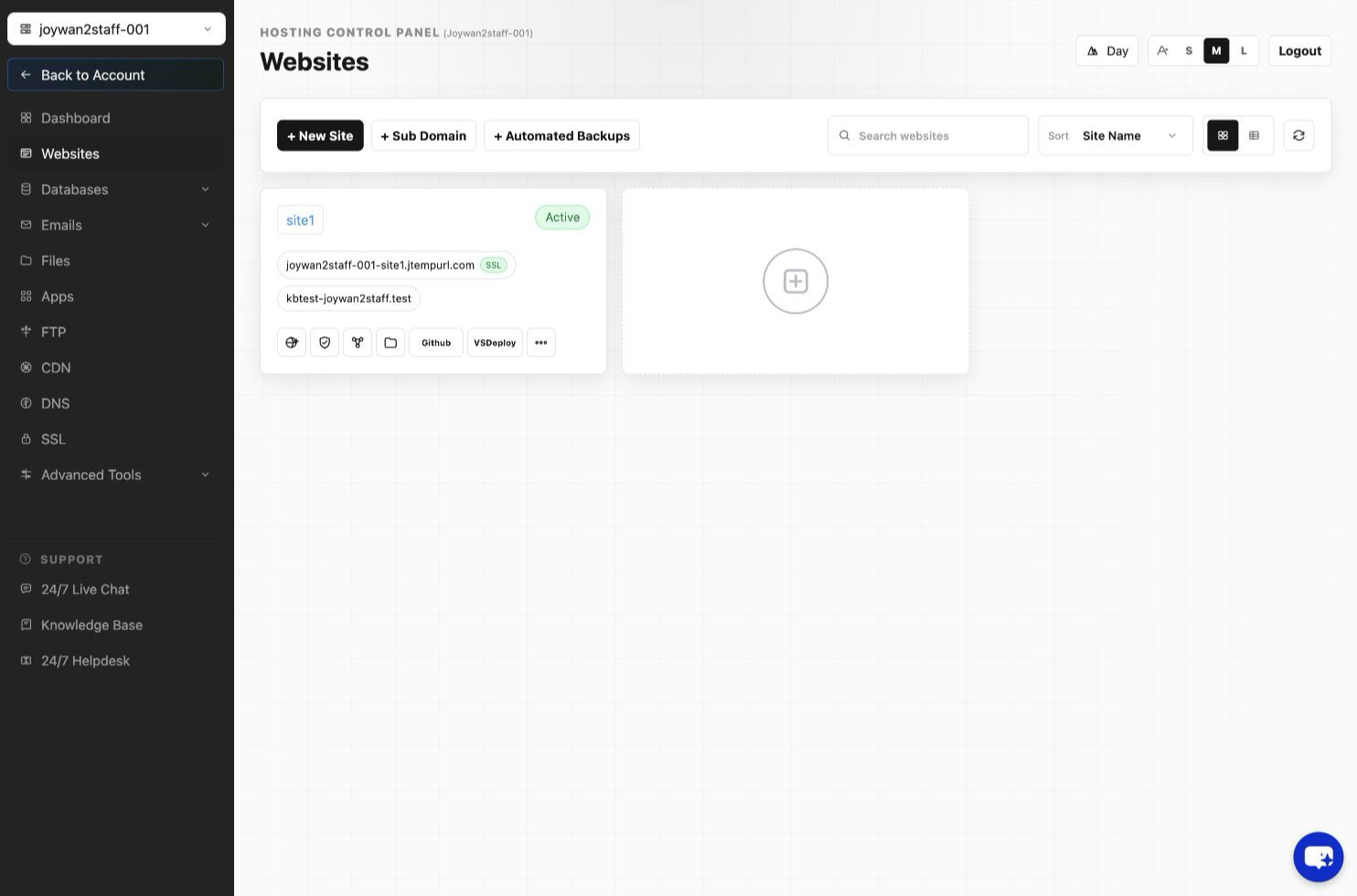
- Please sign in to your account and go to Control Panel.
- Go to Advance option.
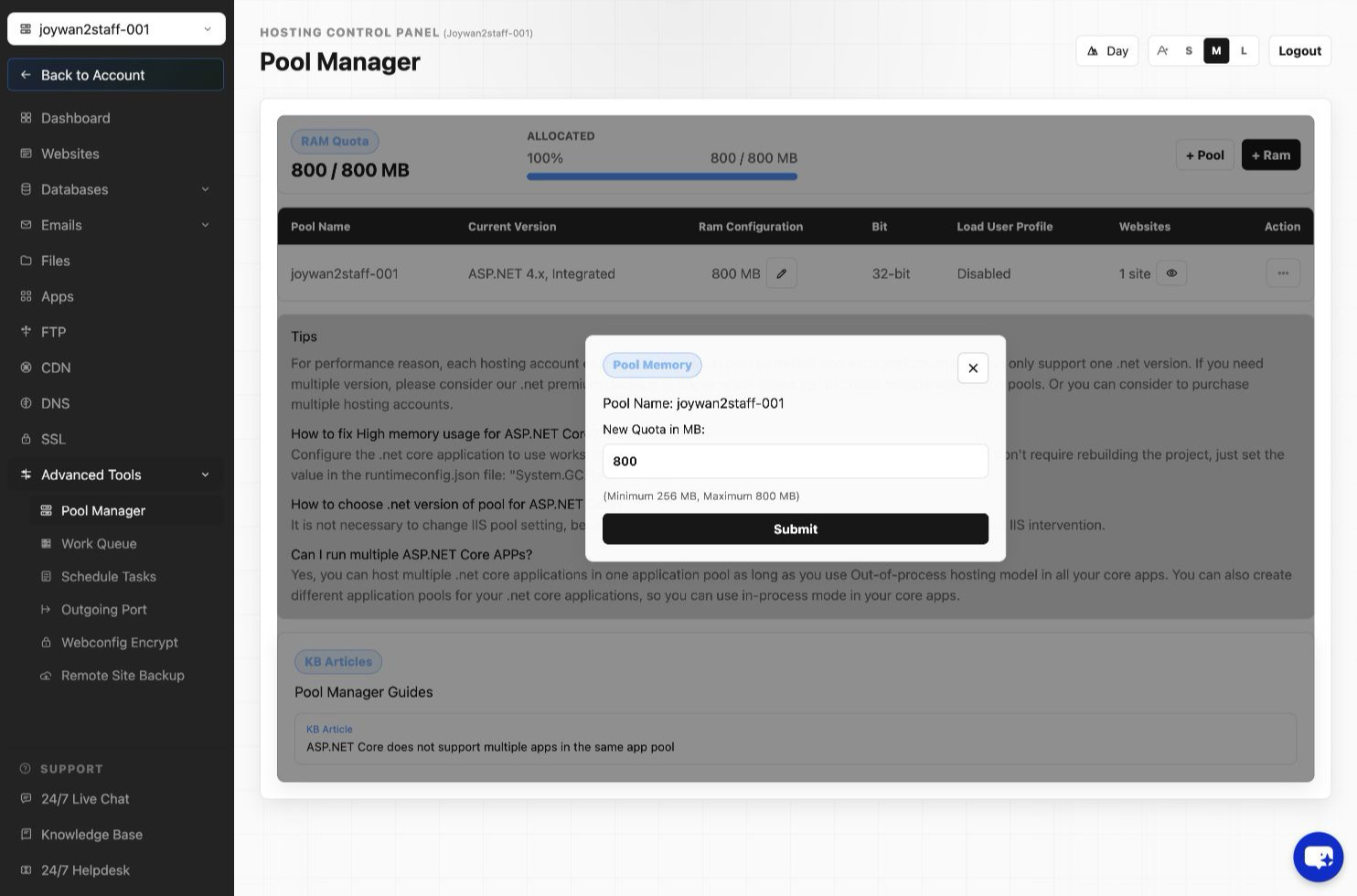
- Click "Pool Manager", you will find all your application pools in the list, select the pencil icon beside your target pool Memory quota and update it.
Article ID: 2445, Created: August 2 at 7:31 AM, Modified: August 4 at 2:28 AM