When you need a PostgreSQL database for your site, create it in the Hosting Control Panel first. Follow these steps:
- Sign in to your Hosting Control Panel.
- Expand Databases in the left menu, then select PostgreSQL.
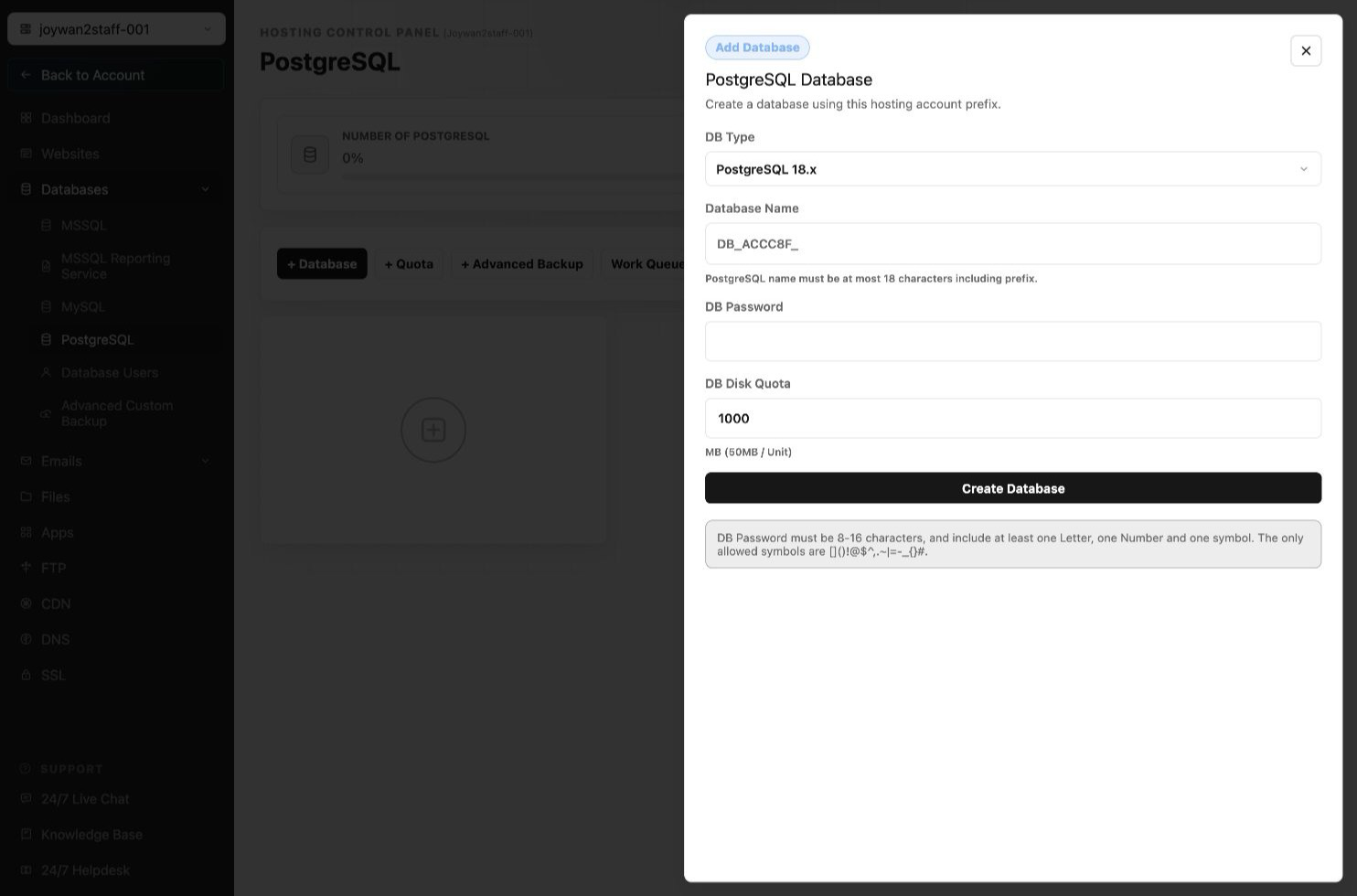
- Select + Database.
- Choose the PostgreSQL version, enter the database name and password, set the disk quota, and then select Create Database.
Article ID: 2449, Created: August 2 at 7:31 AM, Modified: August 4 at 2:26 AM