Follow these steps to create a backup of a PostgreSQL database:
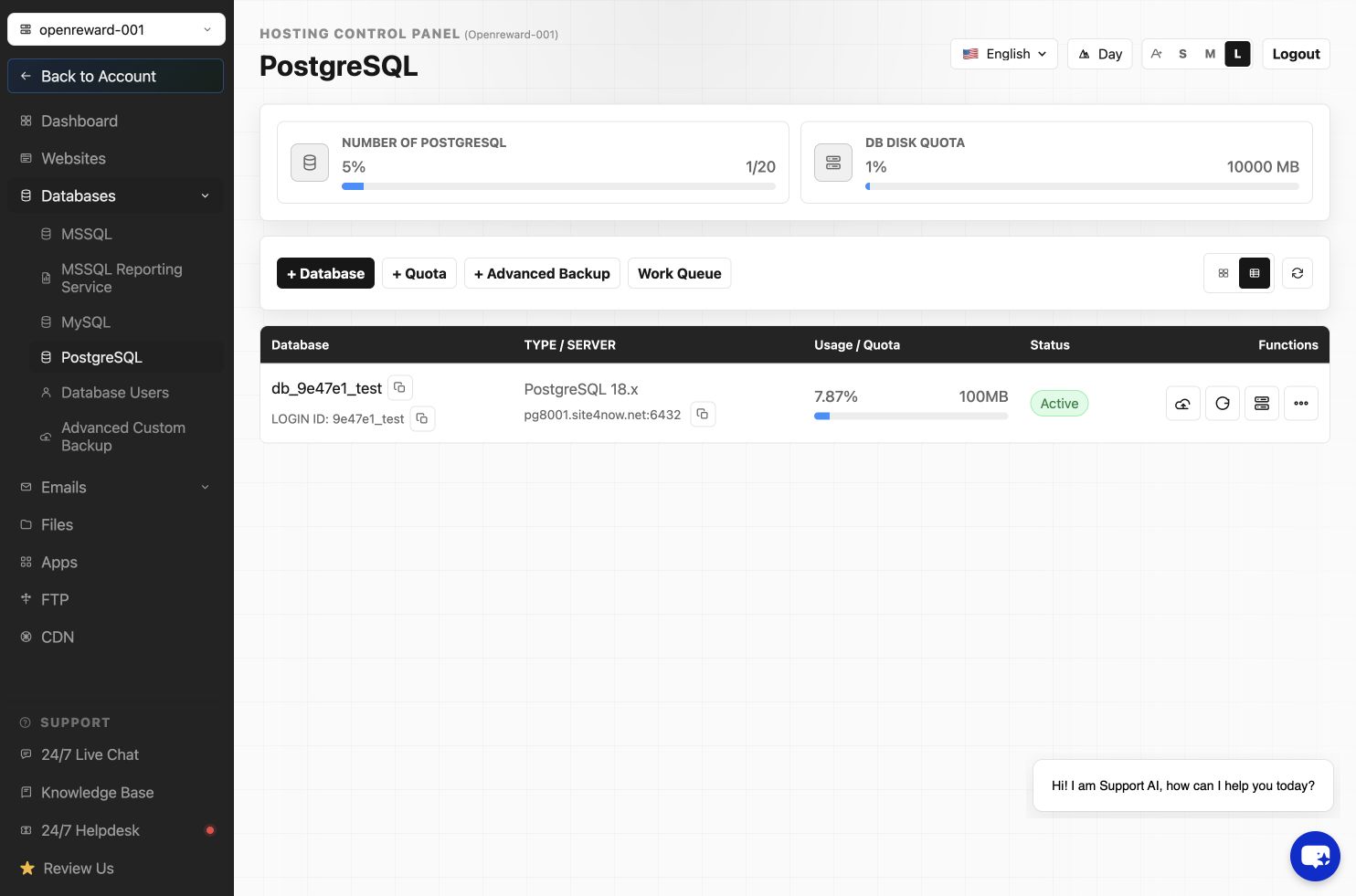
- Sign in to the Hosting Control Panel and open Databases > PostgreSQL.
- Locate the database and select Backup.
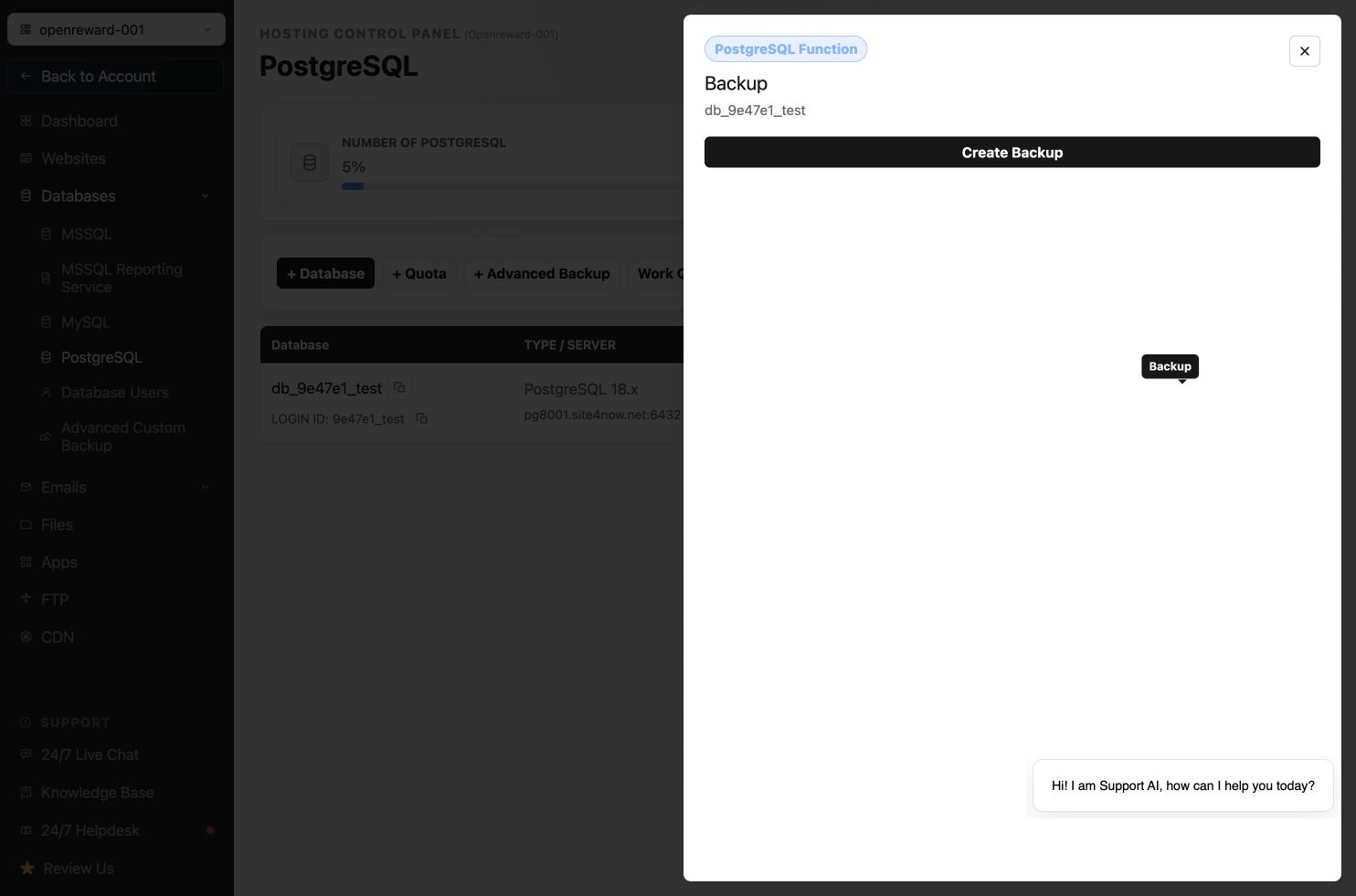
- Select Create Backup.
- Wait for the backup job to finish, then use the available download action when the backup file is ready.
Article ID: 2450, Created: August 2 at 7:31 AM, Modified: August 4 at 2:33 AM