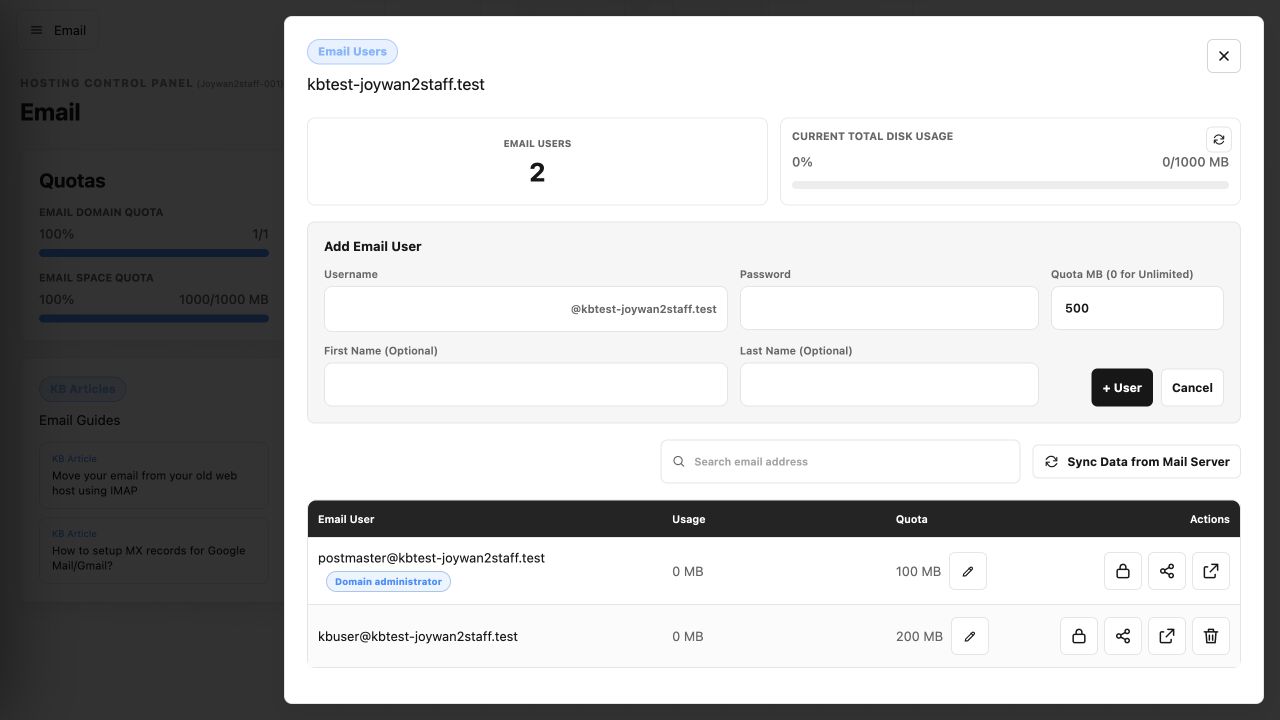
Follow these steps to create a mailbox for an email-enabled domain.
- Open Emails.
- Locate the email domain and select Email Users.
- Select + User.
- Enter the username, password, optional first and last names, and disk quota.
- Select + User, then confirm that the new address appears in the mailbox list.
Article ID: 2455, Created: August 2 at 8:57 AM, Modified: August 4 at 2:27 AM