You can reset a mailbox password from the Hosting Control Panel.
- Open Emails.
- Locate the email domain and select Email Users.
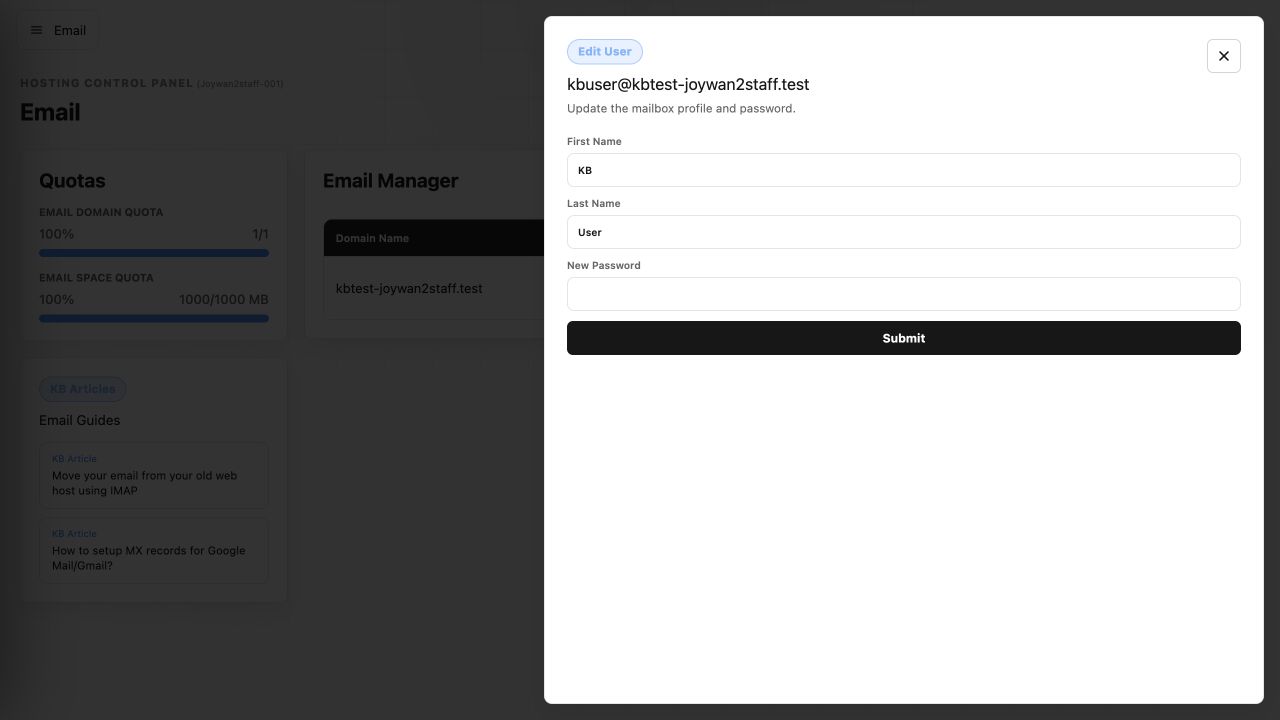
- Find the mailbox and select Edit User.
- Enter the new password, then select Submit.
- Update the saved password in Outlook, Apple Mail, phones, and any other email clients that use the mailbox.
Article ID: 2456, Created: August 2 at 8:57 AM, Modified: August 4 at 2:26 AM