A mailbox quota can be increased only when the email domain has enough unallocated disk space.
- Open Emails in the Hosting Control Panel.
- Locate the email domain and select Email Users.
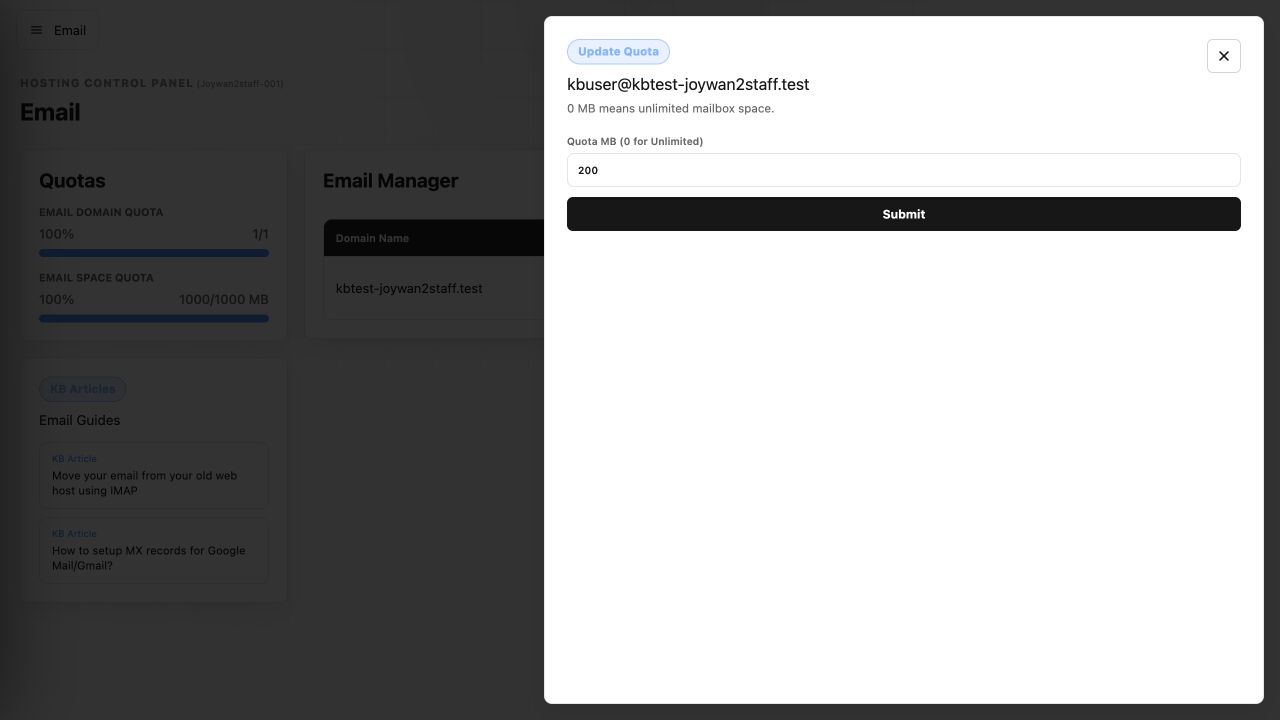
- Find the mailbox and select Update Quota.
- Enter the new quota in megabytes, then select Submit.
If the available amount is 0 MB, reduce another mailbox quota or purchase additional email space before increasing this mailbox.
Article ID: 2457, Created: August 2 at 8:57 AM, Modified: August 4 at 2:26 AM