The postmaster mailbox is created when email service is activated for a domain.
- Open Emails.
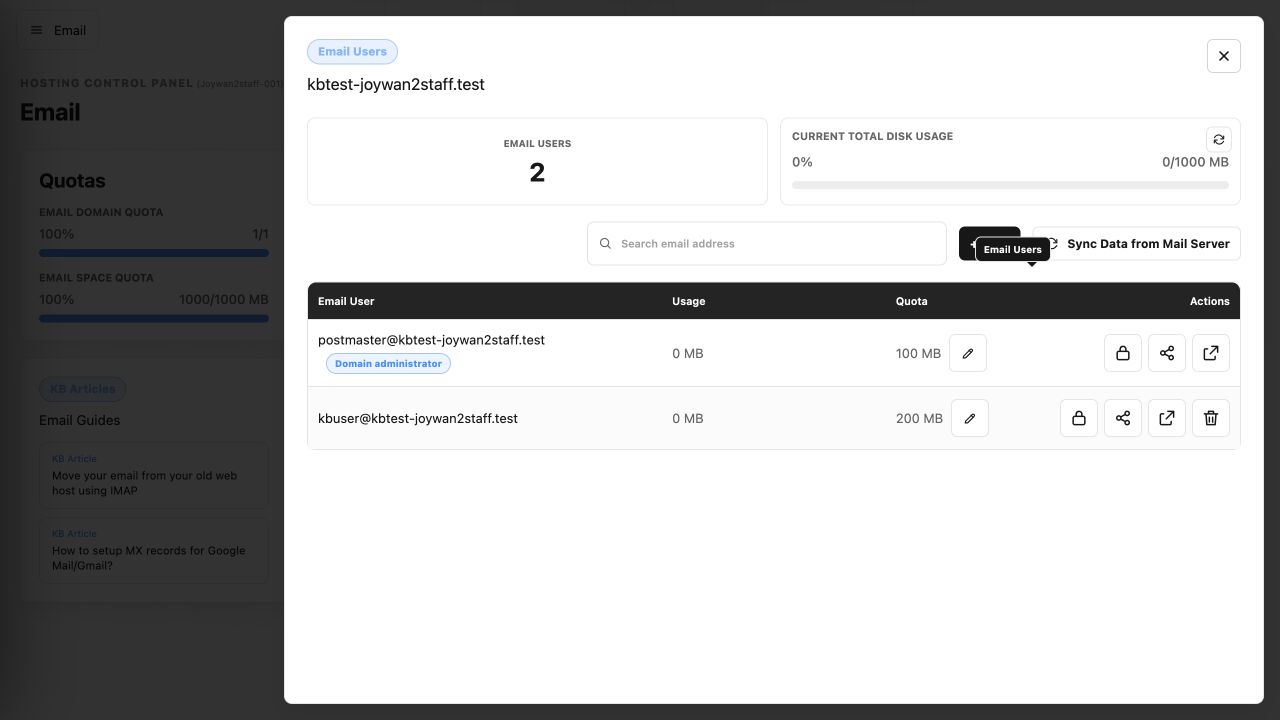
- Locate the email domain and select Email Users.
- Find the postmaster mailbox and select Webmail.
- If prompted, sign in with the complete postmaster address and its mailbox password.
If the password is unknown, select Edit User to set a new one.
Article ID: 2458, Created: August 2 at 8:57 AM, Modified: August 4 at 2:28 AM