Additional MSSQL users let you grant application-specific access without sharing the database owner's credentials.
- Open Databases > Database Users.
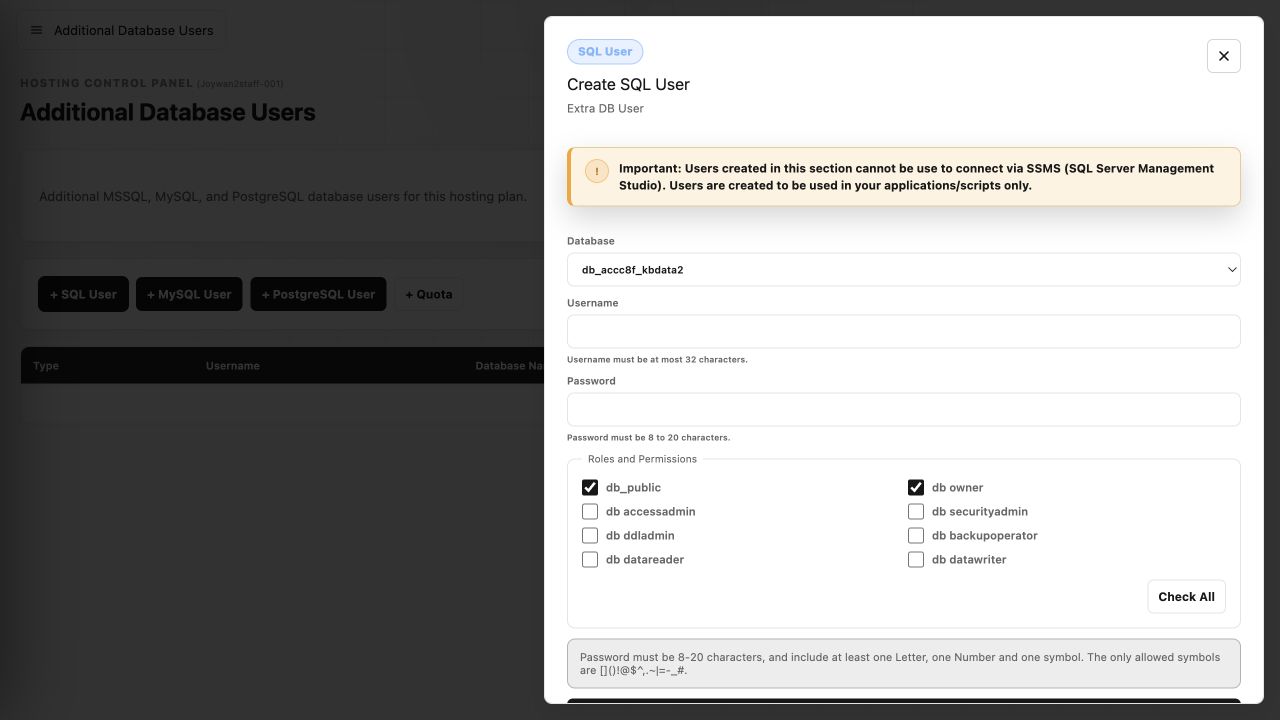
- Select + SQL User.
- Choose the target database.
- Enter the username and password, then select the required roles and permissions.
- Select Create User and update the application's connection string with the new credentials.
An additional-user quota is required. These users are intended for applications and scripts and cannot be used to connect through SQL Server Management Studio.
Article ID: 2461, Created: August 2 at 8:58 AM, Modified: August 4 at 2:27 AM